
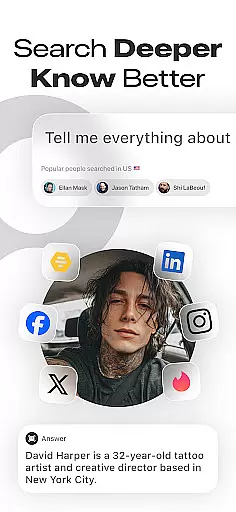
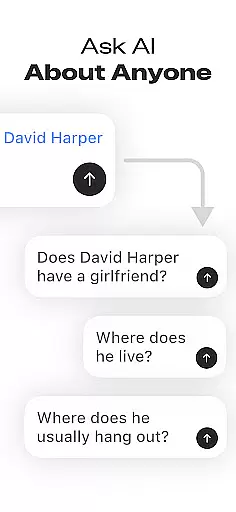
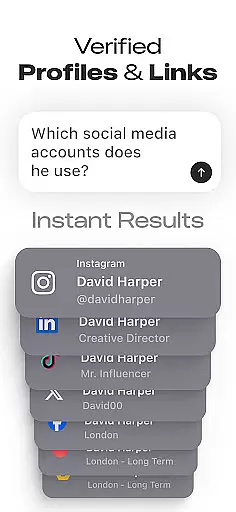
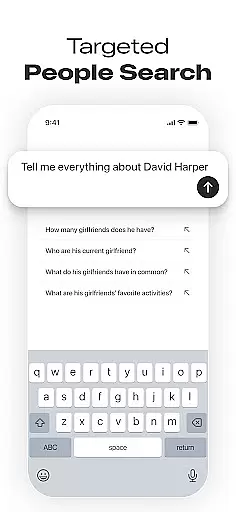
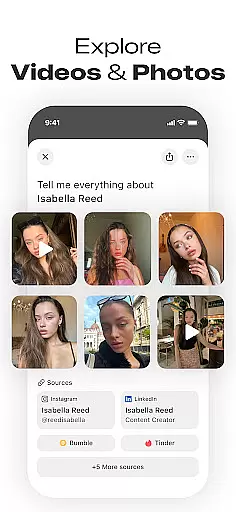
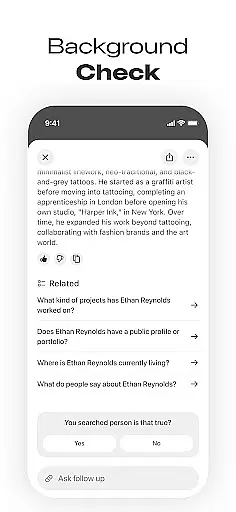

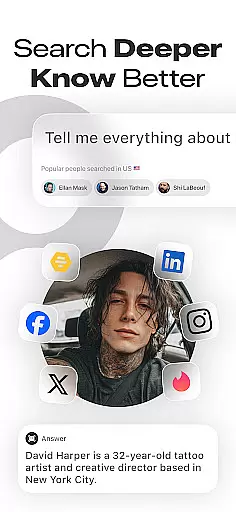
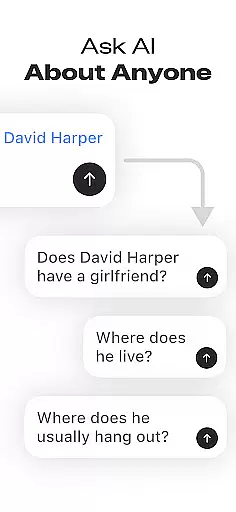
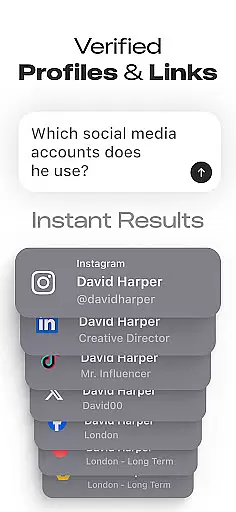
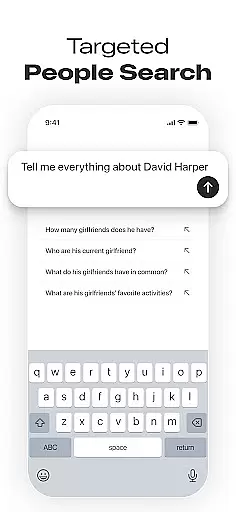
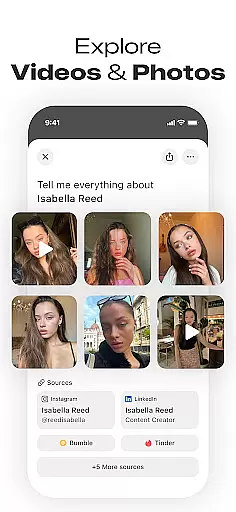
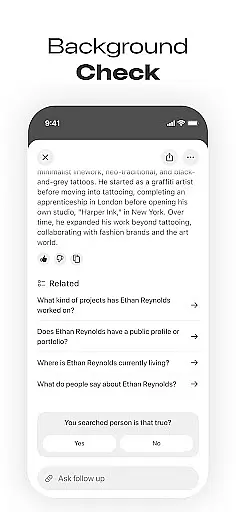

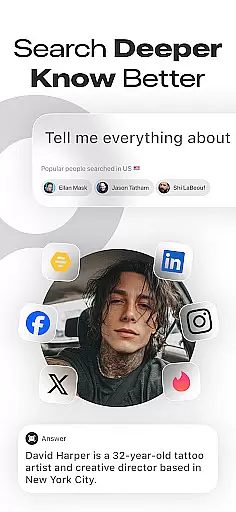
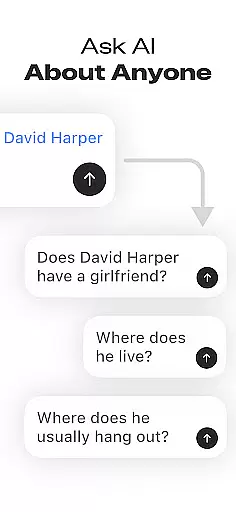
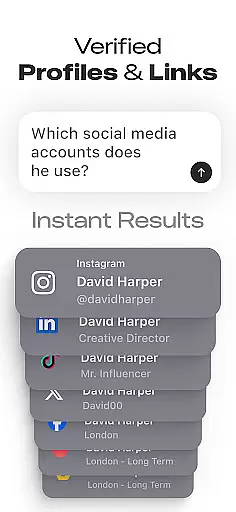
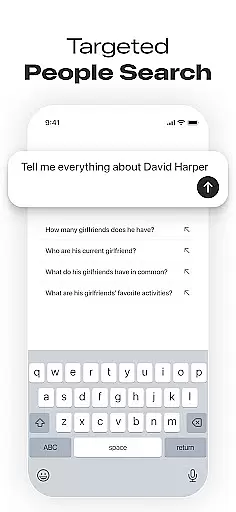
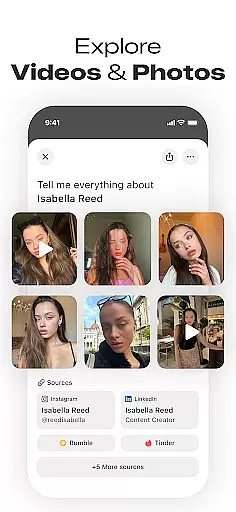
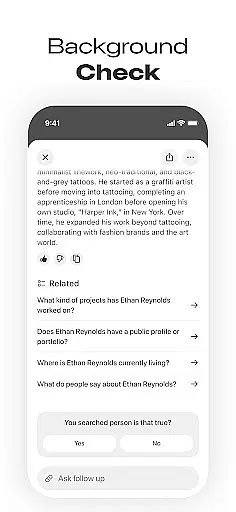

Deepsearch AI Search Assistant is a powerful tool designed to help users find publicly available information about individuals across multiple platforms. With just a name, phone number, email, or username, the app scans various sources to locate social media accounts and other relevant data. This makes it an ideal solution for networking enthusiasts, recruiters, journalists, and curious individuals who want to discover someone's online presence quickly and efficiently.
The app consolidates comprehensive background searches into a single interface, saving users from endless web searches. It provides insights into professional details, online mentions, images, videos, and more. Whether you're looking to reconnect with old friends, verify someone's identity, or conduct research, Deepsearch AI Search Assistant offers a quick and hassle-free way to access the information you need.
One of the standout features of this app is its ability to perform cross-platform searches, which means you can find social profiles and public records without manually browsing different websites. This functionality is particularly useful in scenarios where time is of the essence, such as business events or online dating. By delivering fast and accurate results, Deepsearch AI Search Assistant ensures that users stay informed and make well-informed decisions based on publicly accessible data.
Deepsearch AI Search Assistant boasts a range of advanced features that set it apart from other people search applications. One of its core functionalities is the Advanced Social Media Finder, which allows users to locate someone's social accounts across various platforms by simply entering a name or username. This feature saves significant time and effort compared to manual searches, providing a seamless experience for users who need quick access to social media profiles.
In addition to social media discovery, the app offers comprehensive background search capabilities. Users can access publicly available records, images, videos, and other relevant information about individuals. The cross-platform search functionality ensures that all pertinent data is aggregated into one place, eliminating the need to visit multiple websites. Furthermore, the app includes a search history feature and tracks popular searches, allowing users to keep tabs on their previous queries and explore trending topics.
Privacy and transparency are at the heart of Deepsearch AI Search Assistant. The app only provides publicly accessible information, ensuring ethical and responsible use. This commitment to privacy makes it a reliable choice for professionals like recruiters and journalists who require accurate data for their work. Overall, these features combine to create a robust tool that delivers valuable insights while maintaining user trust and compliance with data protection standards.
Deepsearch AI Search Assistant offers comprehensive coverage of lifestyle categories by enabling users to find social profiles and conduct background searches across multiple platforms effortlessly. The app's ability to search by name, phone number, email, or username ensures that users can access a wide array of publicly available information about individuals.
The app consolidates everything in a single, easy-to-use interface, which eliminates the need for endless searching across different websites. This cross-platform search functionality saves time and provides insights into someoneu2019s online presence, including professional and personal information, thus catering to various lifestyle needs.
Whether you are a networking enthusiast, recruiter, journalist, or just a curious individual, this app meets diverse requirements by providing quick and simple search options. It allows users to stay informed about trending topics and discover who's being searched the most, enhancing their overall lifestyle management experience.
Deepsearch AI Search Assistant places a strong emphasis on content authenticity and expert credibility by sourcing publicly available records, images, videos, and other relevant information responsibly. The app ensures ethical use of data by only providing information that is accessible publicly, maintaining transparency with its users.
With advanced features like the Social Media Finder and cross-platform search capabilities, the app delivers accurate and reliable results. Users can trust the information provided as it comes from verified sources, ensuring credibility and reliability in every search conducted through the app.
This commitment to authentic and credible content makes Deepsearch AI Search Assistant a valuable tool for those looking to gather information responsibly. Whether used for professional networking, research, or personal curiosity, users can be confident in the accuracy and legitimacy of the data they access.
User-friendly interface
Comprehensive data aggregation
Fast and accurate results
Ethical use of public data
Ideal for professional networking
Limited to public information
Premium features may require payment
Occasional data inaccuracies
Dependent on third-party platforms
Privacy concerns for some users

Healthy eating timer app to track meal pace, improve habits, and eat slowly.
 4.0
4.0
What is my face shape? Find out your face shape from picture, see fitting frames
3.90
The go to app for taking unlimited notes!
4.50
Crochet made easy: step-by-step tutorials, beginner patterns & projects
4.60
Kasa Smart is your portal to your TP-LINK Smart Home.
4.70
Colorful minimal digital watch face for Wear OS
4.60
An Eerie Musical Trigger Toy for Spirits to Play with!
3.50
LineLearner, the quick way to learn lines.
2.90
No more juggling multiple apps, now you can control everything in one place!
4.60
See wait times and check into a hair salon ahead of time with Online Check-In.
4.80
Have your Tehillim with you at all times
4.70
A smart Siddur with halachic times
4.60
Colorful selection floral watch face with gyro for Wear OS
4.60
The all-new Cync app. The simple, connected app for Cync and C by GE.
4.50
This is a simple and highly functional alarm clock "Smart Alarm" paid version.
4.20
Mixing Colors for Menswear
4.20
Spirit Communicator is a real paranormal ghost hunting app with many fun modes.
3.90
A daily quote for success
4.3
A uniquely designed isometric digital watch face made for Wear OS
4.5


User Reviews