

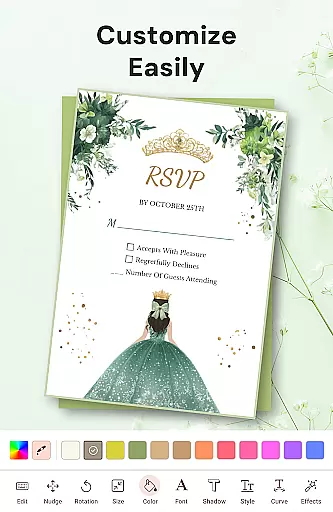

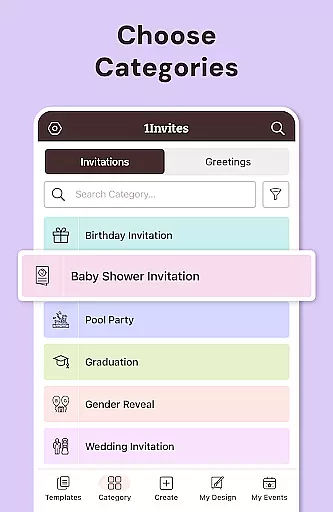


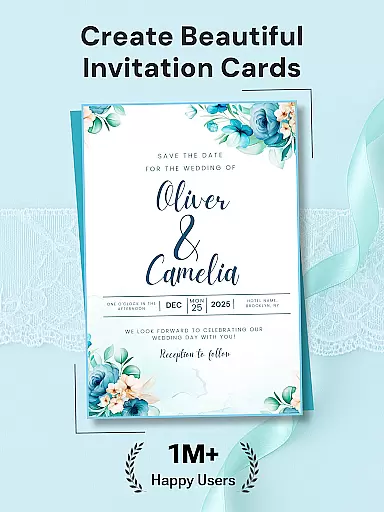
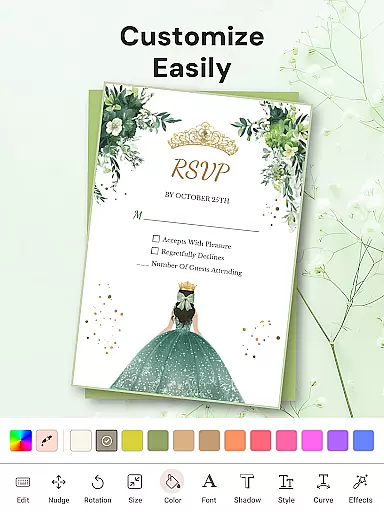

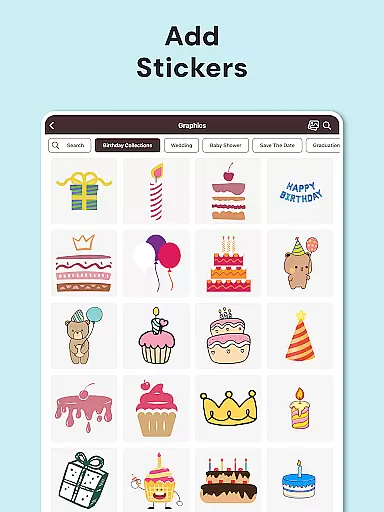
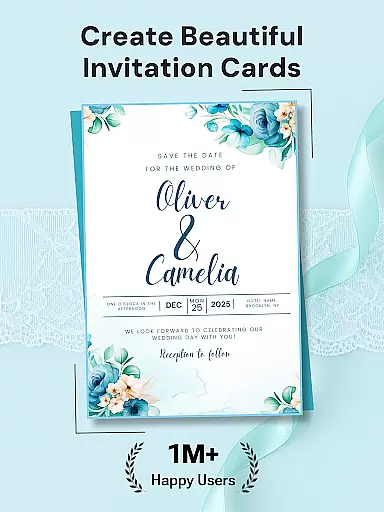
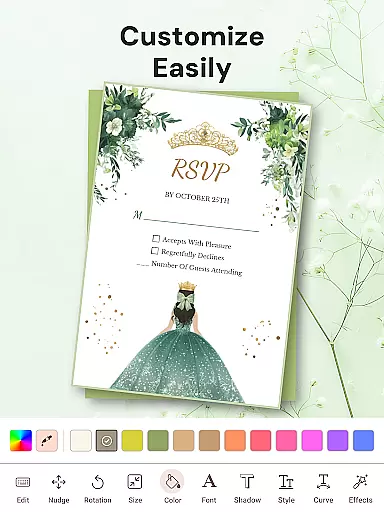

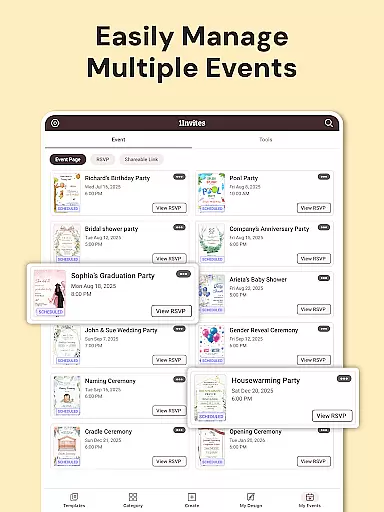
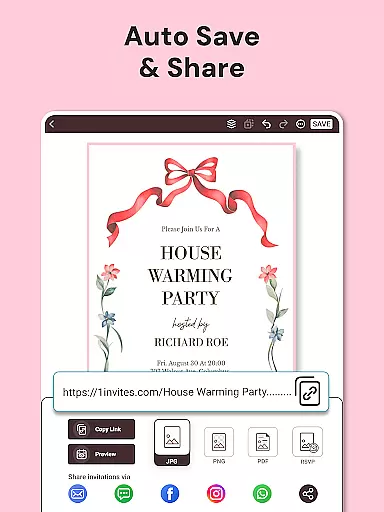








1Invites is a comprehensive event planning application that combines professional invitation design with smart RSVP management. The app offers over 20,000 customizable templates for various occasions including weddings, birthdays, and corporate events. Its intuitive editor allows users to personalize invitations with ease using fonts, stickers, and decorative elements without requiring any design experience.
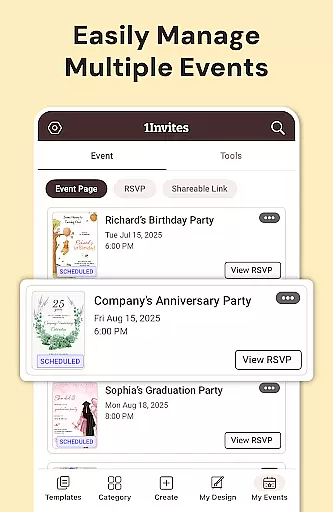
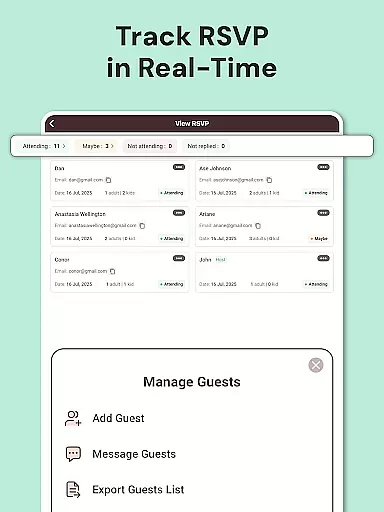
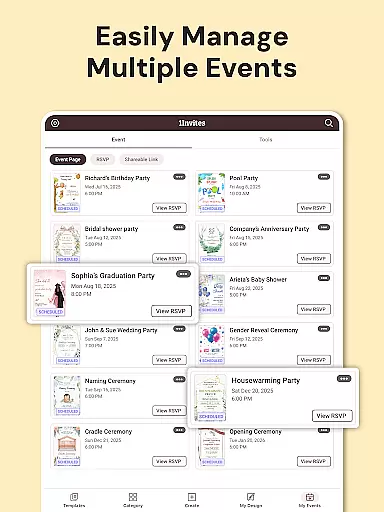
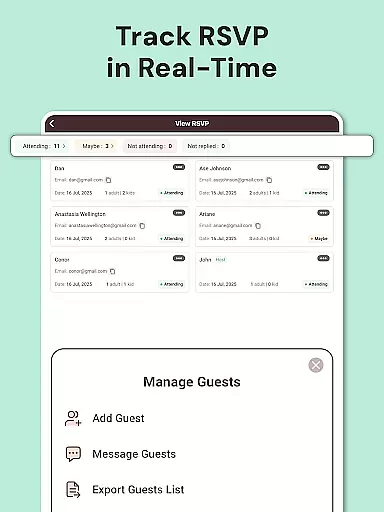
Beyond design, 1Invites provides complete event management features such as guest list management, real-time RSVP tracking, and smart links for location maps or event websites. This all-in-one solution eliminates the need for separate spreadsheets or follow-up messages, streamlining the entire event planning process. Whether you're organizing an intimate gathering or a large celebration, 1Invites helps you create beautiful invitations and manage your event efficiently.
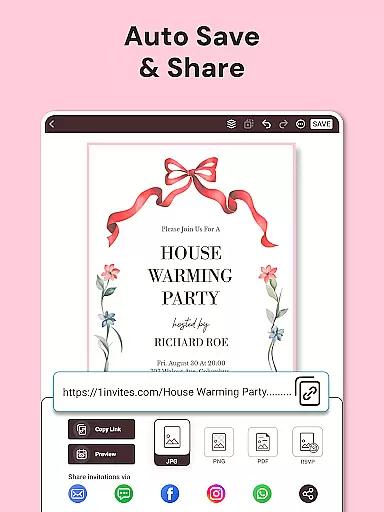
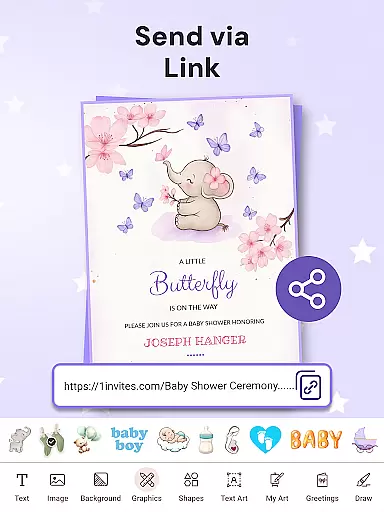
The app's value lies in its ability to simplify complex event planning tasks while maintaining professional-quality outputs. Users can export invitations as PDFs, share them digitally via WhatsApp or email, and track responses seamlessly. This makes 1Invites particularly useful for busy event planners and individuals who want to save time while ensuring their events are well-organized and memorable.
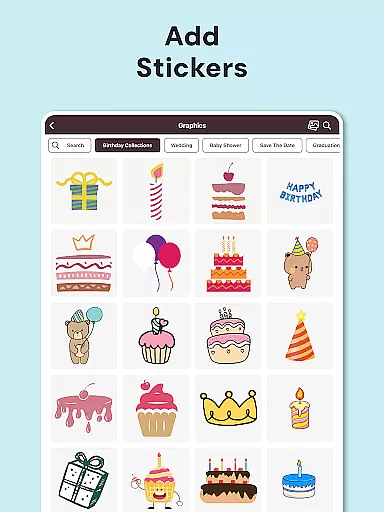
1Invites distinguishes itself through its robust feature set tailored for both invitation creation and event management. The app's invitation maker includes a rich library of 20,000 premium templates covering diverse themes from weddings to corporate events. Each template can be customized using an easy-to-use editor that offers various fonts, stickers, frames, and background options, enabling users to create unique designs that suit their specific needs.
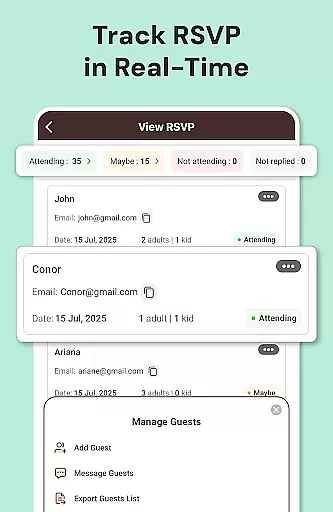
In addition to design capabilities, 1Invites incorporates advanced RSVP management tools. These include real-time response tracking, automated guest list organization, and reminder notifications for pending confirmations. The built-in event creator allows users to input essential details like date, time, venue, and dietary preferences, while smart PDF links facilitate seamless integration of external resources such as Google Maps or gift registries.
What sets 1Invites apart is its holistic approach to event planning. By combining professional design tools with comprehensive management features, the app eliminates the need for multiple platforms or manual tracking methods. This integrated solution not only saves time but also enhances accuracy and convenience, making it an invaluable tool for anyone organizing events of any scale.
Task creation and detail customization are essential features for any event planning application, allowing users to define specific parameters for their events. With 1Invites, users can effortlessly create detailed events by inputting key information such as date, time, venue, and guest lists directly within the app. This simplifies the planning process and ensures that all event details are organized in one place.
The level of detail available for customization in 1Invites is impressive. Users can choose from over 20,000 templates tailored to various event types, from weddings to corporate gatherings. Each template can be personalized with unique fonts, stickers, backgrounds, and frames, empowering users to design invitations that truly reflect the spirit of their events without needing professional design skills.
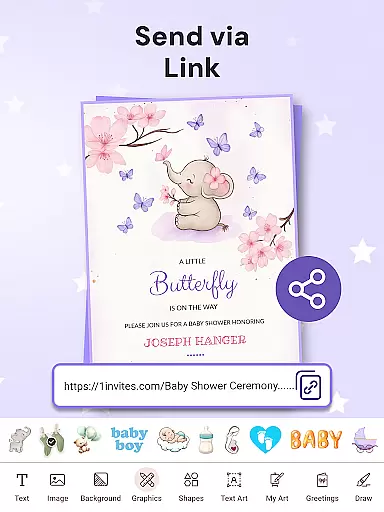
This customization ability extends beyond just visual elements. The app allows users to embed functional components like clickable links for location maps and event websites into their digital invitations. This feature not only enhances the aesthetic appeal but also adds practical value by streamlining guest interactions with essential event information.
Ultimately, the task creation and customization capabilities of 1Invites provide immense value to users by saving time and reducing stress. By consolidating design and management tools into a single platform, the app enables users to focus on the more enjoyable aspects of event planning, ensuring a memorable experience for both planners and attendees.
Reminder settings play a crucial role in event management applications, ensuring that guests respond to invitations promptly and planners can track attendance effectively. In 1Invites, this feature is seamlessly integrated into the event creation process, offering automated notifications for pending RSVPs. This helps maintain timely communication between hosts and invitees, which is vital for successful event coordination.
The flexibility of reminder settings in 1Invites allows users to configure notification schedules according to their specific needs. Whether it's a gentle nudge a week before the event or a last-minute reminder a day prior, these alerts ensure that no guest forgets to respond. Additionally, reminders can be customized to include personalized messages, adding a thoughtful touch to each notification.
Beyond basic reminders, 1Invites supports smart tracking systems that categorize responses into attending, declined, and pending. This real-time tracking provides planners with clear insights into their guest list status, enabling them to make informed decisions about event logistics. Such comprehensive oversight significantly reduces the administrative burden on event organizers.
By incorporating advanced reminder settings, 1Invites enhances user engagement and satisfaction. Guests appreciate the timely prompts, while hosts benefit from improved response rates and better-organized events. This functionality underscores the app's commitment to delivering a stress-free planning experience, making it an invaluable tool for anyone managing social or professional gatherings.
User-friendly interface
Extensive template library
Real-time RSVP tracking
Smart PDF link integration
Comprehensive event management
Limited free templates
Premium features require subscription
Occasional performance issues
Learning curve for advanced features
Export quality varies on devices

Audio guide companion APP for SEE's Michelangelo's Sistine Chapel
 3.50
3.50
Watch live football matches and streaming events on our Arabic TV app!
3.50
Wedding planner app with wedding venues, wedding checklist, countdown & budget.
4.60
Track birthdays, habits & goals. Unlimited countdowns and count-ups
4.20
TV.Garden is a video player to play your own TV streams from around the world!
3.40
Thanksgiving Wishes, Thanksgiving Stickers & Animated GIF for Whatsapp Stickers
4.4
Connect with an ecosystem of 5M+ eventgoers and organizers.
4.50
Plan your wedding for free on the go: vendors, budget, website and checklists!
4.80
Buy and Sell Tickets for Concerts, Sports, and Theater.
4.70
Clubs, Festivals, Discounted Tickets, Guest Lists & VIP Tables
4.90
Find EDM shows near you! See your favorite artists live, and discover new music.
4.90
TodayTix is the easiest way to get tickets to the best shows in your city.
4.90
Save money on concert, sport, and theater tickets, and discover upcoming events.
4.80
Discover events, experiences, and things to do near you - Anytime, Anywhere!
4.70
Freebie Games for Epic Games, Steam, Amazon, Rockstar etc.
4.40
Buy and sell tickets to sports, concerts, theater, festivals, and comedy events
4.10
The Official App
4.4
Community for Mods, Addons, Melsaves, Melmods for Melon Playground
4.1
The Official Football Ticketing App for Fans in Qatar
4.2


User Reviews