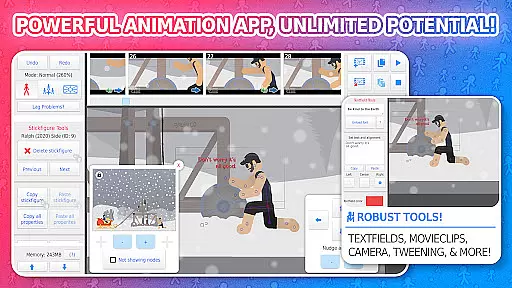
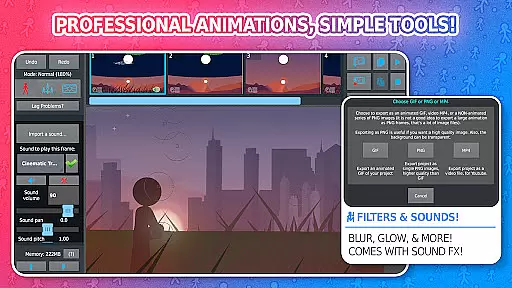
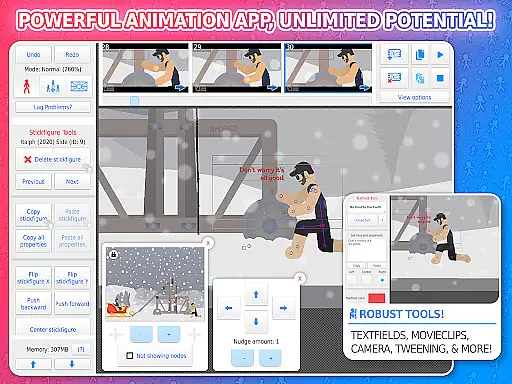
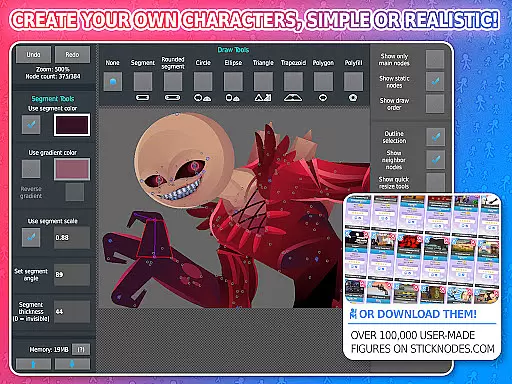
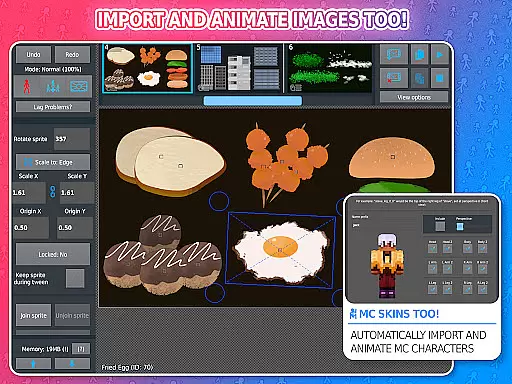
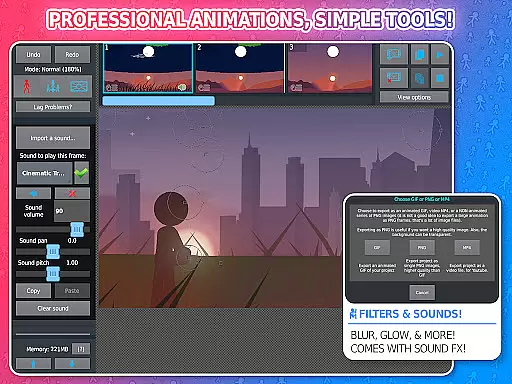
Stick Nodes Pro is a premier stickman animation app designed specifically for mobile devices, offering advanced features for creating professional-quality animations. As the pro version of Stick Nodes, it provides users with enhanced capabilities such as ad-free startup, watermark-free exports, and MP4 video export options.
The application stands out with its comprehensive animation toolkit including customizable frame-tweening, a virtual camera system, and movieclip functionality for reusable animation elements. With support for sound effects, various filters, and compatibility with Minecraft skins, this app caters to both aspiring animators and professionals seeking a robust mobile animation solution.
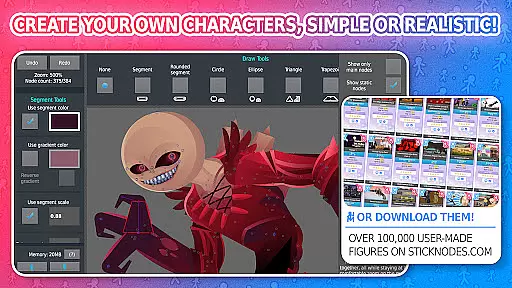
Ideal for educational settings or professional projects, Stick Nodes Pro enables users to create complex animations using stick figures, shapes, and imported images. The thriving community and extensive library of over 30,000 stick figures make it an invaluable resource for creative expression and skill development in animation.
Stick Nodes Pro distinguishes itself through its extensive feature set tailored for serious animators. The application's automatic frame-tweening capability allows for smoother transitions between frames, while the virtual camera system enables precise control over scene perspective through panning, zooming, and rotation.
Advanced animation tools include movieclips for reusable animation components, per-segment color and scale adjustments, and text fields for dialogue integration. Professional-grade export options support both GIF and MP4 formats, with additional features like sound effect integration and various visual filters available exclusively in the Pro version.
The app maintains compatibility with legacy Pivot stickfigure files while introducing modern capabilities such as Minecraft skin animation. With essential animation features like onion-skin display, background image support, and project management tools, Stick Nodes Pro delivers a complete animation studio experience on mobile devices.
Stick Nodes Pro stands out in the realm of entertainment applications by offering a vast array of content that ensures users never run out of creative options. With over 30,000 stickfigures available for download and new additions daily, animators have an ever-expanding library at their fingertips.
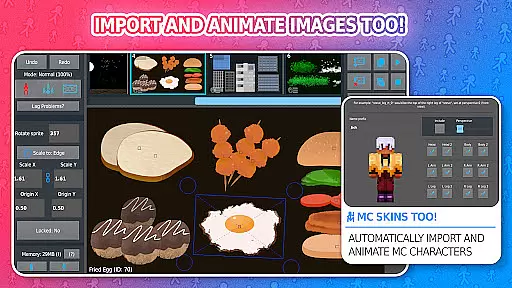
The app allows for not just stickfigure animation but also extends its capabilities to importing and animating images, including Minecraftu2122 skins, which significantly broadens the scope of projects one can undertake. This versatility guarantees that creators can continually explore fresh ideas and bring diverse characters to life.
Moreover, features such as automatic customizable frame-tweening, movieclips, textfields, sound effects, and various filters like blur and glow contribute to keeping the content dynamic and engaging. These tools enable users to refine their animations with professional touches, ensuring each project is unique.
By providing frequent updates since its 2014 release, Stick Nodes Pro maintains a pulse on user needs, consistently delivering new features that keep the community vibrant and the animation experience fresh. Animators are encouraged to share their work within this thriving ecosystem where they receive support and inspiration from fellow creators.
User engagement is a critical factor for any entertainment app's success, and Stick Nodes Pro excels in this area by offering compelling features that encourage prolonged use. The ability to create intricate animations using a variety of shapes, gradients, per-segment color/scale adjustments, and even join stickfigures together simulates real-world interactions, making the creative process both immersive and addictive.
With an intuitive interface that includes undo/redo functions, onion-skinning, background images, and compatibility with pre-3.0 Pivot stickfigure files, users find it easy to dive into complex projects without feeling overwhelmed. Such accessibility helps maintain user interest over extended periods as they learn and master different aspects of animation.
Furthermore, the social aspect cannot be overlooked; Stick Nodes boasts a large community where animators exchange tips, showcase their work, and collaborate on projects. This sense of belonging fosters loyalty among users who return regularly to interact with peers and contribute to the collective creativity.
Export options like animated GIFs or MP4 videos (exclusive to Pro) allow users to share their creations online easily, enhancing pride in their work and motivating them to continue refining their skills within the app. By facilitating these achievements, Stick Nodes Pro ensures high retention rates through meaningful user accomplishments.
Comprehensive animation tools
Ad-free experience
Watermark-free exports
MP4 export capability
Active user community
Pro version costs money
Steep learning curve
Requires powerful device
Limited free features
Occasional performance issues

Stream over 80 hours of exclusive mashups and remixes by DJ Rehab.
 4.3
4.3
Time tracking, lap counting and much more for Carrera® Digital 132/124
4.80
The Xbox app keeps you connected to your gaming community.
4.50
Build and Share AI
4.20
Control your AWTRIX 3 easily
4.2
Companion app for Elden Ring to track quests, bosses, progress and more.
4.70
Watch Reels, Drama Shorts & TV Series Anytime. Download DramaWave Now!
4.70
Watch New Episodes & Live TV
3.80
Earn big rewards like PayPal & Amazon gift cards by playing games you love!
4.30
Open-source, fast, simple and powerful IPTV app
4.90
Catalog & tracker of your DVD, Blu-ray & Digital Movie and TV Collection Library
4.80
Live TV, sports & holiday movies — stream on phone, tablet & TV
4.60
Underrated short-drama gems that hit hard and keep your heart hooked.
4.50
Best of icon for christmas
4.30
Browse popular images and videos from Reddit on Android TV!
3.90
Your choice of 350+ networks plus movies and full TV series on-demand.
3.70
Necrophone is spirit box ghost hunting app made for spirit communication.
3.70
NFL, NBA, NHL, MLB, local sports coverage, shows, movies & news!
3.20
Neon Christmas Tree Animated: Festive Wear OS watch face with fitness info
4.3


User Reviews