
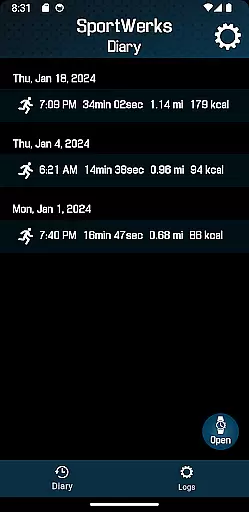
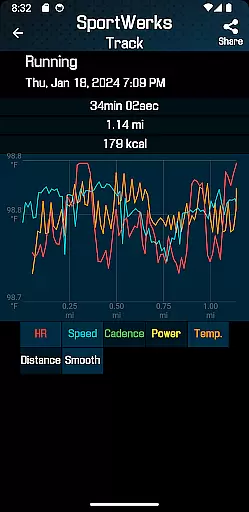
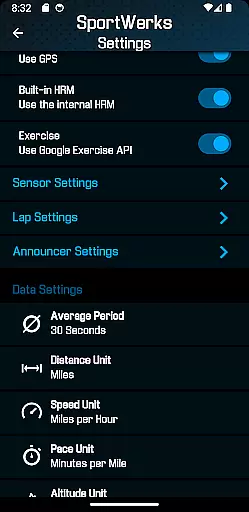
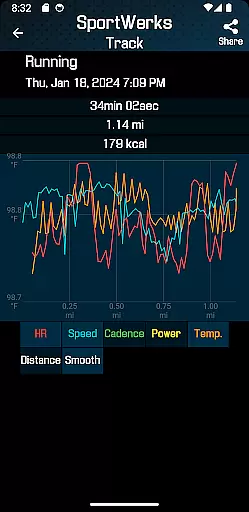
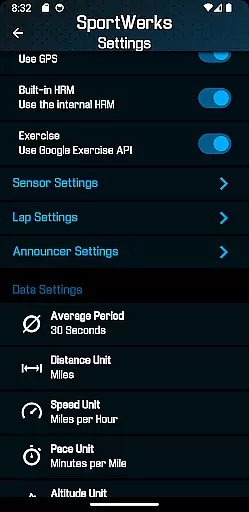
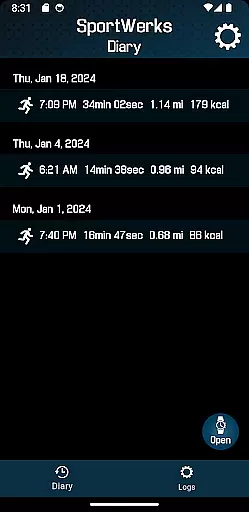
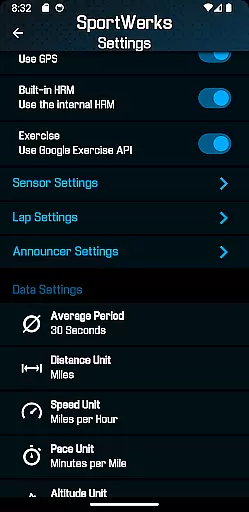
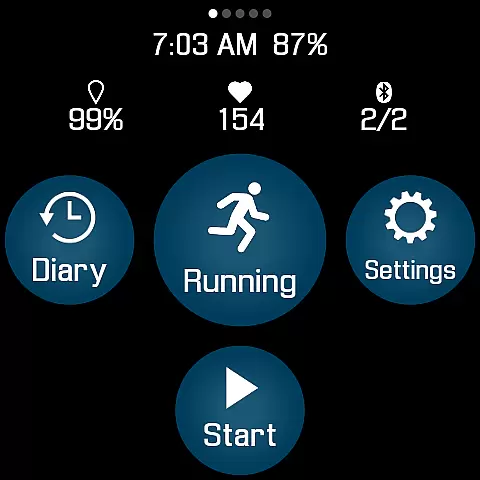
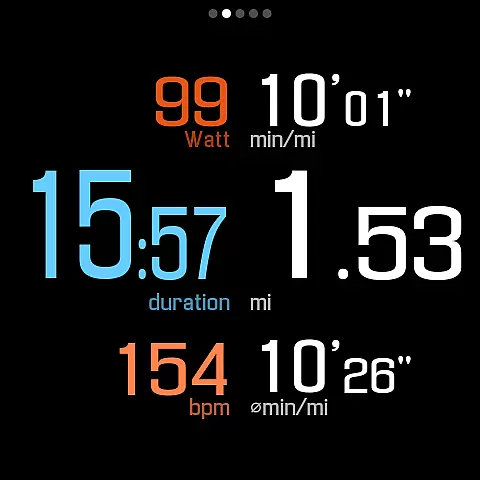
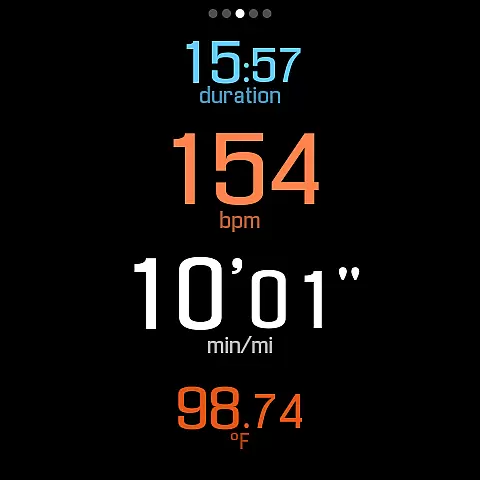
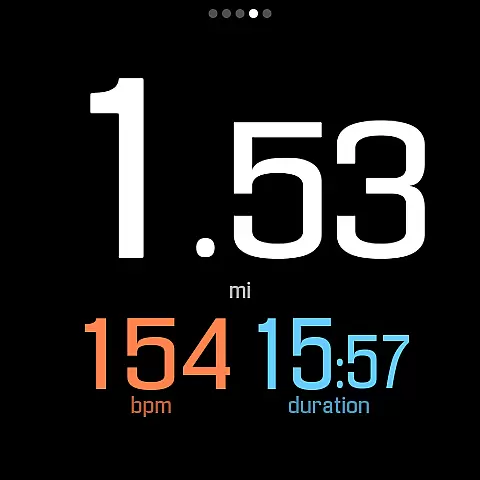
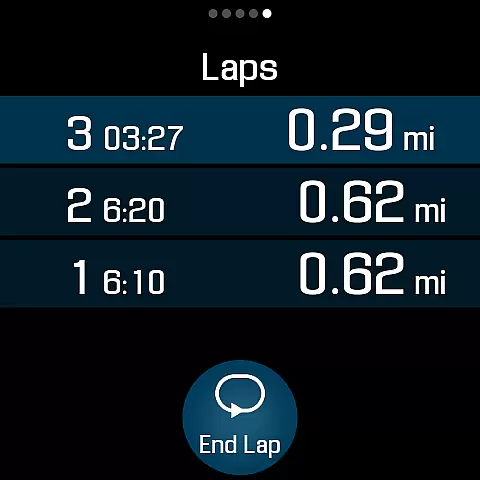
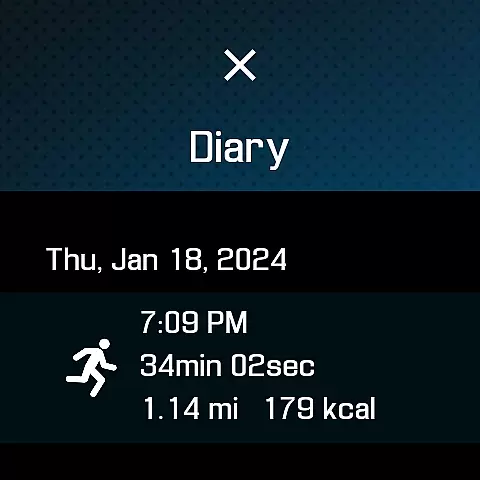
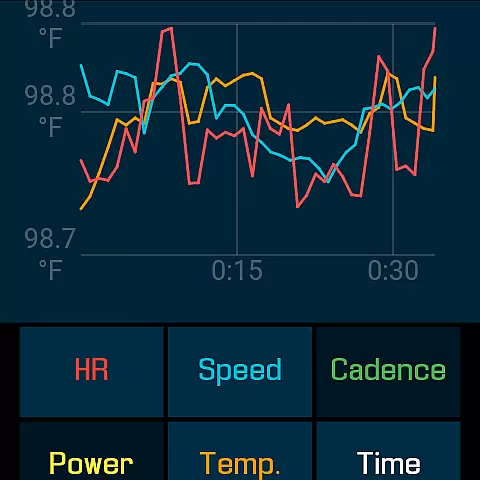
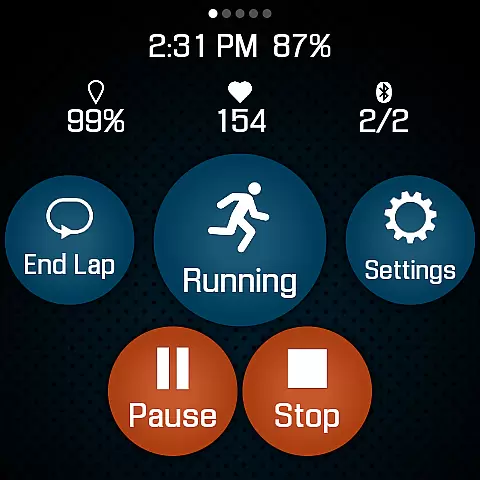
SportWerks is a comprehensive workout tracker designed specifically for Wear OS watches, offering users the ability to customize their workout screens with large, easy-to-read numbers. The app excels in tracking various workouts from the Google Exercise library while monitoring key metrics like heart rate, location, and power. Its seamless integration with fitness platforms such as Strava, FinalSurge, and TrainingPeaks makes it an essential tool for athletes who need accurate data tracking and effortless syncing.
What sets SportWerks apart is its standalone functionality without requiring a phone. It supports multiple workout screens, connects to BLE devices like heart-rate monitors and power meters, and provides real-time audio feedback through the watch speaker or paired headset. This ensures users can focus on their performance without distraction. Whether you're running, cycling, or swimming, SportWerks delivers a tailored and efficient tracking experience.
SportWerks boasts an impressive range of features that cater to diverse fitness needs. The app tracks over ten types of workouts, including running, cycling, swimming, and skiing, while capturing detailed metrics such as pace, elevation, and stride rate. Users can choose from multiple workout screen layouts (6-values, 4-values, 3-values, Laps) and toggle them on or off with a single tap, ensuring flexibility during workouts.
Another standout feature is its compatibility with leading BLE devices from brands like Stryd, Wahoo, and Polar, allowing users to connect heart-rate monitors, power meters, and more. After completing a session, workouts are automatically synced to platforms like Strava or exported as .FIT files for use with other systems. Additionally, the companion Android app lets users adjust settings in real time and manage their data effortlessly, enhancing convenience and control.
Personalized planning in fitness applications refers to the ability to tailor workouts according to individual preferences and needs, ensuring a unique and effective exercise experience. SportWerks - Workout Tracker excels in this area by offering customizable workout screens that display data most relevant to users during their sessions.
The app supports various workout types from the Google Exercise library, including running, cycling, and swimming, allowing users to choose activities that best fit their fitness goals. With options to connect to favorite Bluetooth-Low-Energy devices such as heart-rate monitors and power meters, SportWerks ensures personalized tracking of all essential workout metrics.
Users benefit from real-time feedback without needing to look at their watch, thanks to audio notifications through the watch speaker or paired headset. This feature allows for seamless integration into any exercise routine, enhancing focus and safety.
Ultimately, SportWerks empowers users with tools for deep personalization, making each workout session not only more engaging but also aligned with personal objectives, thus maximizing the effectiveness of their fitness journey.
Progress visualization is a critical component of any fitness app, providing users with clear insights into their performance over time. SportWerks - Workout Tracker offers robust features that allow users to visualize their progress effectively, keeping them motivated and informed.
With the ability to track all aspects of a workout, including heart rate, location, stride rate, pace, power, and elevation, SportWerks gathers comprehensive data essential for detailed progress analysis. The app automatically sends this data to popular fitness platforms like Strava, FinalSurge, and TrainingPeaks, enabling users to view trends and improvements across multiple platforms.
In addition to automatic syncing, SportWerks provides .FIT files for each workout, which can be imported into any fitness management system. This flexibility ensures users have access to their data in whichever platform they prefer for visualization purposes.
By delivering these powerful progress visualization tools, SportWerks enhances user engagement and retention, helping individuals stay committed to their fitness goals while enjoying the tangible benefits of seeing their progress unfold visually.
Highly customizable
Wide device compatibility
Automatic data syncing
Real-time audio feedback
Standalone Wear OS support
Premium subscription required
Limited free features
No iOS companion app
Complex setup process
Battery consumption concerns

Easy access to health benefits
 4.70
4.70
Create powerful subliminal audio with custom affirmations and background music.
4.00
Walk. Earn: Get rewarded for every step! Walk, move, and earn real rewards.
4.70
Eat smarter with Eato, your personal calorie counter and nutrition tracker!
4.40
Raccoon AI Calorie Counter. Intermittent Fasting & Timer. Macro, Carb, Protein
4.50
Pedometer that gives you sweatcoins for steps. It pays to walk!
4.10
Manage your and your family's health information.
4.60
Jogging app for calorie counter and distance tracker. Running app to lose weight
4.20
Scan food & cosmetic products and evaluate their impact on your health
4.80
Meditation app, head space app provides calm music to help you meditate & sleep
5.00
Wall Pilates at home & Pilates workout for beginners for core and weight loss.
4.80
Build Healthy Habits!
4.60
Effortlessly and naturally release anxiety by harnessing the power of your brain
4.60
Your AI pet BFF. Talk, play, and beat anxiety in this calming game.
4.60
Monitor, analyze, track, and convert blood sugar & help you control diabetes.
4.10
Looking to take control of your health? Our psychology-based programs can help.
4.10
Use your watch as a bike computer, heart rate monitor and cycling power meter
2.50
Using Recognise™ has been shown to reduce pain and improve performance.
4.5
Optimization for TRT & Enhanced Athletes
4.5


User Reviews