
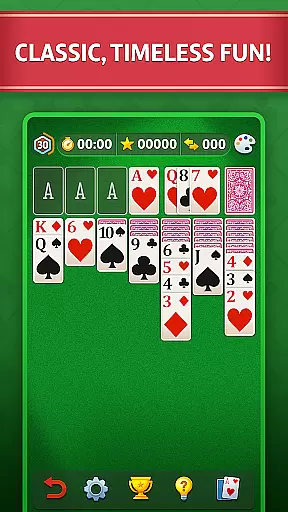
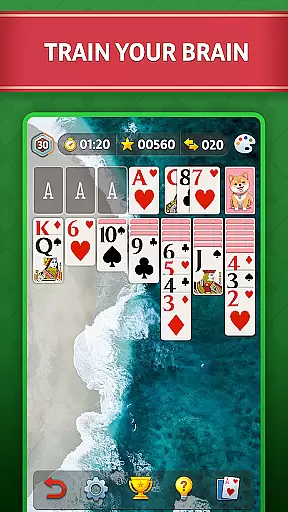
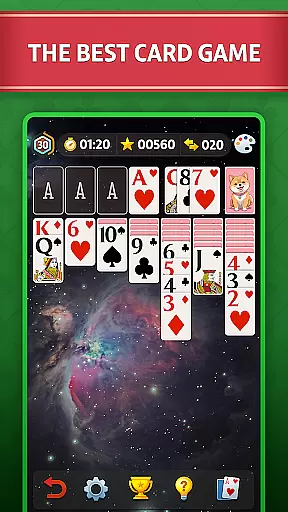
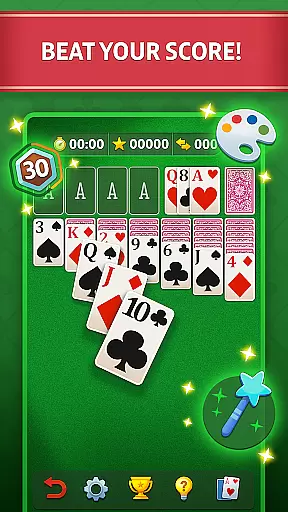

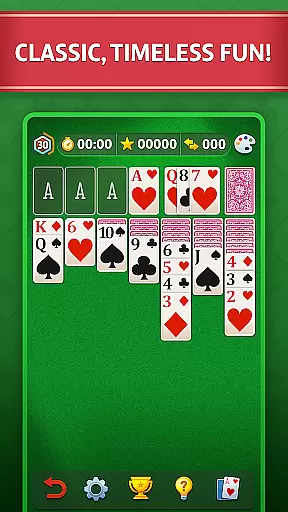
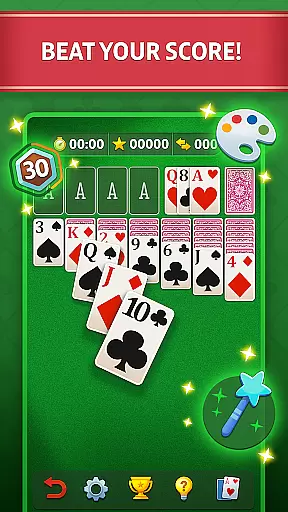

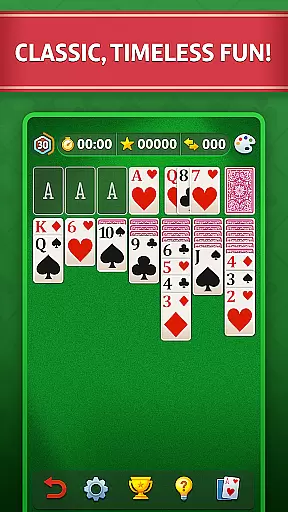
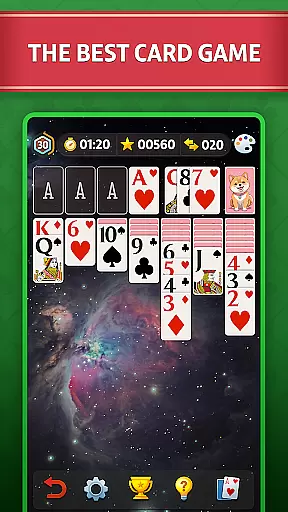
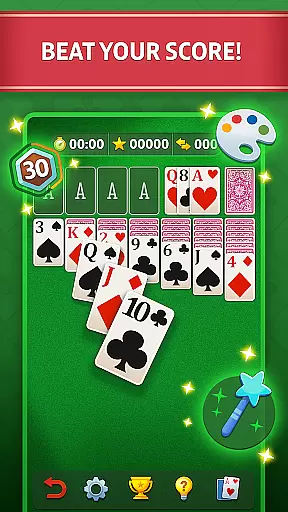

Solitaire - Classic Card Game offers a premier Klondike Solitaire experience, designed for both casual and serious players. The game stands out with its user-friendly interface featuring big cards and clear graphics, making it accessible and enjoyable for everyone. Whether you're looking to relax or sharpen your mind, this app provides the perfect platform.
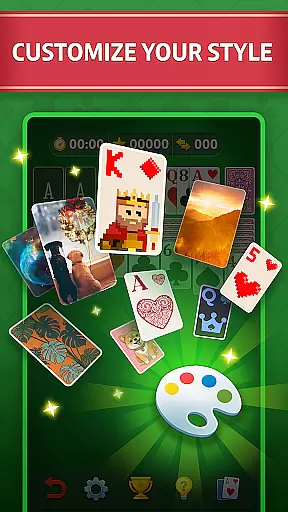
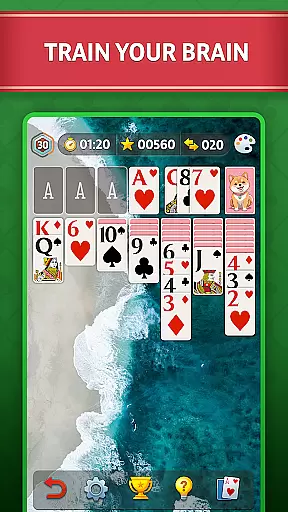
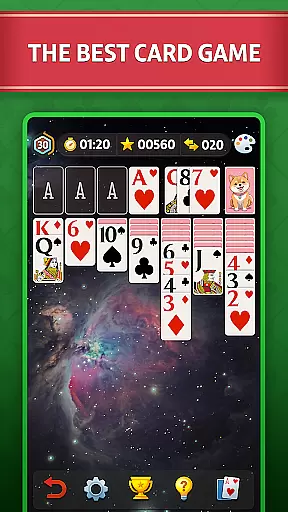
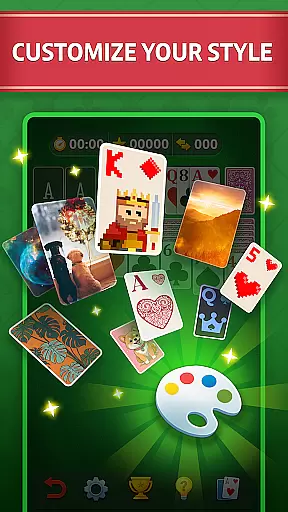
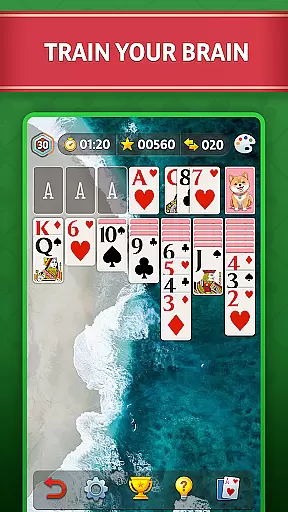
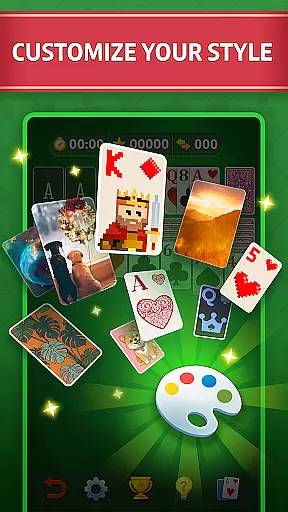
With features like left-hand mode, progress tracking, and personal statistics, Solitaire ensures a customizable experience tailored to individual preferences. Players can modify the appearance of the table, customize card decks, and adjust sound settings. This attention to detail enhances the overall gaming experience, providing comfort and personalization options that cater to diverse playing styles.
The objective is simple yet engaging: organize all 52 cards into four suits in ascending order from ace to king. With unlimited 'undos' and an auto-complete feature, users can enjoy a frustration-free experience while honing their strategic thinking skills. Suitable for play anywhere, anytime, this app brings relaxation and mental exercise together in one package.
Solitaire - Classic Card Game boasts a variety of features that enhance gameplay and provide a rich user experience. One standout aspect is its customization options; players can alter the table's look, choose different card deck designs, and even adjust sound settings to create a personalized gaming atmosphere. These features ensure that every player can tailor the game to their liking, offering a unique and comfortable experience.
In addition to aesthetic customizations, the game includes practical functionalities such as left-hand mode, progress tracking, and personal statistics. Left-hand mode caters to left-handed players, ensuring accessibility for all. Progress tracking allows users to monitor their improvement over time, while personal statistics offer insights into gameplay patterns and achievements. These elements contribute to a more engaging and rewarding experience, encouraging continuous play and skill development.
Furthermore, Solitaire supports mental well-being by promoting relaxation and stress relief. Its meditative nature helps quiet the mind, providing a peaceful escape from daily pressures. The game also serves as a brain-training tool, enhancing memory and strategic thinking through thoughtful card combinations and moves. With hints available to guide players, Solitaire strikes a balance between challenge and assistance, making it an ideal choice for those seeking both entertainment and cognitive benefits.
In the realm of card games, ensuring true randomness and fairness in card shuffling is paramount. Solitaire - Classic Card Game employs a certified Random Number Generator (RNG) to guarantee that every shuffle and card draw is completely random and fair.
The application undergoes regular audits and testing by independent agencies to verify the integrity of its RNG system. This certification process ensures that players experience authentic and unbiased gameplay every time they play.
For users, this means peace of mind knowing that each game's outcome is based purely on chance and strategy, replicating the experience of playing with a physical deck of cards. The assurance of RNG fairness enhances the overall gaming experience.
By prioritizing RNG fairness and obtaining necessary certifications, Solitaire - Classic Card Game establishes trust with its players. Gamers can focus on honing their skills and enjoying the game, confident that the results are genuinely random and not manipulated.
Smooth and responsive controls are essential for an optimal card gaming experience. Solitaire - Classic Card Game excels in providing fluid touch controls with minimal input latency, allowing players to move cards effortlessly across the screen.
The developers have implemented advanced algorithms to ensure that every tap and drag responds instantly. This technical precision creates a seamless interaction between the player's decisions and the game's execution, making gameplay feel natural and intuitive.
Players benefit from this optimized control system through enhanced accuracy when moving cards and executing strategic plays. The quick response time prevents frustration and maintains the flow of the game, especially during complex moves or time-sensitive decisions.
This attention to control fluidity and reduced input latency demonstrates the game's commitment to quality. By delivering professional-grade responsiveness, Solitaire - Classic Card Game elevates the classic card game experience to new heights of enjoyment and satisfaction.
User-friendly interface
Customizable settings
Relaxing gameplay
Mental exercise
Unlimited undos
Contains ads
Limited offline features
Basic graphics
No multiplayer
Paid extras

Word-building meets deck-building in the unique game Paperback Vol. 2
 3.30
3.30
Reiner Knizia's classic card game, Masters Gallery
4.60
Always ready: the partnership trick-taking card game with so many rule options!
4.60
Solitaire Collection Pro: Klondike, Spider, FreeCell, Pyramid, No Wifi Needed!
4.30
Cloud, Rain, Fog, Ice, Fire Magic Puzzle Card Game
4.5
Krumit's Tale is a solo card-based dungeon crawler - a follow-up to ‘Meteorfall’
4.30
Special Klondike Edition
5.00
Find dragons in mysterious land and play card games.
4.60
Swipe and be the Queen!
4.60
Play and Master the Fun Classic Card Game Spades. Outsmart Opponents & Enjoy
4.80
Classic Solitaire game you love! Offline, easy, and relaxing!
4.80
The most popular cribbage app available; all of the options, none of the fluff!
4.80
Relax, strategize, and enjoy endless card fun with vintage solitaire.
4.70
Enjoy the fun and classic Card game Phase 10 with your friends and family!
4.70
This classic partnership trick-taking card game is always ready to play!
4.60
A sleek, addictive Solitaire experience made for the modern player.
4.60
The Fox in the Forest is a beautifully illustrated trick-taking card game.
4.50
Play Blackjack and and earn gift cards
4.50
Collect and play the original CCG on Arena. Magic is now on your phone!
4.10


User Reviews