
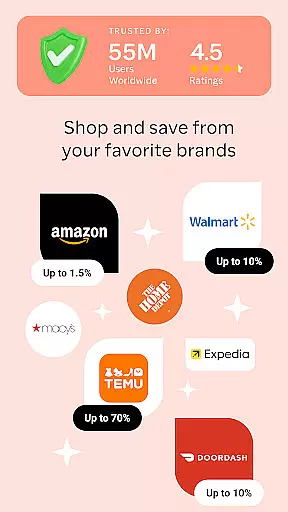
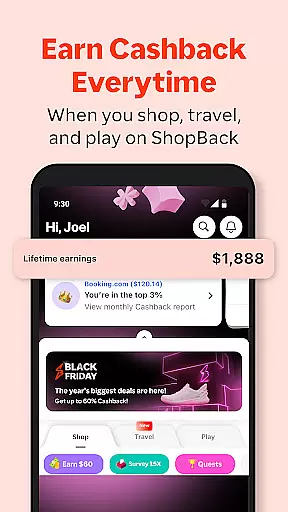
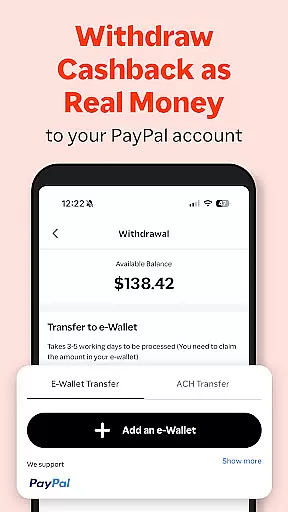
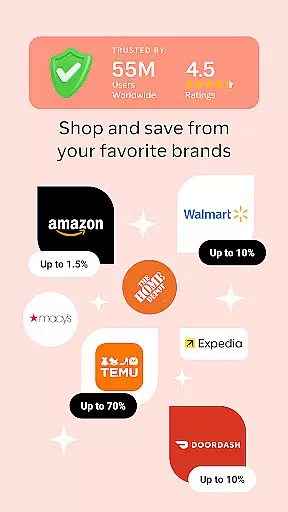
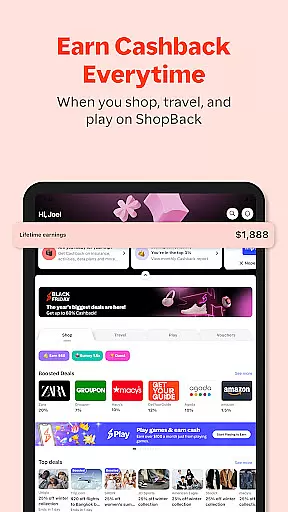
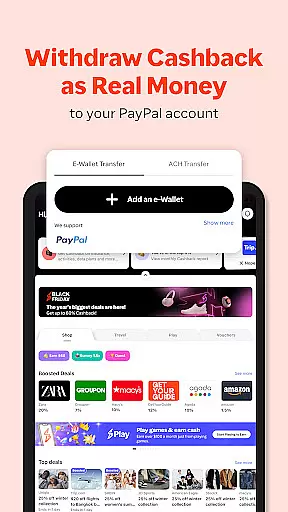
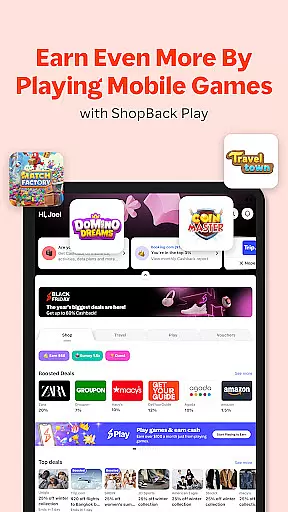
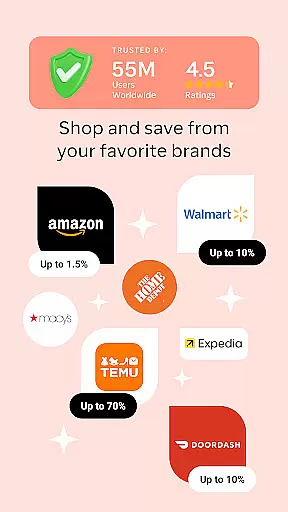
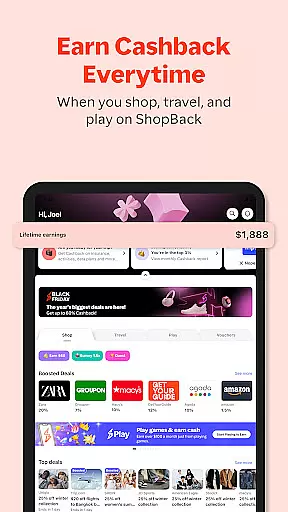
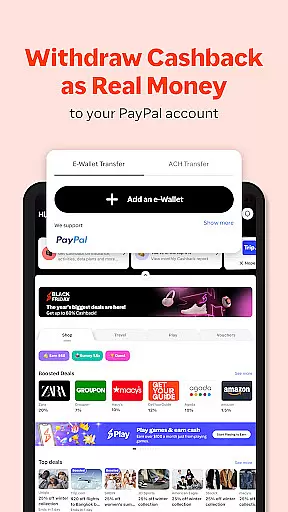
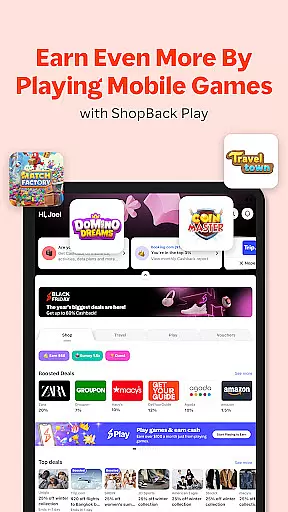
ShopBack is a leading shopping rewards application that enables users to earn Cashback on their purchases from over 3,500 online stores globally. The app provides an innovative way for shoppers to save money by offering cash rewards on completed transactions, which can be withdrawn via PayPal or bank account in select regions. With features like exclusive coupon codes, loyalty programs integration, and the ShopBack browser extension, it simplifies finding deals and maximizing savings.
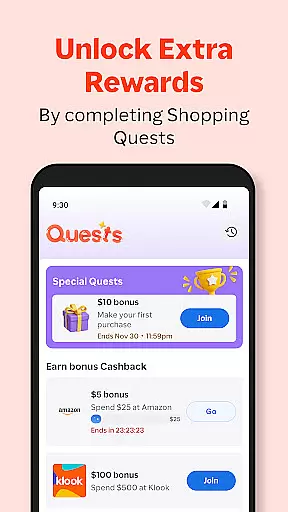
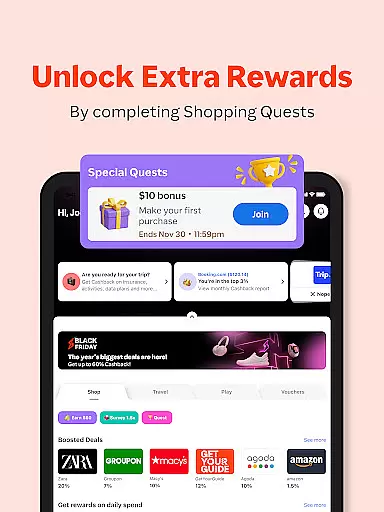
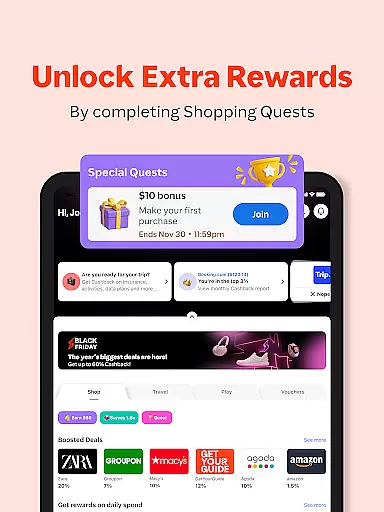
Beyond online shopping, ShopBack extends its benefits to offline outlets through ShopBack Pay in certain markets, allowing users to earn additional Cashback. It also offers limited-time quests that provide bonus Cashback opportunities. Available across multiple countries including Germany, Australia, and Southeast Asian nations, ShopBack has created a global community of over 45 million savvy shoppers who are enhancing their purchasing power while enjoying a seamless shopping experience.
ShopBack stands out with its unique Cashback reward system, enabling users to earn a percentage of their spending back when they shop through the app. This feature not only applies to online stores but also extends to offline outlets in some regions via ShopBack Pay, providing a versatile shopping experience. The app aggregates deals from thousands of retailers, ensuring users have access to the best discounts and coupon codes available.
Another distinctive feature is the ShopBack browser extension, compatible with Chrome, which automatically finds and applies the best Cashback offers and discounts as users shop online. Additionally, ShopBack offers limited-time shopping quests that challenge users to complete specific tasks in exchange for bonus Cashback. These gamified elements, combined with the ability to purchase gift vouchers for Cashback, create an engaging ecosystem that incentivizes smarter shopping habits while delivering tangible financial benefits.
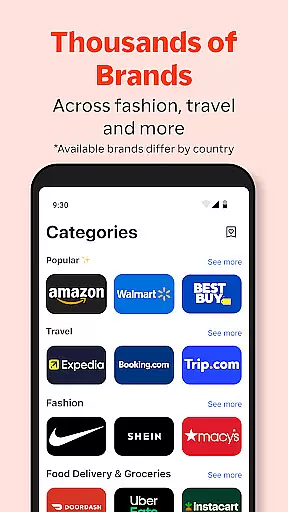
ShopBack offers an extensive selection of over 3,500 stores globally, ensuring a wide product variety for shoppers. This vast network spans multiple countries, including Germany, Australia, and Singapore, each offering unique shopping opportunities tailored to regional preferences.
The app's categorization system is designed for ease of use, allowing users to navigate through different stores and product categories effortlessly. Whether you're looking for fashion, electronics, or lifestyle products, ShopBack's organized structure ensures that you can find what you need quickly and efficiently.
By integrating with various online sales, coupon codes, loyalty programs, and credit card miles, ShopBack not only provides product variety but also enhances the shopping experience. Users can stack their savings and maximize rewards, making every purchase more valuable.
Moreover, the ShopBack browser extension simplifies the process by finding the best Cashback deals and discounts with just a click. This feature ensures that users have access to the most beneficial offers without the hassle of searching through numerous websites, thus streamlining the shopping experience while maximizing savings.
One of ShopBack's core strengths is its pricing transparency. The platform clearly outlines how Cashback works, ensuring users understand that they receive a portion of their spending back when they shop through ShopBack. This transparency builds trust and encourages more users to take advantage of the Cashback system.
Additionally, ShopBack enhances competitiveness by offering various ways to earn extra Cashback. For instance, users can participate in limited-time shopping quests to earn bonus Cashback, providing an added layer of savings. This competitive edge keeps users engaged and motivated to shop more frequently through the app.
In select markets, ShopBack Pay further boosts competitiveness by allowing users to earn extra Cashback at over 4,700 outlets, both offline and online. This flexibility ensures that users can maximize their rewards regardless of their shopping preferences, whether they prefer in-store or online purchases.
Finally, ShopBack's ability to offer instant Cashback on gift card purchases adds another layer of competitive pricing. Users can buy gift cards or vouchers for themselves or loved ones and use them at their favorite stores, all while earning Cashback. This feature not only enhances user convenience but also ensures that they are always getting the best possible deal.
User-friendly interface
Wide merchant network
Flexible Cashback withdrawal
Regular promotions
Global availability
Limited offline use
Regional restrictions
Verification delays
Browser compatibility
Occasional bugs

Live Auctions, Savings, and Always Free Shipping! Trusted Since 2008.
 4.60
4.60
Shop online premium refurbished electronics & trade in your old device for cash.
4.70
TikTok Shop is an integrated e-commerce platform within the TikTok app, allowing users to discover and purchase products directly through short videos and live streams.
4.10
Shop clothes, shoes, bedding, home & more. Save with exclusive deals & rewards!
4.20
Easily split payments online & in-store. Buy now & pay later with Zip.
4.80
Access free, exclusive savings on the go thanks to Capital One Shopping!
4.70
Furniture, Décor & Design Tips
4.80
Life’s easier in the eBay app—buy and sell millions of items on the go.
4.60
Earn rewards when you shop, play games, and order online. Live rewarded.
4.70
Shop home goods, vintage treasures, art prints & more with Etsy. Download today!
4.80
An easy Secret Santa & gift exchange planner - Simplify your gift shopping!
4.80
Offering great hardware products.
4.70
Earn cash back and rewards from games, surveys, receipts and more
4.70 4.60
4.60
Save with Kroger! Coupons, ads, rewards, find stores & shopping list in one app!
4.50
Shop online now, pay later. Flexible payments made to fit your budget.
4.50
Get paid to shop groceries & more when you become an Instacart shopper.
4.20
wholesale stores
4.10
Create Wishes & Get Inspired
3.20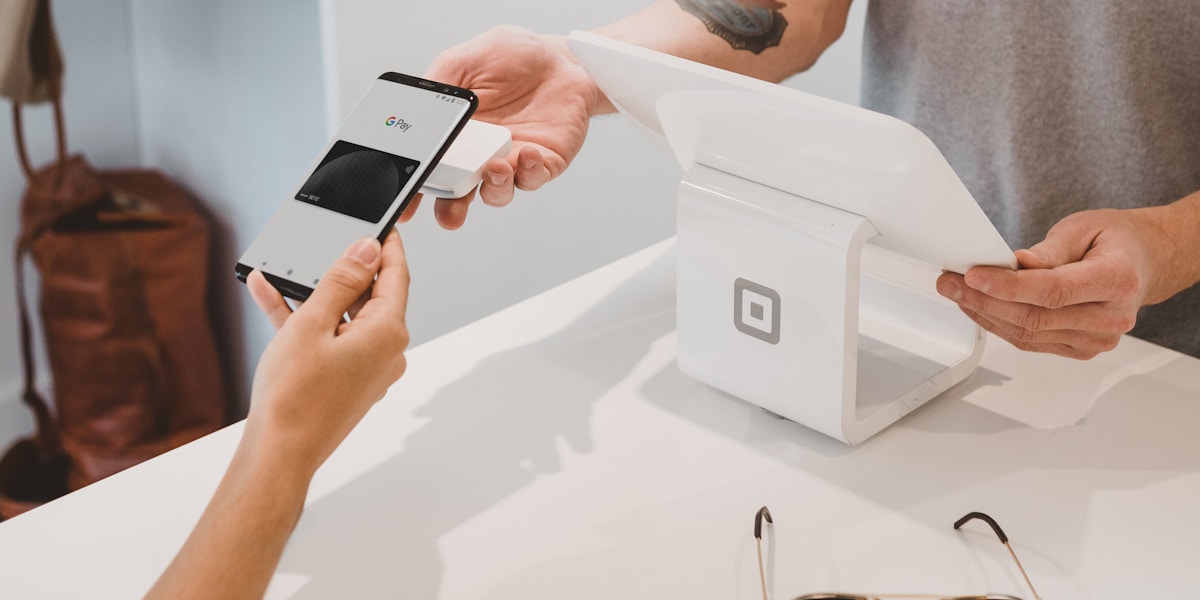
Compare the top buy now pay later services in 2025. Discover which BNPL app is right for you - Zip, Affirm, or Afterpay. Interest-free options reviewed.



User Reviews