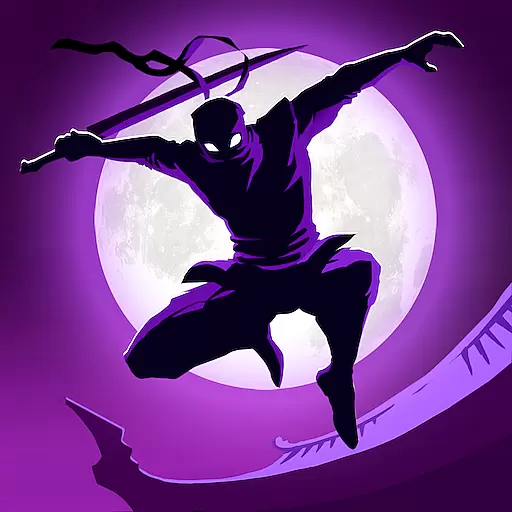
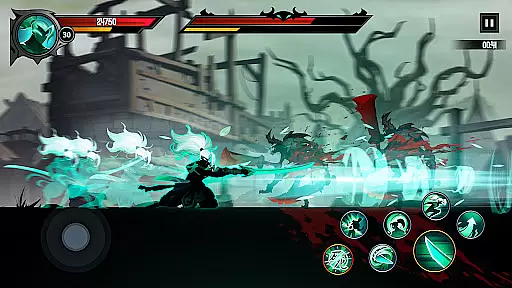
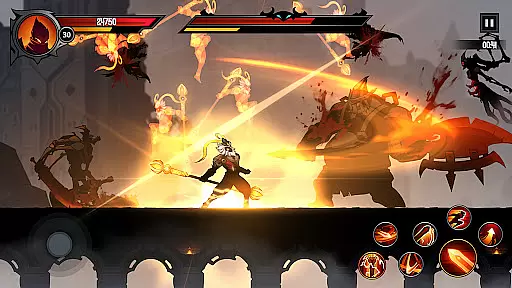
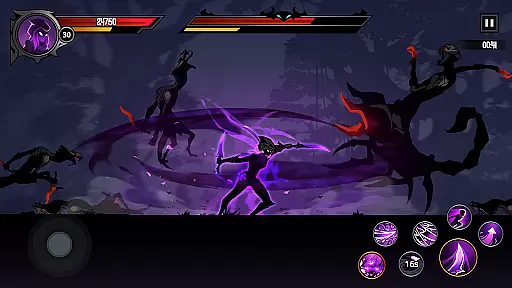
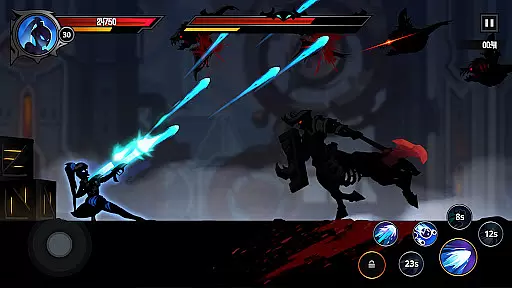
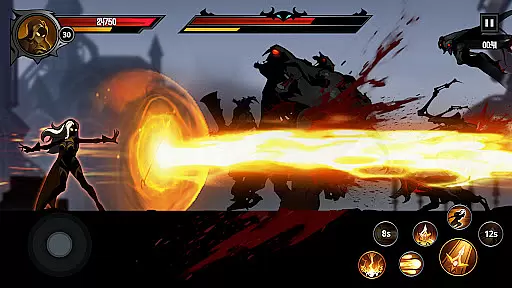
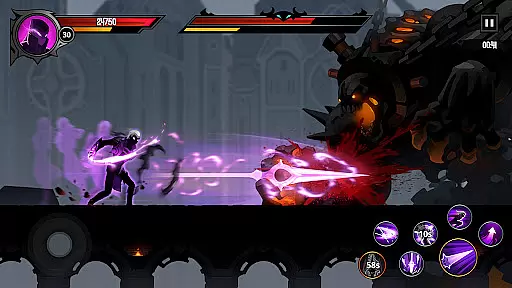
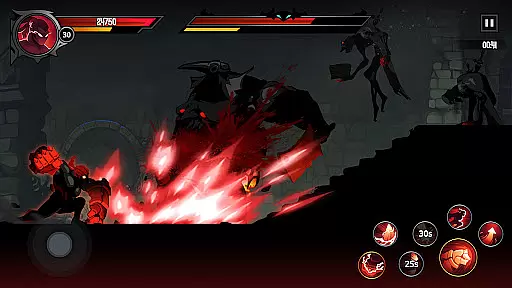
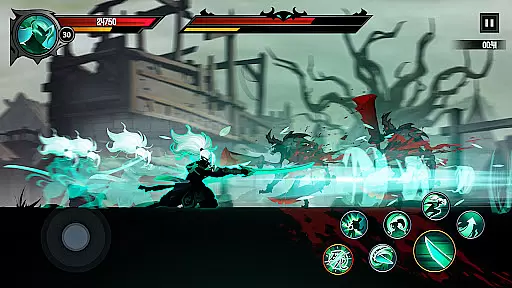
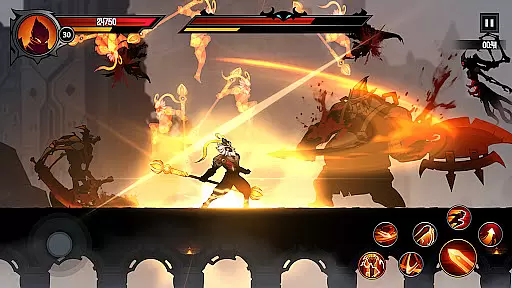
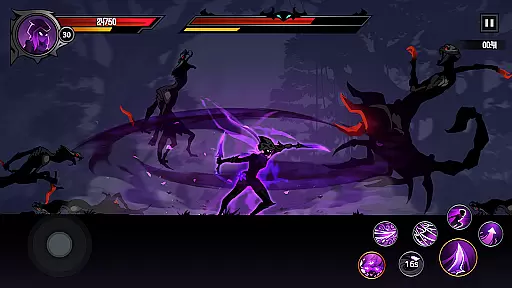
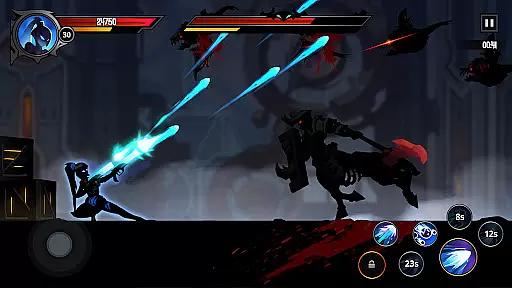
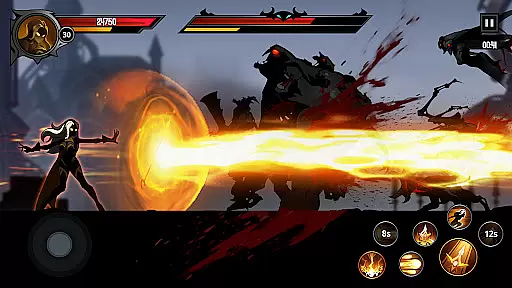
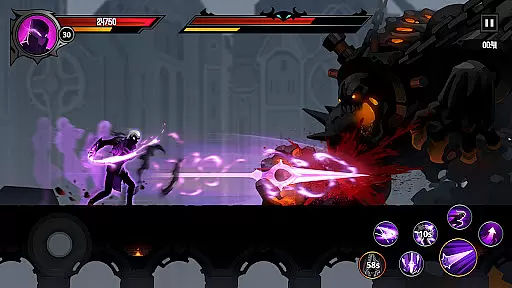
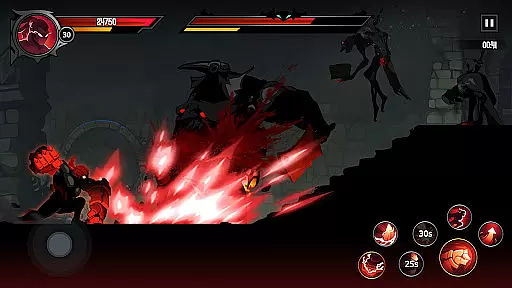
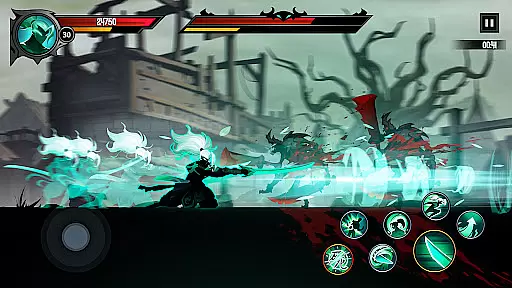
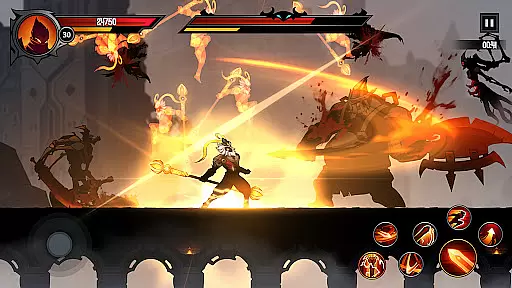
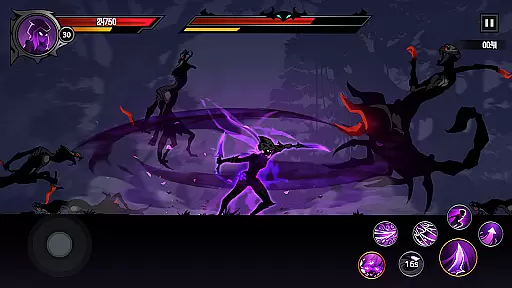
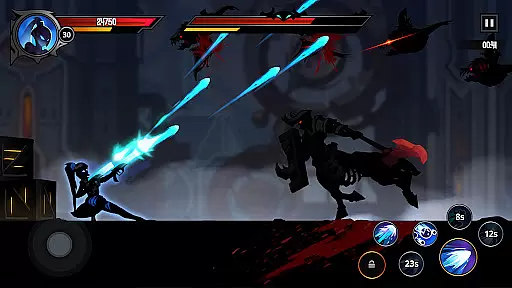
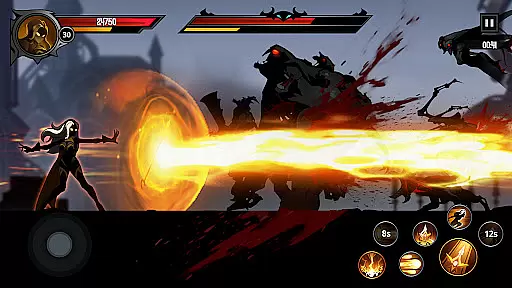
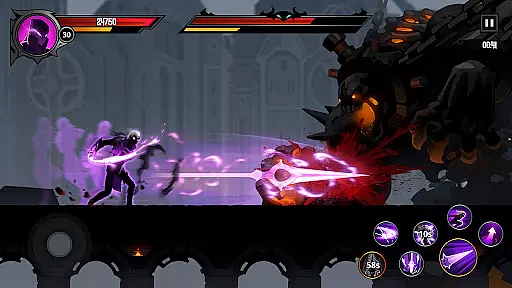
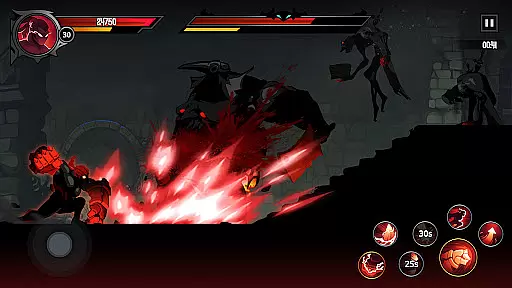
Shadow Knight: Ninja Fighting is an immersive action RPG that plunges players into a dark fantasy world teeming with epic monsters and shadowy battles. As a Shadow Knight, you are tasked with the mission to fight against the forces of Darkness and restore light to the world of Harmonia. The game features a rich narrative set in a vibrant universe inhabited by various mortal races such as Humans, Elves, Orcs, and more.
The core gameplay revolves around intense hack-and-slash combat, allowing players to explore diverse terrains through running, climbing, and jumping. With a plethora of quests, achievements, and rewards, players can gear up their knights with unique skins and powerful equipment. Whether you're battling through towns, forests, or dungeons, every victory brings you closer to defeating the ultimate bosses and changing the fate of Harmonia.
Ideal for gamers seeking thrilling adventures, Shadow Knight offers both casual and hardcore players an engaging experience. Its automatic training system ensures your knight grows stronger even when you're offline, making it perfect for those who want progress without constant attention. This combination of deep storytelling, dynamic combat, and extensive customization makes Shadow Knight a standout title in the Action RPG genre.
Shadow Knight: Ninja Fighting distinguishes itself with several standout features that cater to fans of action-packed RPGs. First and foremost is its Extreme Game Feeling, which delivers an exhilarating hack-and-slash experience within a dark fantasy setting. Players can traverse complex terrains using various movements like running, climbing, and jumping, uncovering hidden mysteries along the way.
The Adventure Fantasy Story immerses players in a world full of dark fantasy elements, where they encounter a variety of creatures including zombies, skeletons, orcs, and undead beings. Each location, from towns to dungeons, presents new challenges and opportunities to defeat formidable enemies and powerful bosses, ultimately altering the destiny of Harmonia.
Gear Up In Style allows players to collect and customize the best weapons, equipment, and runes from hundreds of available items. This feature ensures that each player's Shadow Knight stands out uniquely. Additionally, the Easy In Upgrading system lets players strengthen their knights automatically over time, even when not actively playing. These comprehensive features provide endless entertainment and strategic depth, enhancing the overall gaming experience.
In Shadow Knight: Ninja Fighting, control responsiveness is a critical aspect that ensures players can execute actions with precision and immediacy. The game's mechanics are designed to respond instantly to touch inputs, allowing for seamless navigation through the vibrant world of Harmonia.
The developers have optimized the game engine to minimize input latency, which is crucial during combat scenarios where timing can mean the difference between victory and defeat. This optimization provides a fluid experience as you run, climb, and jump across various terrains while engaging in hack-and-slash gameplay.
Players will appreciate the tight controls when battling epic monsters or powerful bosses. With responsive controls, they can perform complex combos and evade attacks with ease, making each encounter feel dynamic and rewarding.
Ultimately, Shadow Knight: Ninja Fighting delivers an action RPG experience that hinges on precise control schemes, ensuring that every player's interaction with the game world is both intuitive and satisfying.
Combat feedback tightness in Shadow Knight: Ninja Fighting refers to how the game communicates the impact of your actions during battles. It encompasses visual, audio, and tactile responses that assure players their inputs are registered and effective.
Visually, the game employs striking effects and animations for each strike, parry, or dodge. These visual cues are immediate and vivid, providing clear indications of successful hits or narrowly avoided attacks, thus heightening the sense of immersion within its dark fantasy setting.
Audibly, every slash, clash, and explosion is accompanied by crisp sound effects that complement the visuals. The auditory feedback not only enhances the atmosphere but also serves as an auditory marker for combat rhythm, helping players to time their next move accurately.
Tactile feedback through device vibration adds another layer of engagement. When combined with visual and audio elements, it creates a cohesive combat experience that feels both impactful and gratifying, encouraging players to delve deeper into the shadow wars of Harmonia.
Engaging storyline
Vibrant game world
Customizable characters
Automatic upgrades
Rich quest system
Requires internet
In-app purchases
Complex controls
High difficulty
Repetitive missions

Evolve monsters, climb tiers, and cash out real money in Monster Cash!
 4.80
4.80
NEOGEO's masterpiece game is now available in the app!
4.70
Survive epic space battles in an offline roguelike bullet heaven adventure
4.60
Destiny experience on mobile! Epic Sci-fi RPG Shooter!
4.40
Join stickman game - runner & fun race with a crowd. Epic battle & running game
4.60
Hunt your target & become a strong PVP sniper in this Epic 3D sniper FPS game
4.80
Rockstar Games invades the schoolyard in Bully: Anniversary Edition.
3.90
Play PSP games on your Android device, at high definition with extra features!
4.60
Run with thousands of foods and feed them to each other!
4.70
Take a katana in your ninja hands to fight foes! Stylish ninja stickman game
4.60
Whack, smash, and toss the puppet! Let’s destroy the ragdoll in this funny game
4.40
Try yourself at intense combat & tactical stealth missions in our shooting game!
4.40
Aim the arrow and become a legendary archer! Multiplayer action & shooting games
4.40
Robot fight! Get into the shooting games to destroy all transformers and robots!
4.30
Kick all fighters out of the arena! Enjoy the casual fighting game experience
4.30
Dive into Jurassic World in this dinosaur simulation game
4.30
NEOGEO's masterpiece game is now available in the app!
3.90
Experience the epic Western adventures that defined a generation
3.90
Retro pixel war game! Destroy enemies and survive the chaos!
4.4


User Reviews