
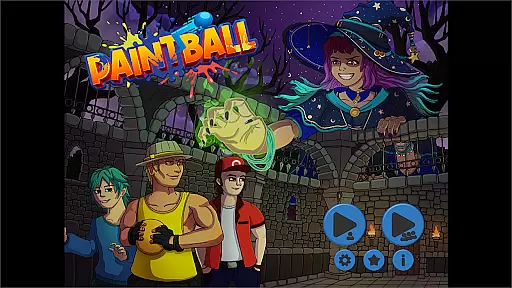
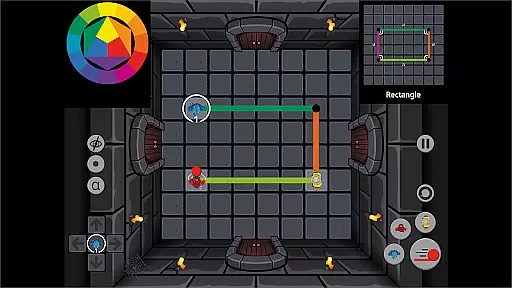
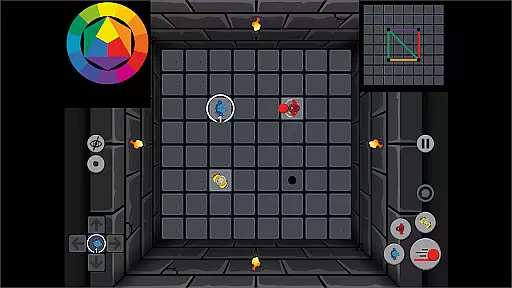
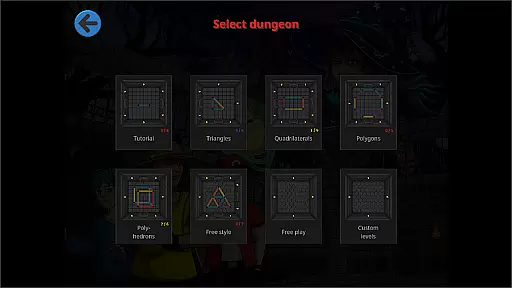
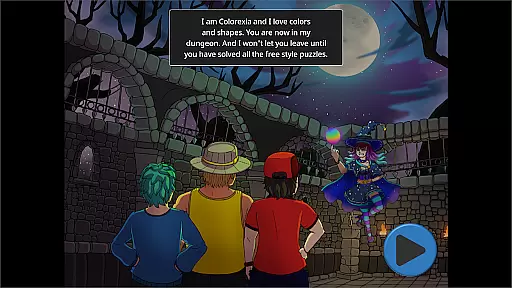
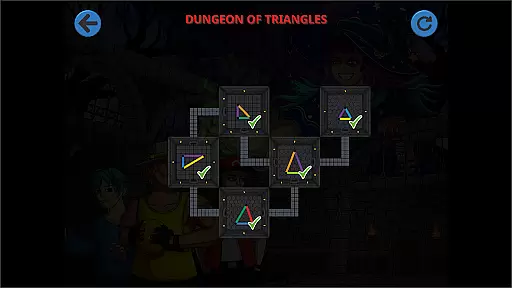
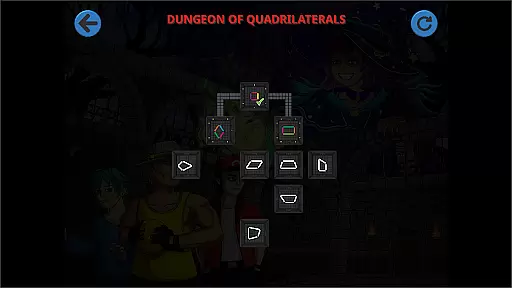
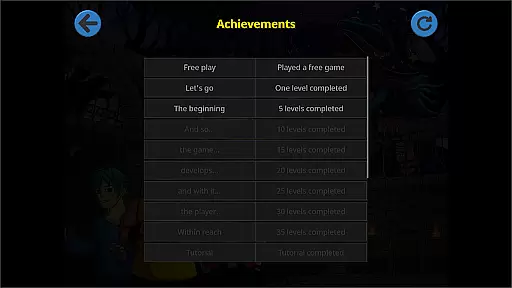
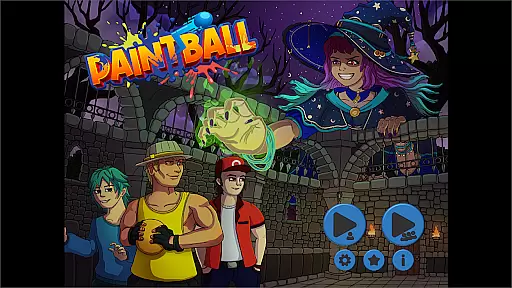
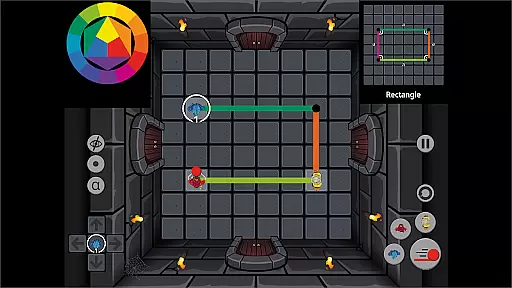
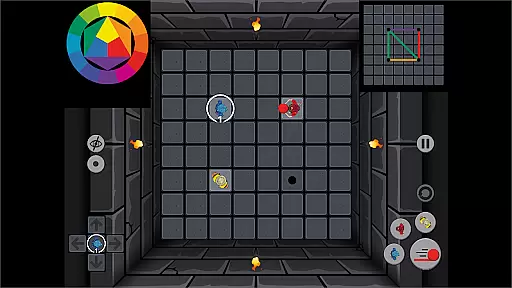
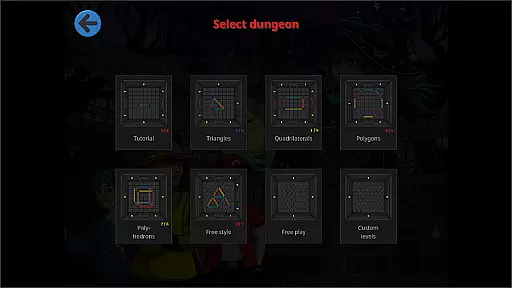
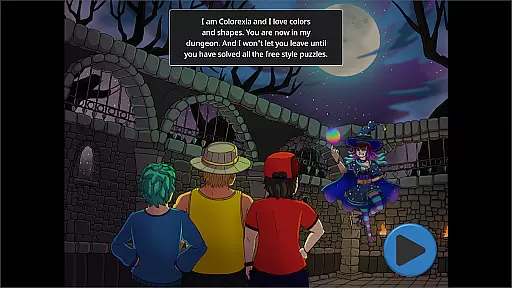
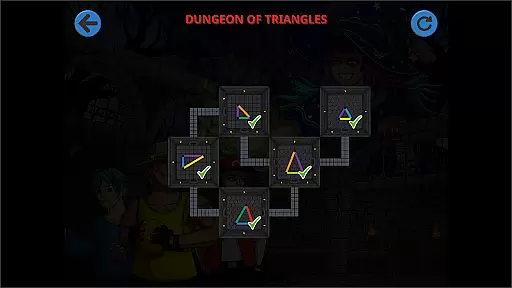
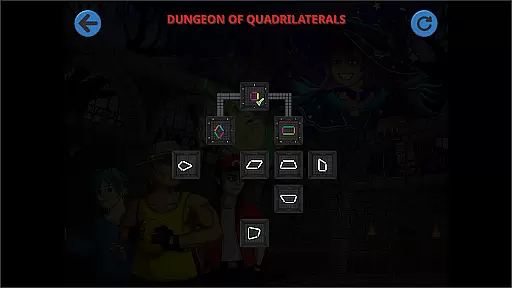
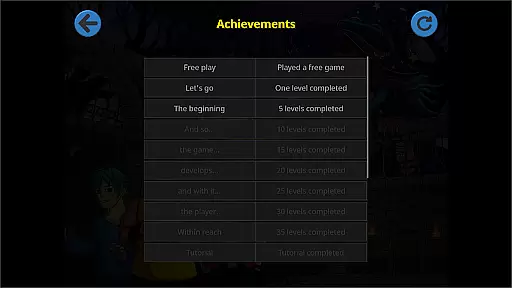
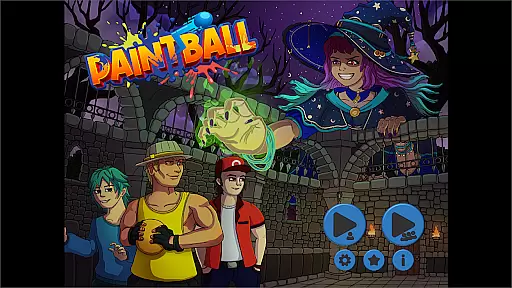
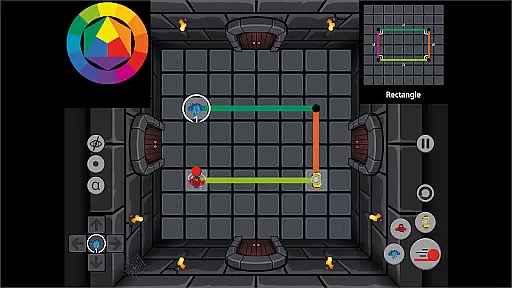
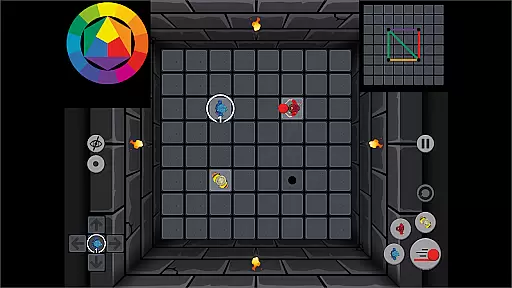
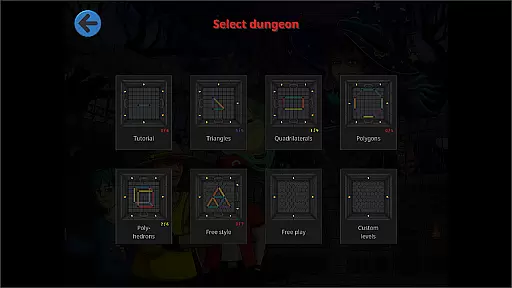
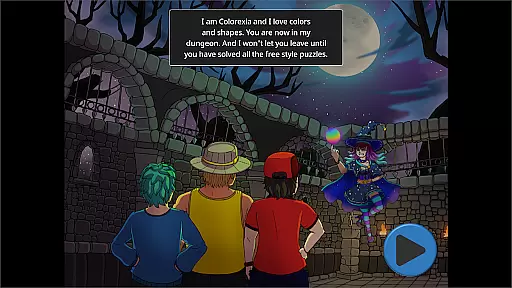
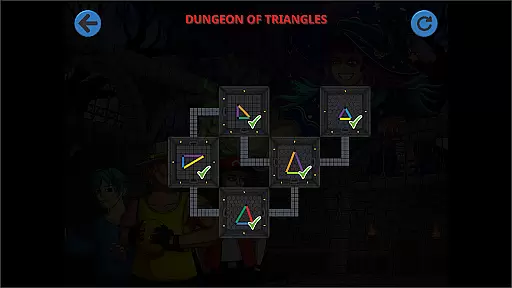
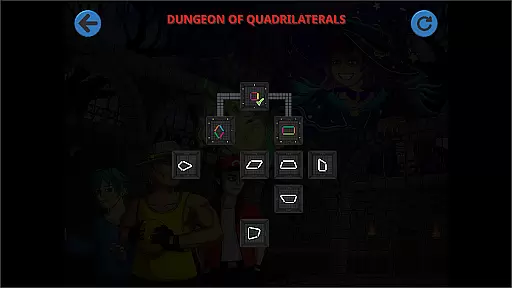
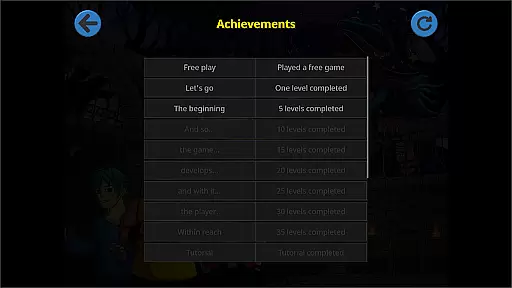
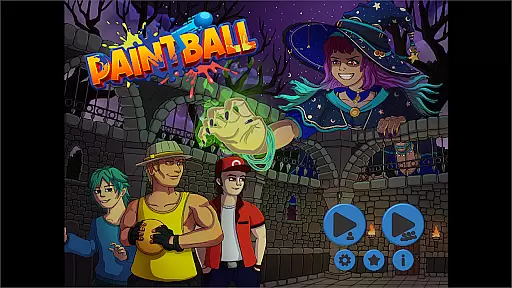
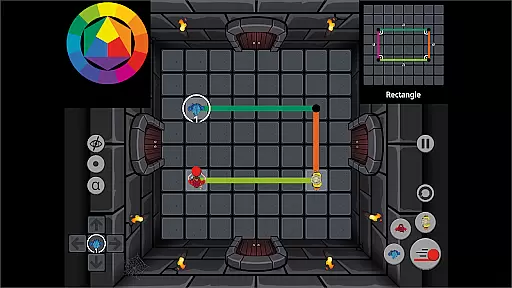
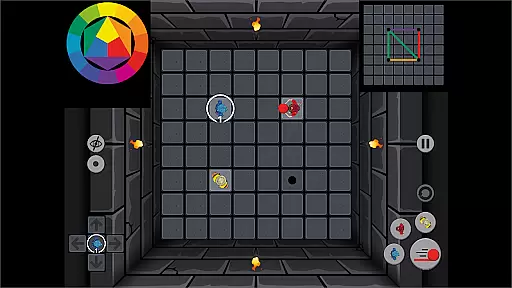
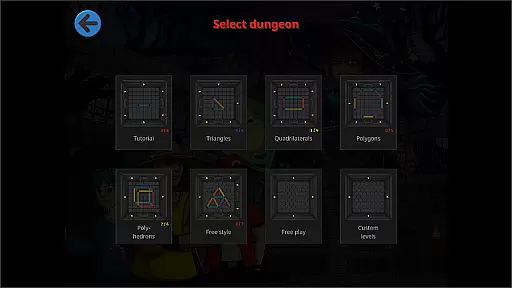
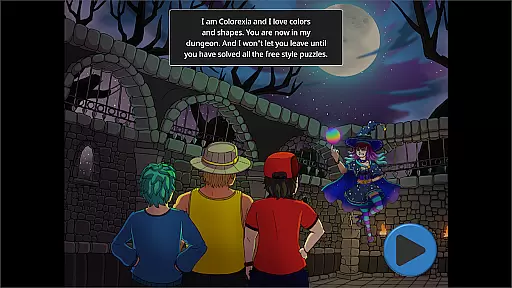
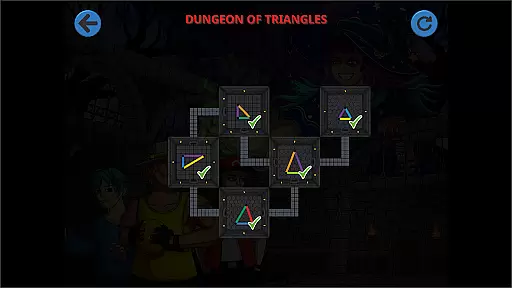
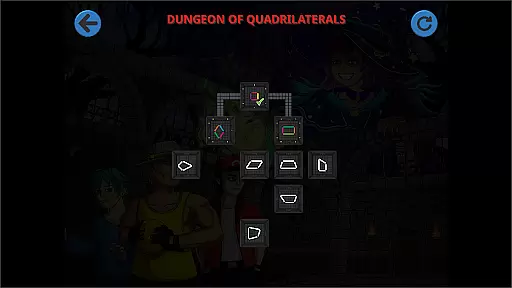
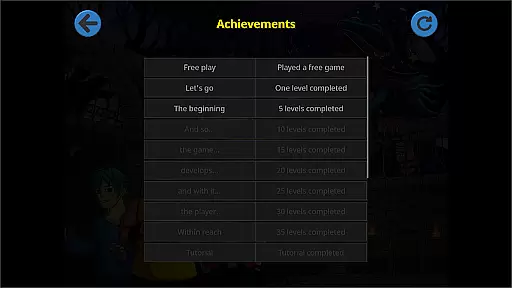
Paintball - The Puzzle Game is an innovative educational app designed to teach geometric concepts through engaging gameplay. In this logic puzzle game, players control three characters who throw paintballs to create colored lines that replicate given geometric shapes.
The app's core functionality lies in its ability to train users in geometry, color theory, and problem-solving while promoting teamwork. Its unique approach combines modular level design with flexible playtime options, making it suitable for both quick classroom activities and extended creative sessions.
Teachers will particularly appreciate the free play mode featuring two geo boards for designing custom levels. This feature enables educators to create personalized learning experiences that can adapt to various teaching styles and student needs.
Paintball stands out with its comprehensive set of educational features. The game's primary mechanism involves strategic planning of paintball throws to create precise geometric patterns, which helps develop spatial reasoning skills.
A key innovation is its multiplayer capability allowing up to three players to collaborate simultaneously. This cooperative gameplay promotes communication, teamwork, and collaborative problem-solving among students.
The app's flexibility shines through its dual-mode system combining structured level challenges with open-ended creative tools. The inclusion of color mixing mechanics adds another layer of educational value, while the time-efficient level design makes it practical for classroom integration.
Paintball - The puzzle game offers a unique approach to education by combining entertainment with learning. The game focuses on teaching geometric shapes, color theory, and problem-solving skills through engaging puzzles.
Each level is carefully designed to align with educational standards, ensuring that players not only enjoy the gameplay but also gain valuable knowledge. The puzzles progressively increase in complexity, allowing users to develop their understanding of geometry and color mixing at their own pace.
The game's curriculum alignment makes it an excellent tool for educators looking to incorporate interactive learning into their lessons. Teachers can use Paintball to supplement traditional teaching methods and provide students with a hands-on learning experience.
By playing Paintball, users benefit from an authoritative content source that has been crafted to ensure educational value while maintaining an entertaining and immersive experience.
One of the standout features of Paintball is its seamless integration of gamification elements with learning objectives. This combination creates an environment where players are motivated to solve puzzles and learn simultaneously.
The game encourages creativity and planning as players must think ahead to replicate geometric shapes using colored lines. This process not only teaches geometry but also enhances critical thinking and strategic planning skills.
Moreover, Paintball promotes communication, cooperation, and collaboration when played with friends. These social interactions add another layer of learning, as players must work together to achieve common goals within the game.
With its innovative approach to blending fun with education, Paintball demonstrates how gamification can be effectively used to create meaningful learning experiences that engage users and foster a love for learning.
Engaging gameplay
Educational value
Team building
Creative freedom
Flexible usage
Limited single-player
Complex controls
Steep learning
Few basic levels
No offline help

Stack the States® 2 makes learning US geography fun!
 4.50
4.50
Get points, learn Spanish, repeat. Speedrun your way to knowledge.
4.0
A must-have sequel to our Learn Letter Sounds with Carnival Kids app
4.30
Create stories and build your own virtual world for your avatar!
3.00
Fun drawing games with coloring book, glow and paint by numbers! Color for kids.
4.20
Where the beloved world of Peppa Pig meets the creativity of LEGO DUPLO!
4.00
A cube building game for small (and large) builders.
4.40
Build your own BRIO railway!
4.30
Create, Style, Repeat!
3.70
Epic battles, interactive quests and exotic pets. Learn math with Prodigy today!
4.70
Explore, create, and play with Hello Kitty and all her friends!
4.60
Kids coloring games for boys! Fun drawing, painting & learning book for kids.
4.60
This will quickly become your kids' favorite animals game!
4.40
Glow Doodle! Baby Coloring & Drawing games for toddlers: Color and Learn! NoAds!
4.40
OG Munchers - Play classic Number Munchers game on Android
4.40
Master your phonics letters and sounds with the Alphablocks!
3.80
Featuring the Numberblocks
3.60
Perfect for Dino fans of all ages.Vivid illustrations.Fascinating_Facts.Narrated
4.1
Have fun learning Alef Beit
4.2


User Reviews