
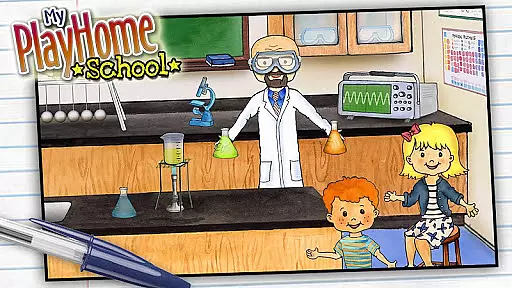
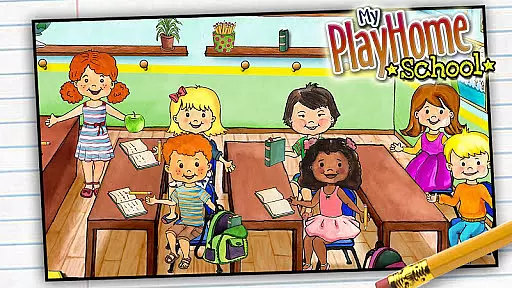
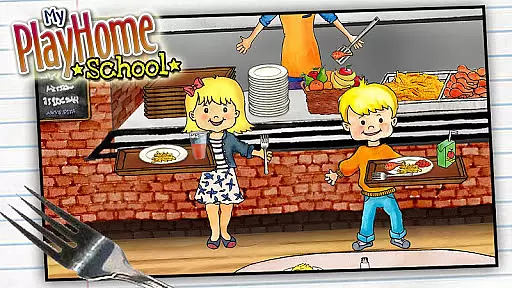
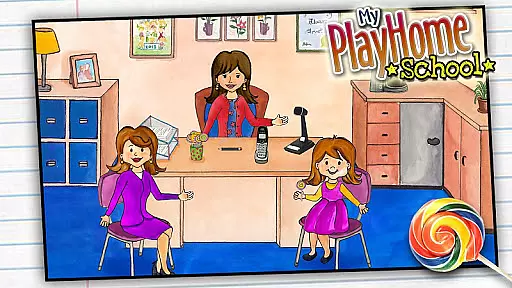
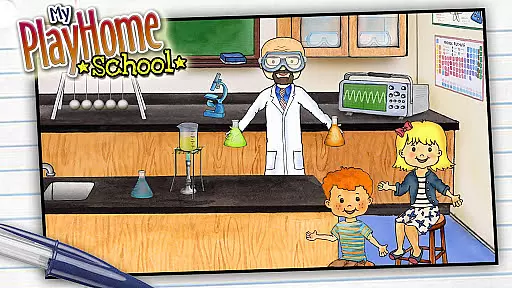
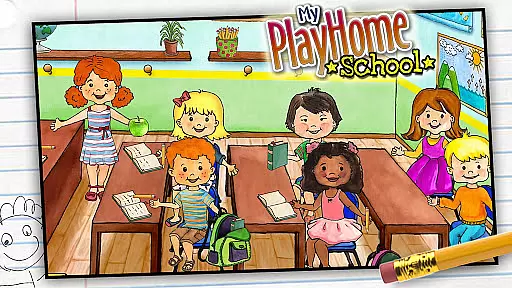
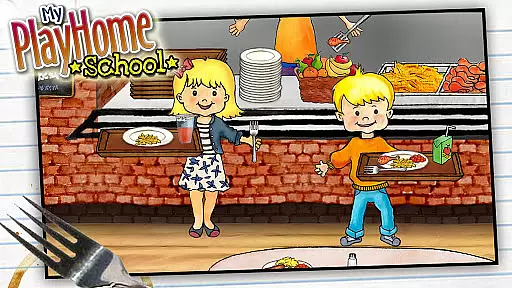
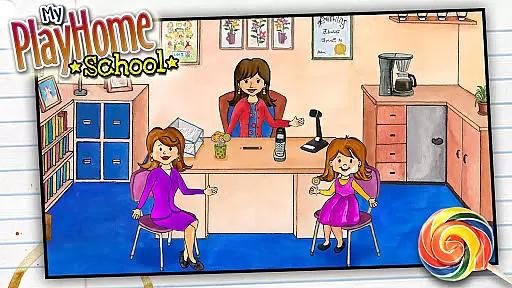
My PlayHome School is an interactive casual game designed for children, offering a virtual school environment where kids can explore and engage in imaginative play. The app expands on the popular My PlayHome series by introducing a classroom setting filled with activities such as teaching, experimenting in the science room, and having lunch in the cafeteria.
This digital toy allows children to role-play various scenarios without imposing any time limits or competitive elements, encouraging open-ended play that stimulates creativity. With seamless integration into the broader My PlayHome universe, users can bring items and experiences from other apps within the series to create a cohesive play experience across different settings.
My PlayHome School stands out with its richly detailed school environment, featuring multiple interactive rooms and objects that respond to touch and manipulation. Each area of the school offers unique opportunities for exploration, from conducting science experiments to cleaning the corridors, providing endless combinations of play scenarios.
The app promotes safe and uninterrupted playtime by ensuring there are no third-party advertisements, in-app purchases, or social media integrations. This approach creates a focused environment where children's imaginations can run wild without external distractions or pressures, making it ideal for parents seeking wholesome digital entertainment for their kids.
My PlayHome School offers a straightforward and intuitive gaming experience that is easy for children to grasp. The absence of time limits, scores, or power-ups ensures that kids can focus on creative and imaginative play without the pressure of achieving specific goals.
The game invites players to explore various school environments such as classrooms, science rooms, and cafeterias. This exploratory approach encourages curiosity and allows children to mimic real-life scenarios, enhancing their understanding of the world around them.
By integrating with other My PlayHome apps, the game provides a seamless transition between different settings, from home to school. This interconnectedness enriches the gameplay by expanding the scope of play and allowing children to create more complex narratives.
One of the standout features of My PlayHome School is its adaptability to different play session lengths. Whether a child has a few minutes or several hours, the game accommodates varying timeframes effortlessly. There are no rigid structures or mandatory sequences, enabling kids to start and stop their play sessions at will.
This flexibility makes it an ideal choice for parents looking for engaging yet undemanding activities for their children. Kids can enjoy short bursts of play during breaks or indulge in longer sessions during leisure time, making it perfect for today's fast-paced lifestyle.
Moreover, the game's design ensures that no matter how brief or extended a session might be, the experience remains fulfilling and enjoyable. This adaptability not only enhances user satisfaction but also encourages repeated engagement over time.
User-friendly interface
Encourages creativity
No in-app purchases
Safe for children
Integrated play experience
Limited educational content
Not suitable for older kids
Simple graphics
Repetitive gameplay
Occasional bugs
Please solve the hexa puzzle.
 4.2
4.2
All-in-one tricky challenges, viral trending mini games. Stay calm & relax.
4.20
Blend & Match! Mix colors on paper, compare with objects, aim for perfect match!
4.30
Funny Italian Brainrot games for antistress. Unwind with Italian Meme games.
4.70
In My Favorites, a fun game where you choose what are your favorites.
4.4
Fun drinking & party game with dares, sips, timers, and a live leaderboard!
4.5
Roll the Dice and Build Your Kingdom - Can You Beat Your Friends?
4.70
A fun and relaxing idle game
4.20
Manage a fish tank of guppies and other aquarium creatures
4.60
Start with a simple lemon stand and grow into a business tycoon!
5.00
More fast-paced, food-making, cooking fun for everyone!
4.90
Unmissable Black Friday Discounts! Come and unlock your 3D screw puzzles offers!
4.80
Style your hair with Hair salon, Spa Beauty salon - Make up doll game
4.50
Plan, craft and compete—an idle RPG with a smart Forge and Eternal cards.
4.20
A cozy idle farming game, watch tiny guys do tasks around the terrace.
4.20
Relive those 8 bit glory days
4.2
Make funny fake chats & videos with celebs — prank your friends!
4.3
Classic brain train minigames
4.0
A companion app for score tracking while playing My Cows! on a roadtrip
4.2


User Reviews