
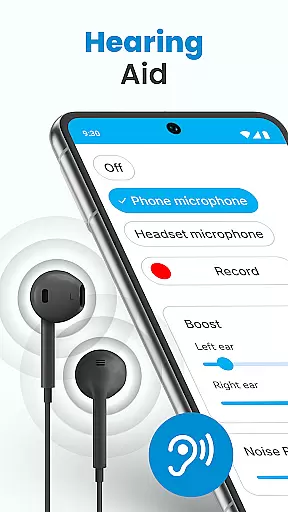
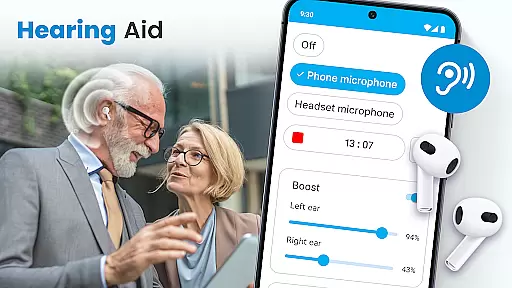
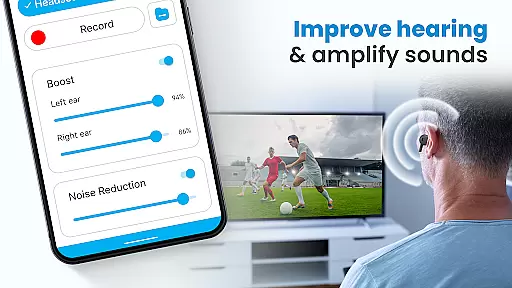
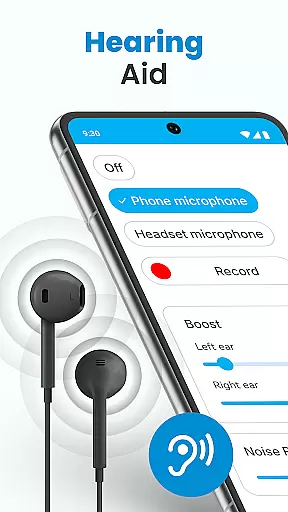
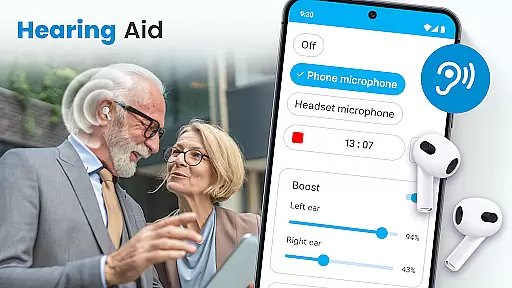
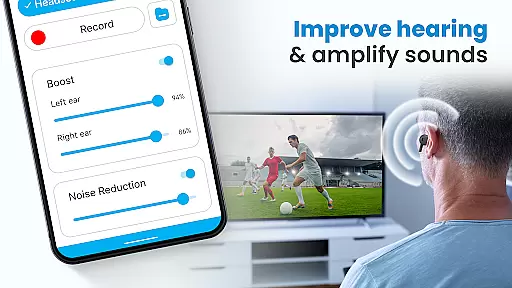
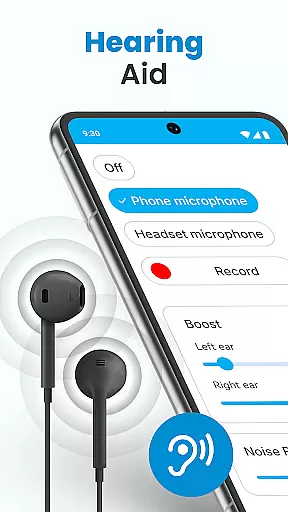
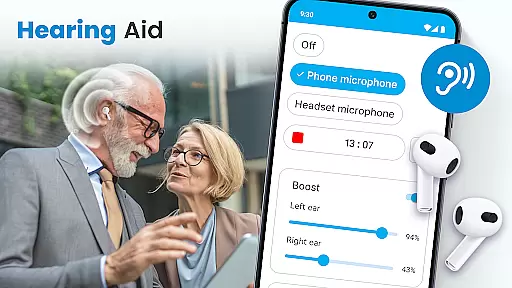
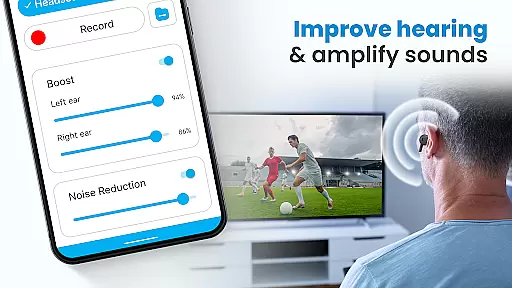
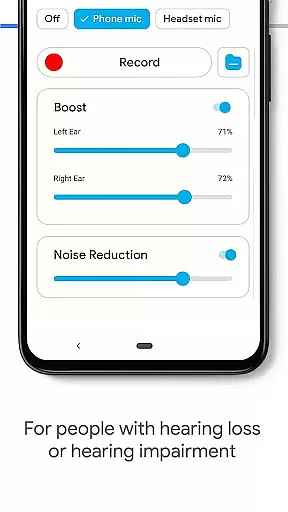
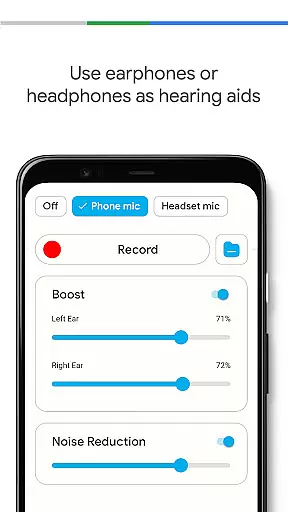
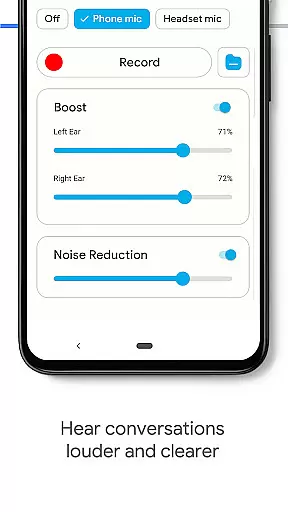
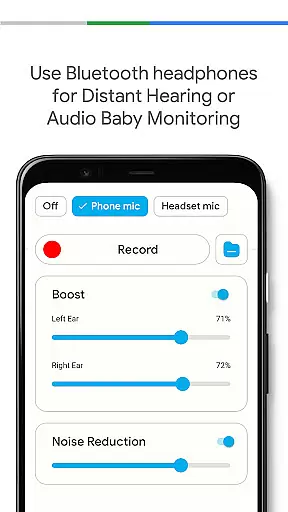
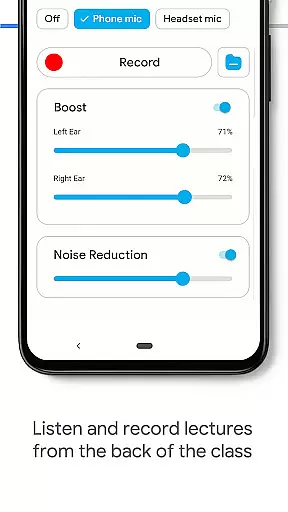
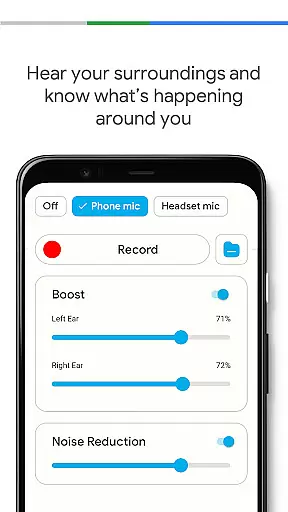
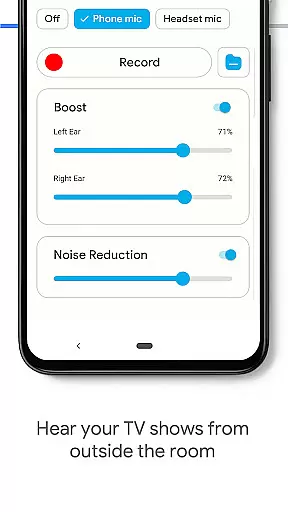
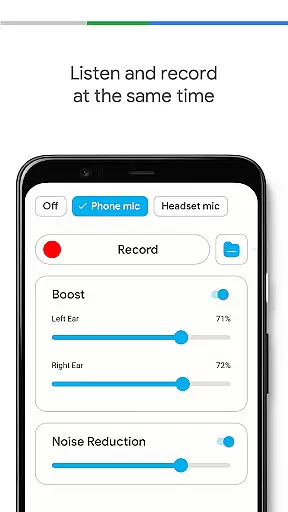
Hearing Aid App for Android is a revolutionary mobile application designed to enhance hearing capabilities and amplify sounds for users with mild hearing impairments. This app transforms your Android device into a powerful hearing aid by capturing external sounds, reducing background noise, and streaming clearer audio at increased volumes.
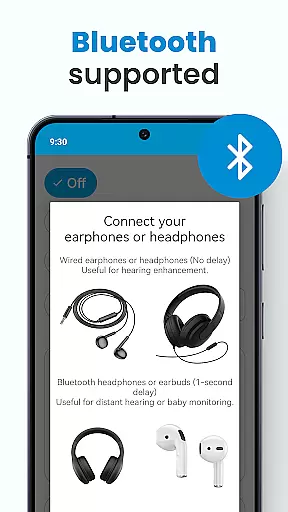
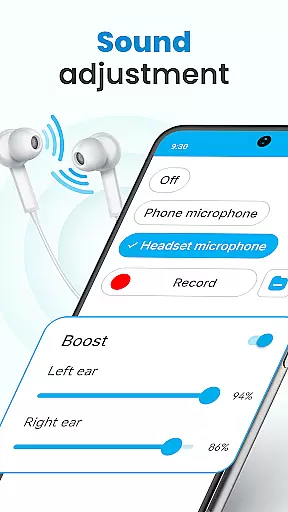
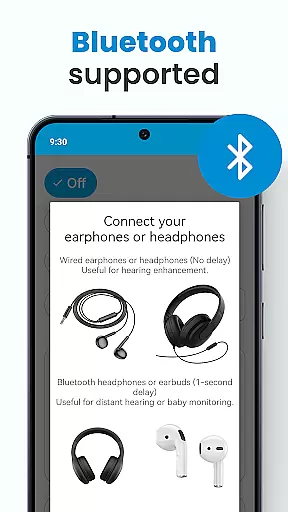
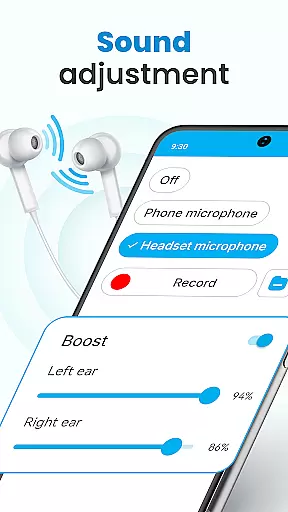
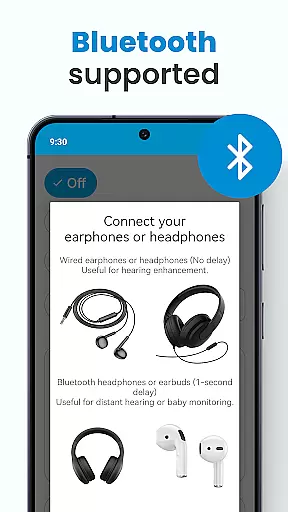
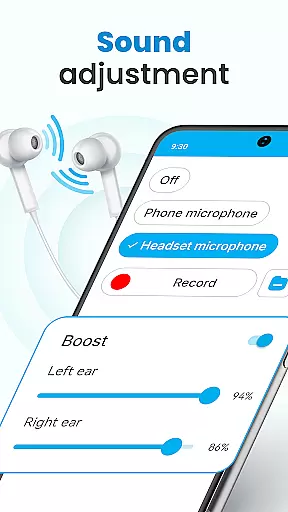
The application offers advanced features such as left and right ear sound adjustment, customizable environmental sound settings, and support for both wired and Bluetooth earphones. Whether you're attending meetings, lectures, or social events, this app ensures every word is heard clearly. The intuitive design allows users to easily adjust volume levels and personalize their listening experience.
Perfect for various scenarios, from professional environments to casual settings, Hearing Aid App provides an accessible solution for those seeking affordable hearing assistance. By turning your phone into a personal hearing-enhancing device, it helps users stay connected with their surroundings without compromising audio quality.
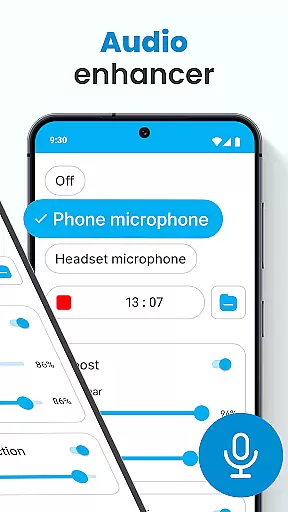
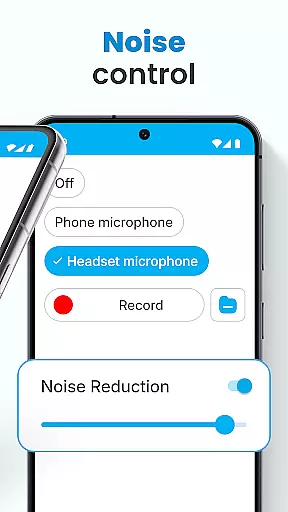
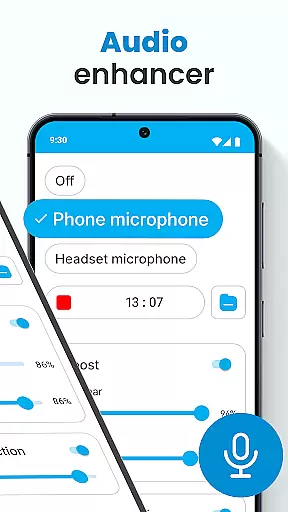
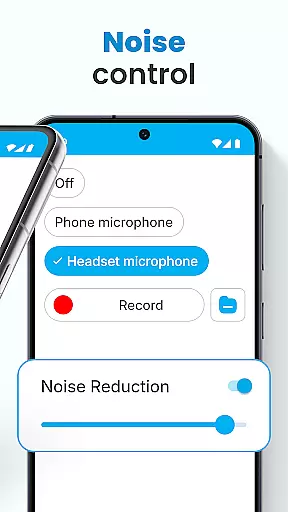
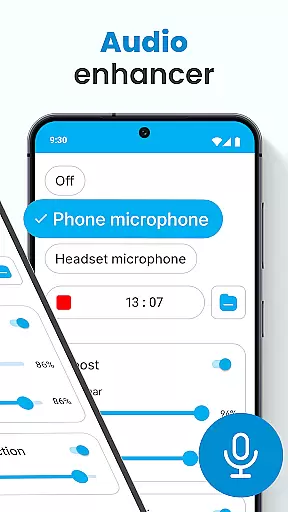
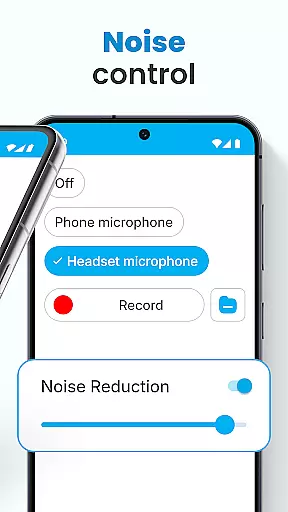
Hearing Aid App for Android stands out with its comprehensive set of features designed to improve auditory experiences. The core functionality includes an advanced Audio Enhancer that significantly boosts hearing volume while maintaining sound clarity. The app's Noise Control feature effectively eliminates background disturbances, creating a focused listening environment.
One of the key innovations is the Super Hearing Volume Booster, which utilizes either the phone's microphone or a selected headset mic for optimal sound capture. Users can benefit from independent left and right ear sound adjustments, allowing precise customization of audio output. The Background Mode enables continuous listening even when using other apps or when the device is locked.
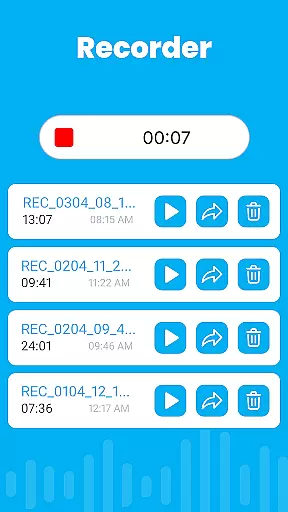
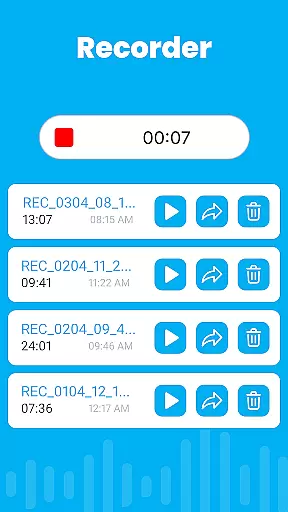
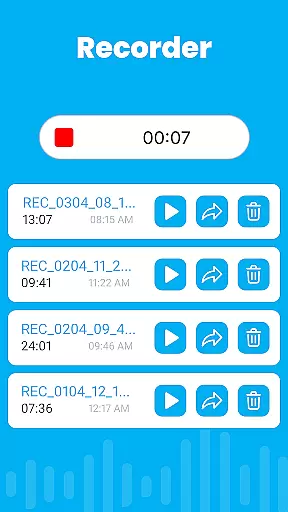
Additional notable features include an integrated Audio Recorder for personalized sound management, automatic speech enhancement in noisy environments, and support for various environmental settings. The app's ability to work seamlessly with Bluetooth devices expands its usability, making it a versatile tool for modern hearing assistance needs.
In the realm of mobile health applications, ensuring the credibility of medical content is paramount. The Hearing Aid App for Android rises to this challenge by offering features that are not only designed to improve hearing but also grounded in sound medical science. This application amplifies sounds and enhances the listening experience through carefully engineered functionalities such as noise control and audio enhancement.
Each feature within the app is crafted with expert oversight, ensuring that users receive a product that aligns with professional standards. For instance, the Super Hearing Volume Booster allows personalized adjustments for each ear, reflecting an understanding of individual auditory needs. Such customization is indicative of a deep comprehension of audiological principles, which is essential for users relying on this app for hearing assistance.
Moreover, the inclusion of an Audio Recorder and the ability to save various environmental sound settings demonstrate the app's commitment to both flexibility and precision. These tools empower users to tailor their auditory experience while maintaining the integrity of the original soundscapes. By prioritizing these aspects, the Hearing Aid App for Android establishes itself as a reliable aid for those seeking to enhance their hearing capabilities.
While the Hearing Aid App for Android primarily focuses on sound amplification and auditory enhancement, it indirectly supports teleconsultation quality by ensuring clear communication. In scenarios where users engage with healthcare professionals remotely, the necessity for precise audio transmission is critical. This app addresses that need by providing noise control and background mode features, which collectively contribute to a clearer, uninterrupted sound experience during virtual consultations.
The app's capacity to eliminate background disturbances ensures that every word exchanged during a teleconsultation is captured with clarity. This functionality is particularly beneficial when users discuss their conditions or receive guidance from medical experts. The ability to adjust volumes per ear further refines this interaction, allowing for a balanced and comfortable listening experience that does not strain the useru2019s auditory faculties.
Additionally, the integration of Bluetooth support expands the app's utility during teleconsultations, enabling seamless connectivity with other devices. This versatility ensures that users can maintain high-quality audio input and output regardless of their setup. Consequently, the Hearing Aid App for Android not only serves as a personal hearing aid solution but also as an enhancer of remote healthcare interactions, making it a valuable tool in modern telemedicine practices.
User-friendly interface
Effective noise reduction
Customizable settings
Bluetooth compatibility
Background operation
Limited severe hearing support
Battery consumption high
Occasional audio delay
Basic visual design
No cloud backup

Adaptive-learning flashcards and quizzes for the Top 250 Drugs
 4.60
4.60
We’ve made it easy for Oscar members to get care on the go.
4.30
Secure video visits with your VA care team from anywhere
4.50
World's largest contact lens store
4.60
The MDLIVE app makes connecting with a doctor fast, easy, and convenient.
4.60
Elegant, easy-to-use period tracker for fertility, PMS symptoms, and more
4.90
Search by insurance, see real-time openings & verified reviews, get care fast.
4.80
A rapid reference for healthcare professionals caring for pediatric patients.
4.30
Tap & save. Coupons that fit in your pocket. Find low prices on prescriptions.
4.80
Pelvic Floor Muscle Exercises
4.80
The NightOwl Companion app allows you to interact with the NightOwl sensor.
4.70
The doctor will see you now
4.70
Sync your blood glucose device, log values automatically and tame your diabetes!
4.60
Log your symptoms in the MyZio app — the perfect companion to the Zio monitor!
4.60
ASCCP Management Guidelines- There’s an app for that!
4.60
3rd trimester? Counting Kicks is what moms should do-It’s important & easy too!
4.30
One app to unlock your health
4.30
Explore human anatomy with this rich learning experience.
4.00
Update medical records, view upcoming appointments, message your provider & more
3.80


User Reviews