
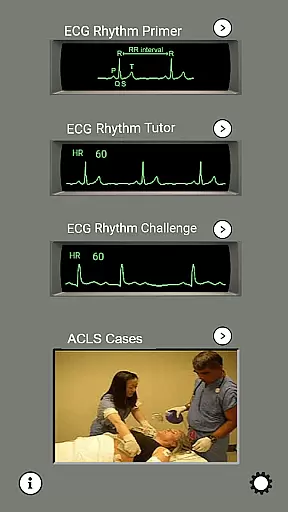
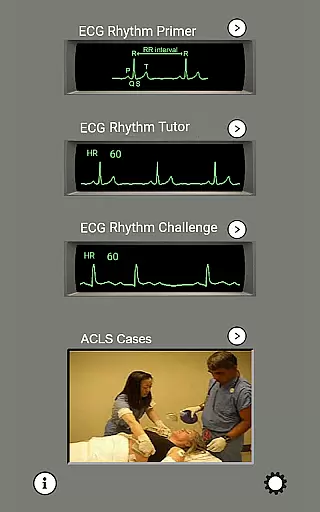
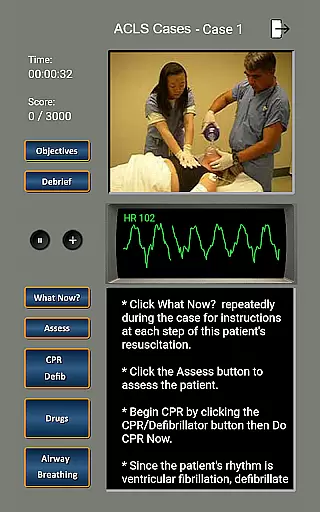
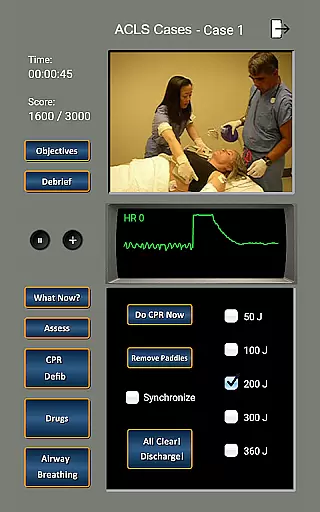
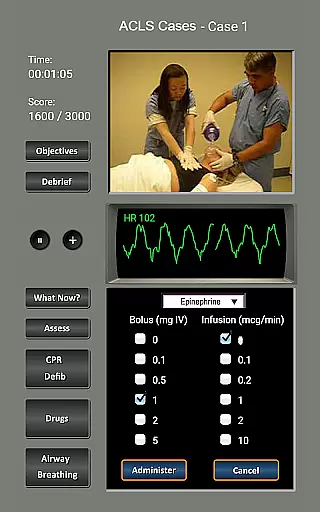
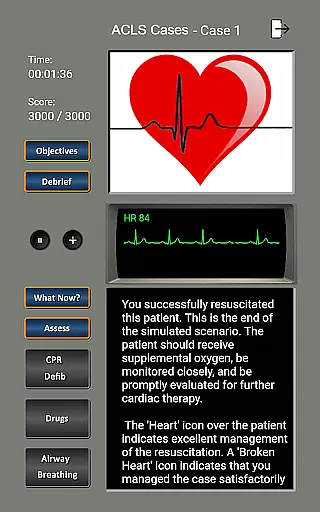
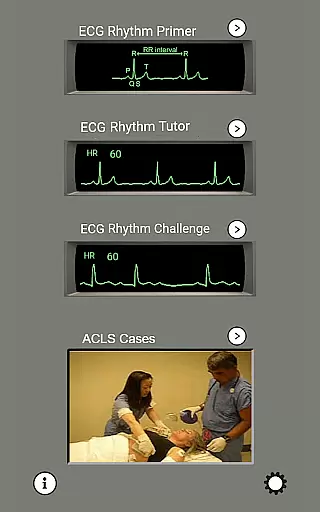
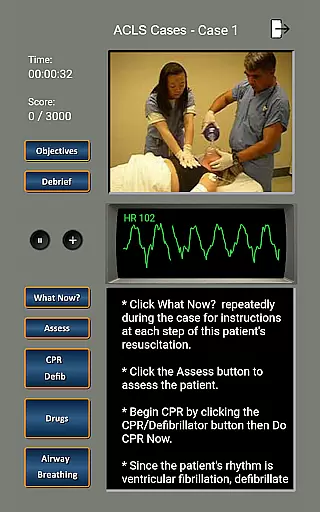
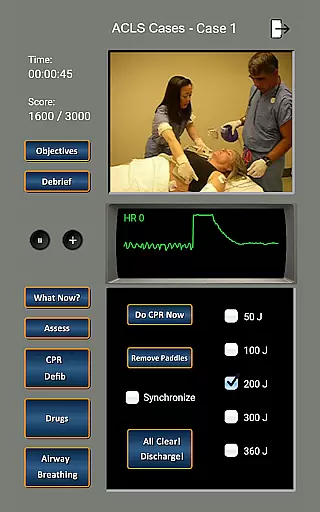
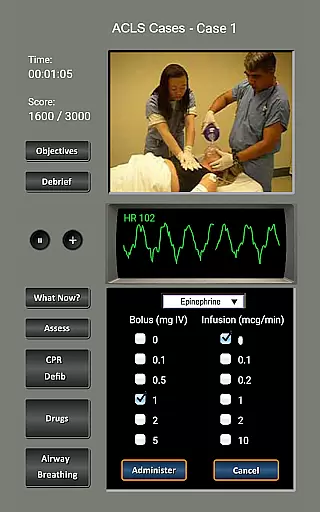
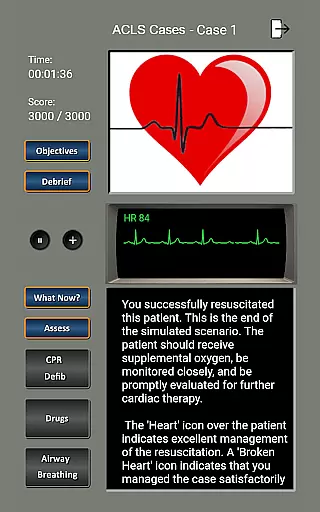
ECG and ACLS Tutor is a comprehensive medical training application designed to help healthcare professionals master the skills required for the American Heart Association's Advanced Cardiac Life Support (ACLS) course. The app focuses on improving users' ability to identify ECG rhythms and treat patients effectively, ensuring readiness to lead 'code blue' teams in real-life scenarios.
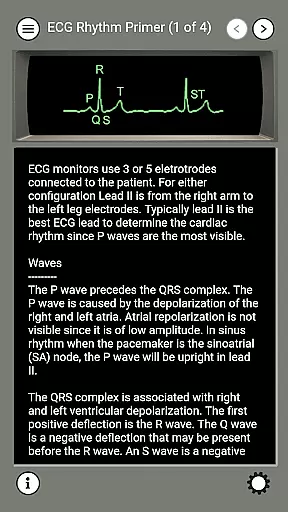
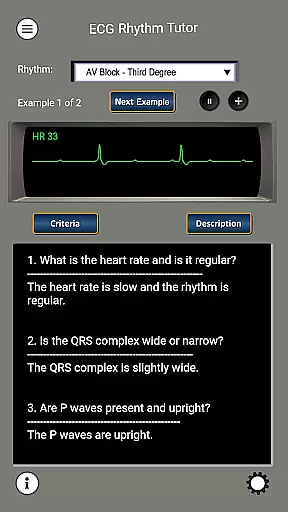
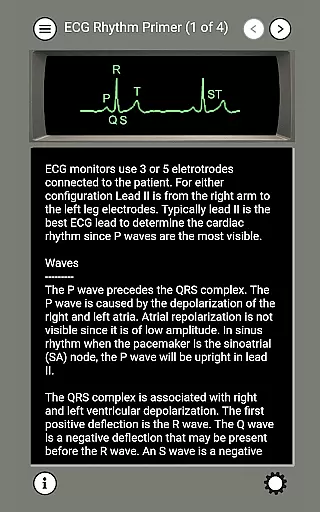
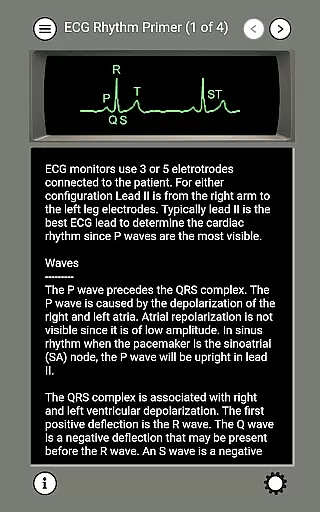
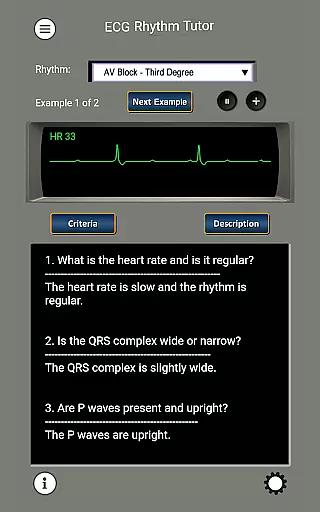
The app features four distinct modules that cater to different aspects of cardiac resuscitation training. These include an ECG Rhythm Primer, Rhythm Tutor, Rhythm Challenge, and an ACLS module. Through these modules, users can review the basics of ECG rhythm identification, practice with dynamic ECG waveforms, and simulate realistic megacode management based on the latest 2020 AHA guidelines. With regular use, this app ensures that medical practitioners maintain their critical life-saving skills.
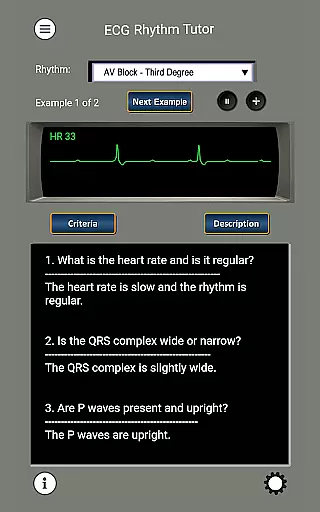
This app is particularly useful for those who need to stay updated with ACLS protocols and want to practice their skills in a simulated environment. By presenting 80 different ECG waveforms dynamically across the screen, it enhances clinical decision-making abilities more effectively than static textbook learning. This makes ECG and ACLS Tutor an invaluable tool for ongoing professional development in emergency medicine.
ECG and ACLS Tutor offers a robust set of features tailored to enhance the user's ability to diagnose and manage cardiac emergencies. One standout feature is the dynamic presentation of 80 different ECG waveforms, which mimic real-life ECG monitors. This functionality allows users to develop the crucial skill of recognizing ECG rhythms as they appear in clinical settings, rather than relying solely on static tracings.
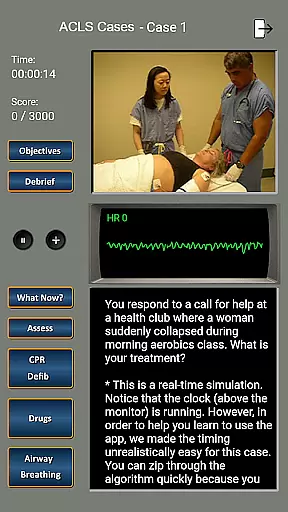
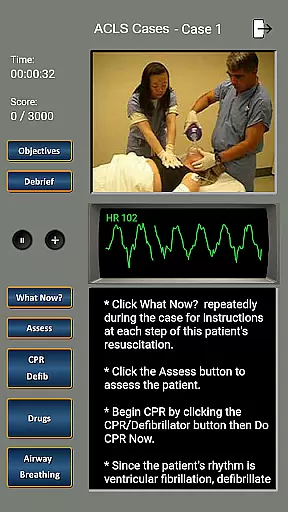
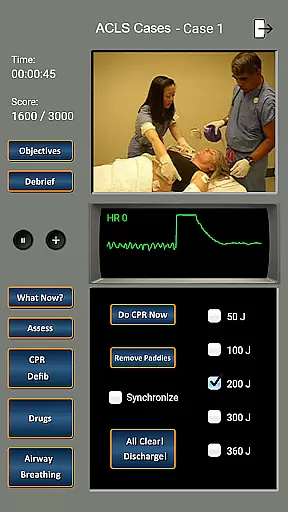
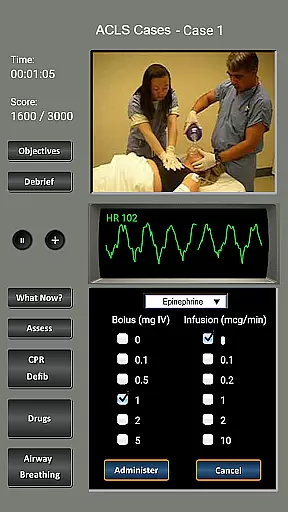
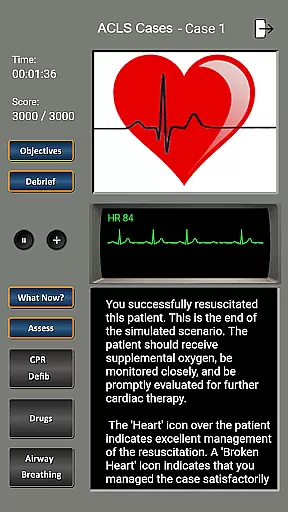
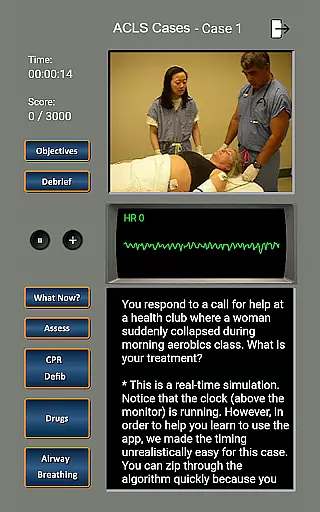
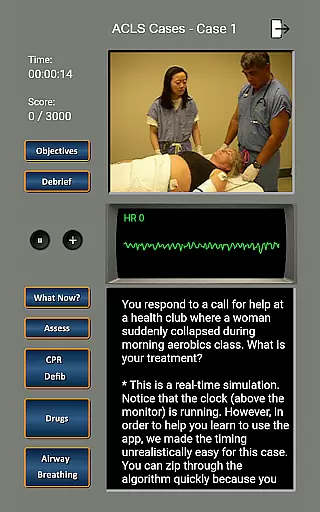
The app includes four specialized modules: ECG Rhythm Primer, Rhythm Tutor, Rhythm Challenge, and ACLS simulator. Each module serves a unique purpose, from teaching the fundamentals of ECG interpretation to testing the user's diagnostic skills under pressure. The ACLS module, in particular, provides a realistic screen-based simulator where users can practice managing cardiac arrest scenarios according to the latest 2020 AHA guidelines.
Another key feature is the inclusion of 12 cardiac arrest case scenarios, covering various conditions such as ventricular fibrillation, pulseless ventricular tachycardia, and asystole. These scenarios enable users to rehearse their roles as team leaders, guiding assistants through resuscitation efforts, including defibrillation and medication administration. This hands-on approach ensures that users are well-prepared for real-life emergencies while reinforcing theoretical knowledge with practical application.
In the realm of medical applications, content credibility is paramount. ECG and ACLS Tutor sets a high standard by aligning its training modules with the latest 2020 American Heart Association (AHA) guidelines. This ensures that users are learning protocols and procedures that are up-to-date and clinically validated.
The app's content has been crafted under the careful consideration of cardiac experts, which adds a layer of authority to the lessons imparted. The inclusion of four distinct modulesu2014ECG Rhythm Primer, Rhythm Tutor, Rhythm Challenge, and the ACLS moduleu2014provides a comprehensive approach to mastering cardiac resuscitation skills.
Each module within the app serves as a conduit for expert knowledge, translating complex medical concepts into digestible information. With features like the dynamic ECG waveforms and realistic megacode management scenarios, users receive an educational experience that closely mirrors real-life medical situations.
By regularly engaging with ECG and ACLS Tutor, healthcare professionals can ensure their skills remain sharp and reliable, equipping them to act decisively during critical moments in patient care.
While ECG and ACLS Tutor does not provide teleconsultation services, it excels in preparing medical practitioners for effective teleconsultations through rigorous simulation training. The app's realistic screen-based simulator allows users to practice leading a 'code blue' team, honing their decision-making abilities in virtual environments.
Through the ACLS module, users can rehearse megacode management, which is crucial for teleconsultations where guidance on resuscitation efforts might be required. This preparation enhances the quality of remote consultations by ensuring practitioners are well-versed in emergency protocols.
Furthermore, the app's adherence to AHA guidelines means that users are trained according to standardized practices, which is essential when coordinating with other healthcare providers during teleconsultations. This consistency supports seamless communication and cooperation across different medical teams.
Ultimately, while not a teleconsultation platform itself, ECG and ACLS Tutor indirectly elevates the quality of telemedicine by empowering healthcare providers with the confidence and competence needed for virtual patient interactions.
User-friendly interface
Dynamic ECG waveforms
Comprehensive ACLS training
Realistic simulation scenarios
Regularly updated content
Limited to ACLS protocols
No offline functionality
Advanced medical knowledge required
Subscription fees apply
Not suitable for beginners

The OptumRx app empowers you to become an advocate of your pharmacy benefits.
 4.40
4.40
Blue Cross and Blue Shield of Texas member information
4.60
OKN Strips, OptoDrum, OKN
4.3
Remote, medical-grade heart care at your fingertips
4.70
Internal medicine literature at your fingertips.
4.50
This app is simply 1 book (also large app) and 17 other apps combined into 1
4.70
The Client Portal app empowers you to manage care from one secure place
4.10
Find and Price Care
4.60
Get Rx fast at the pharmacy, schedule health care, and shop ExtraCare savings.
3.30
myVCA is your tailor-made guide to raising a healthy and happy pet.
4.90
The Better Pharmacy Experience
4.90
Access health information and communicate with your care team anytime, anywhere.
4.80
Discover the source of pain with Muscle Trigger Point Anatomy.
4.70
The MDLIVE app makes connecting with a doctor fast, easy, and convenient.
4.60
Check and Track your Blood Pressure & Heart Rate.
4.50
Download OctaApp for easy access to your plasma donation info
4.40
One app to unlock your health
4.30
MySafeRide simplifies booking and managing rides for health plan members.
3.50
The world's best selling 3D Human Anatomy app with groundbreaking 3D technology
2.00


User Reviews