
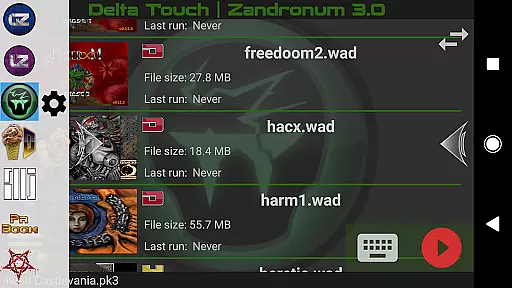
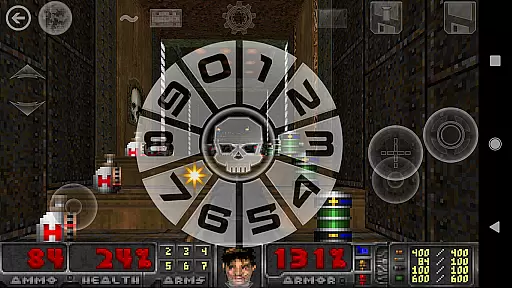
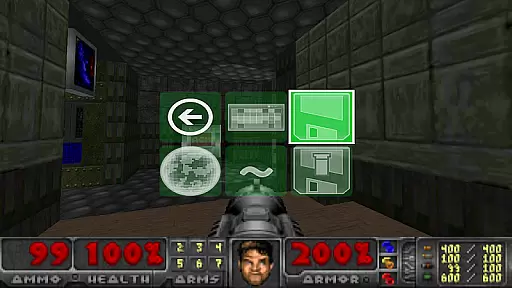
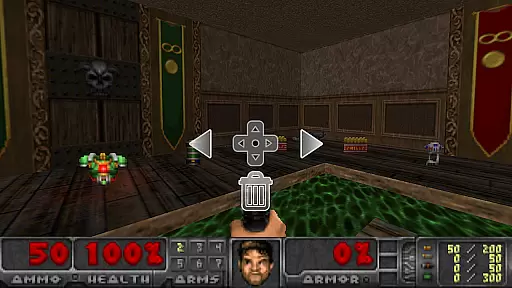
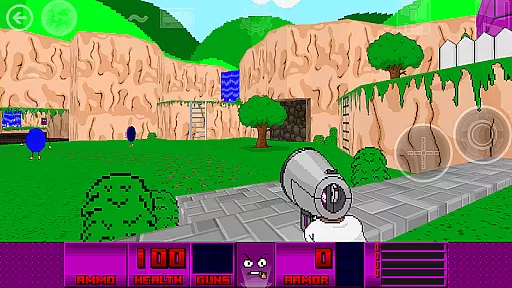
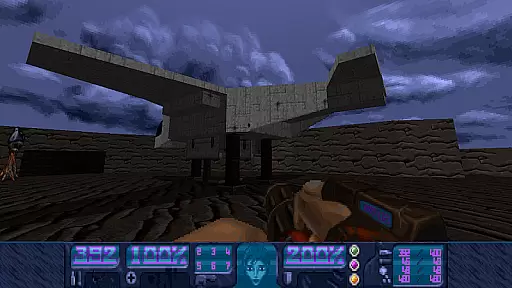
Delta Touch brings ten of the best Doom engine source ports to Android, offering an unparalleled retro gaming experience. The app includes popular ports like GZDoom, Zandronum, Chocolate Doom, and more, supporting a wide range of Doom-based games including Doom, Hexen, Heretic, and Strife. With full touch screen controls and gamepad support, it provides flexible play options for both casual and hardcore gamers.
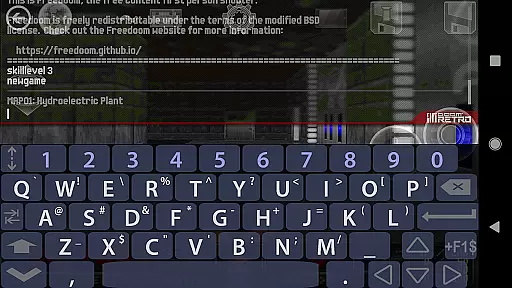
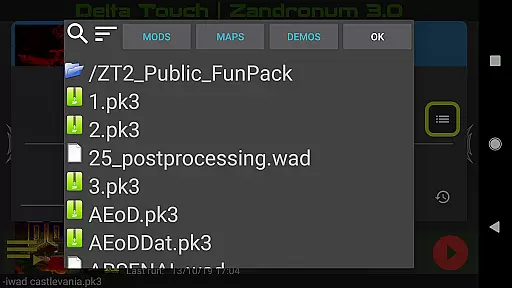
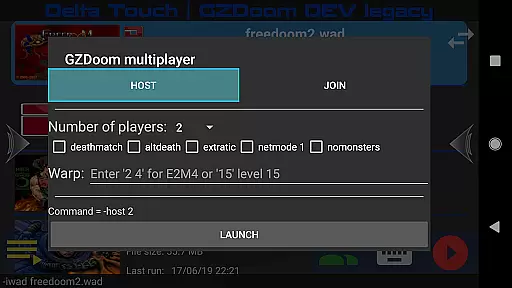
The application stands out with its highly customizable control schemes, built-in keyboard for cheats, and console commands. It also features a custom UI for easy selection of WAD files and mods, 18 custom buttons for GZDoom mods, and various rendering modes. Additionally, Delta Touch supports multiplayer modes for certain engines and offers advanced features like gyroscopic aim assist and mouse/keyboard support on compatible devices.
Whether you're reliving nostalgic moments or discovering classic Doom gameplay for the first time, Delta Touch delivers a comprehensive package that caters to all types of players. Its ability to run thousands of community-made mods and levels ensures endless entertainment possibilities, making it a must-have for any action gaming enthusiast.
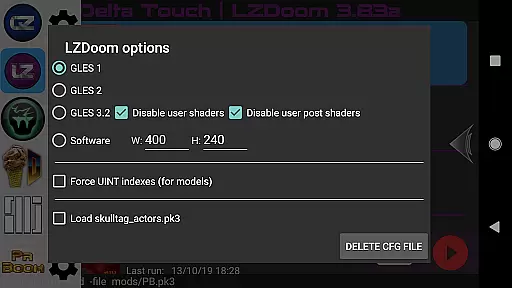
Delta Touch boasts an impressive array of features designed to enhance the Doom gaming experience on mobile. One of its standout characteristics is the inclusion of ten different Doom engine source ports, each with unique capabilities and optimizations. For instance, GZDoom versions provide cutting-edge graphics and modding support, while Chocolate Doom focuses on preserving the original game's feel and compatibility.
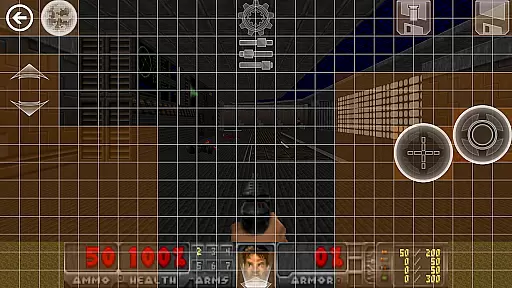
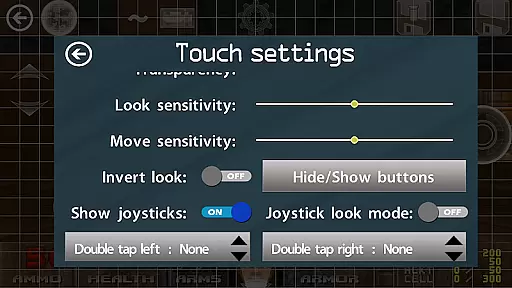
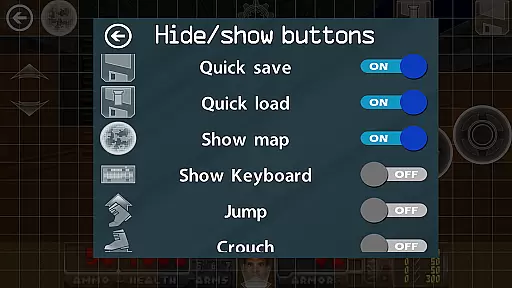
The app offers extensive customization options for touch controls, allowing users to tailor the interface to their preferences. This includes save/load functionality for control layouts, ensuring a personalized and consistent experience across sessions. Additionally, the built-in keyboard facilitates cheat code entry and console commands, giving power users greater control over their gameplay.
Another remarkable feature is the robust mod support system. Players can access thousands of community-created mods and levels, significantly extending the game's longevity and replay value. The inclusion of multiplayer launchers for select engines and advanced options like gyroscopic aim assist further enriches the overall experience, making Delta Touch a versatile platform for Doom enthusiasts.
Control responsiveness and latency are crucial factors in action games like Delta Touch. The app offers highly customizable touch screen controls, ensuring that players can fine-tune the responsiveness to their preference.
With support for gamepads and keyboard inputs, Delta Touch provides a versatile control scheme that minimizes input delay. This is particularly important for fast-paced games where split-second reactions can make or break the gaming experience.
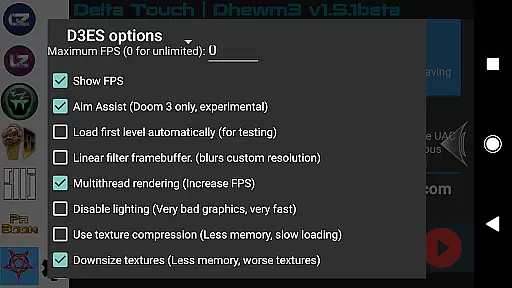
The inclusion of gyro aim assist further enhances control precision, allowing players to leverage their device's gyroscope for more accurate aiming. This feature is especially beneficial for gamers using mobile devices, as it adds an extra layer of immersion and control.
Overall, Delta Touch ensures that whether you're using touch controls, a gamepad, or mouse and keyboard, your inputs are registered swiftly and accurately, providing a seamless and responsive gaming experience.
Combat feedback tightness refers to how well the game communicates the impact of combat actions to the player. Delta Touch excels in this area by offering various rendering modes and customizable UI elements that enhance the visual and auditory feedback during combat scenarios.
The app supports thousands of community-made mods and levels, many of which are designed to heighten the intensity and realism of combat feedback. Players can choose mods that suit their preferences, ensuring that every hit, explosion, or special ability feels impactful and satisfying.
Additionally, Delta Touch includes features such as built-in cheat access and console commands, giving players even more control over their combat experience. These tools allow users to tweak gameplay parameters to achieve the desired level of challenge and feedback.
By combining robust customization options with high-quality audio and visual effects, Delta Touch delivers tight combat feedback that keeps players engaged and immersed in the action-packed world of Doom engine games.
Extensive engine variety
Customizable controls
Built-in keyboard
Rich mod support
Multiplayer options
Requires high-end device
No included Doom data
Complex setup process
Limited gamepad support
Large storage needs

Evolve monsters, climb tiers, and cash out real money in Monster Cash!
 4.80
4.80
Epic Fantasy RPG & Arena
4.30
Online & offline multiplayer FPS shooting game. Play PvP live with your friends!
4.60
Swing into action as a spider legend in an epic fighting adventure
4.60
Grand criminal online open-world RP action game! Drive cars and commit crimes!
4.40
Plan. Adapt. Assassinate.
4.80
Experience the epic Western adventures that defined a generation
3.90
Supreme Duelist is a funny fighting mobile game
4.50
Break the ragdoll and relieve your stress! This is the ultimate de-stress game.
4.40
Brotato: The Ultimate Bullet Hell Experience!
4.80
Shooting Defense Game! Defend the dungeon from the heroes!
4.80
Keep an eye on the animatronics and you'll make it thru the night... probably.
4.70
Weaphones is the ultimate firearms simulator for your phone or tablet.
4.60
Take a katana in your ninja hands to fight foes! Stylish ninja stickman game
4.60
The Ultimate AAA Shooter: Mobile Warfare Redefined.
4.60
Destiny experience on mobile! Epic Sci-fi RPG Shooter!
4.40
Fast-paced multiplayer fun. 3v3 & 5v5 matches, PvP brawls and battle royales!
4.20
The Official Amazing Frog? by Fayju
3.60
Five years ago, Carl ‘CJ’ Johnson escaped the haze of Los Santos, San Andreas…
3.30


User Reviews