
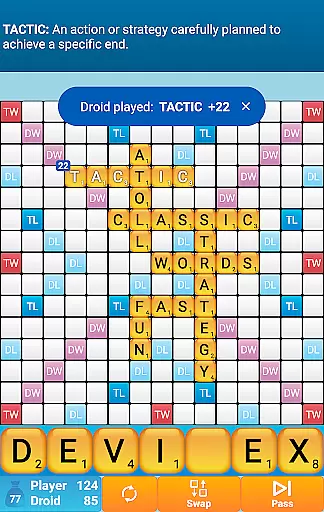
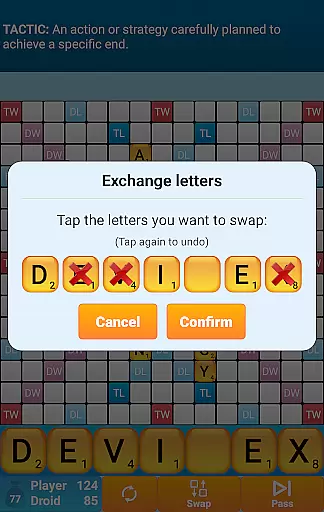
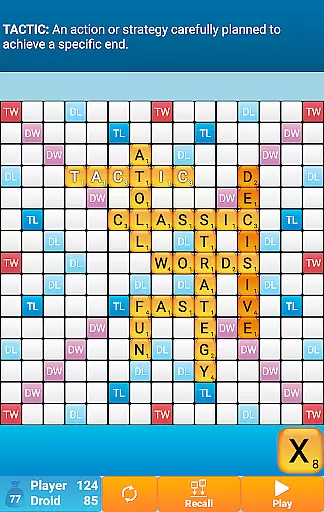
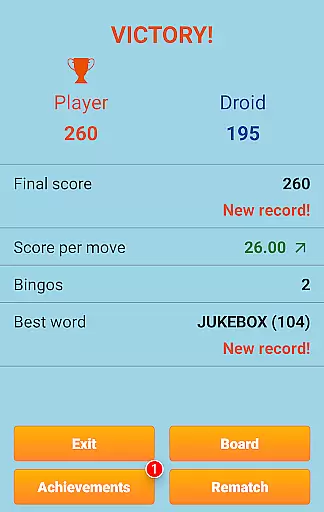
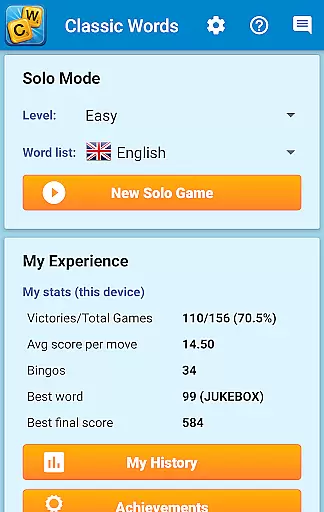
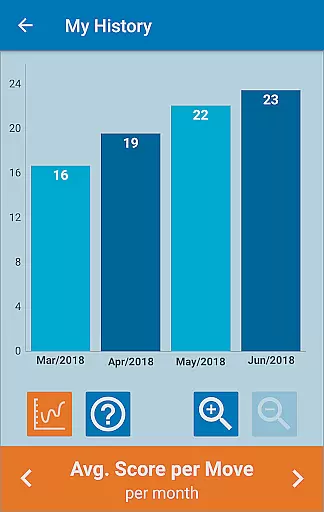
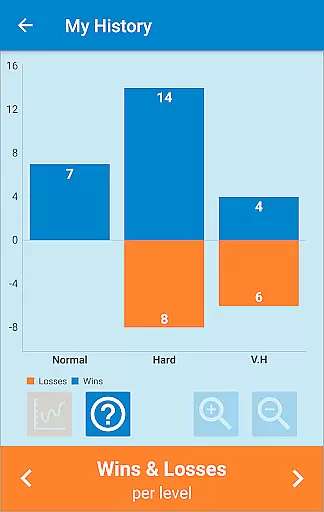
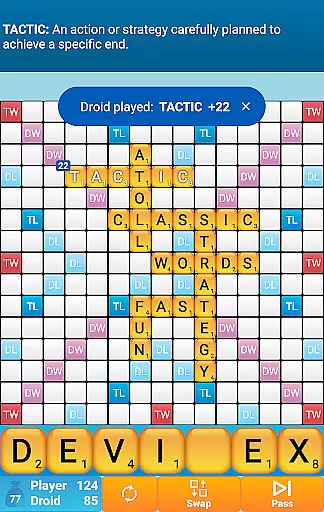
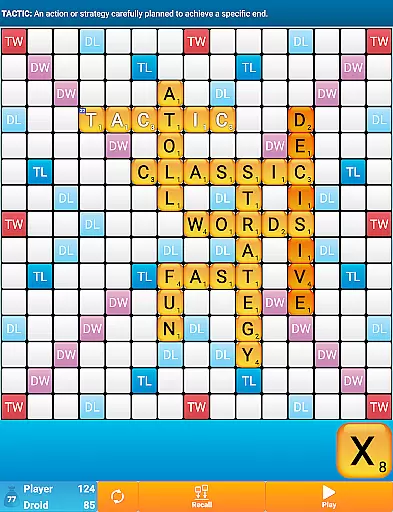
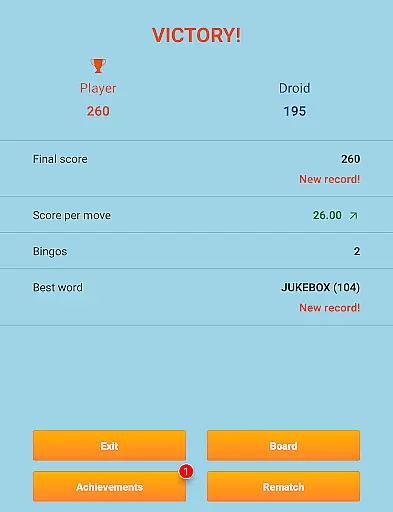
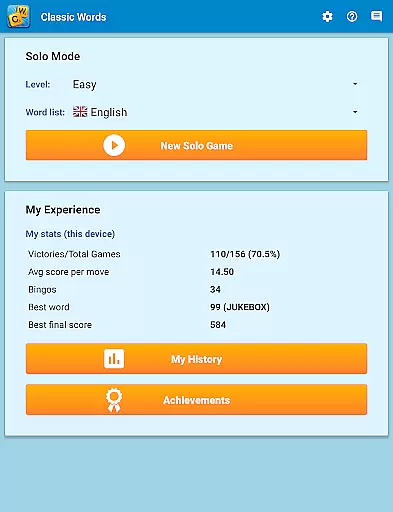
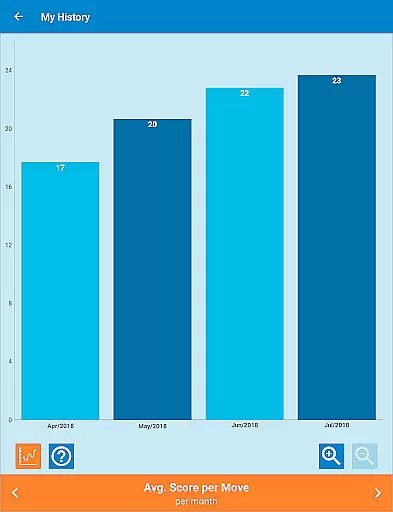
Classic Words Plus is a premium word game that offers an ad-free, engaging experience for crossword enthusiasts. The game allows solo play against a smart AI on your smartphone or tablet, providing a seamless blend of strategy and vocabulary building. With 6 difficulty levels and support for multiple languages including English, Spanish, French, and German, it caters to both beginners and advanced players.
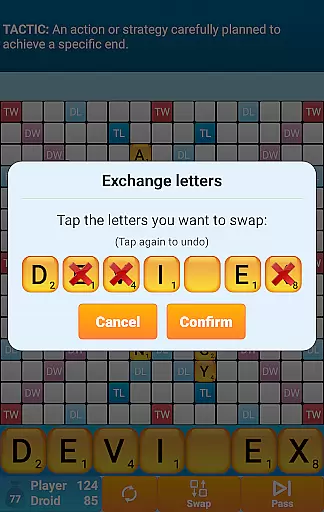
One standout feature is the Teacher mode, which helps expand your vocabulary by displaying word definitions. The game also includes a Pass-and-Play mode for offline two-player games, making it versatile for different play styles. Whether you're honing your skills or simply enjoying a pastime, Classic Words Plus delivers a rich, educational experience without the frustrations of multiplayer wait times or cheating concerns.
Classic Words Plus boasts several unique features that enhance its gameplay. The smart AI adapts to various skill levels, ensuring challenging matches whether you're a novice or expert. A key highlight is the ability to display word definitions by simply swiping, enriching your understanding of new terms while you play.
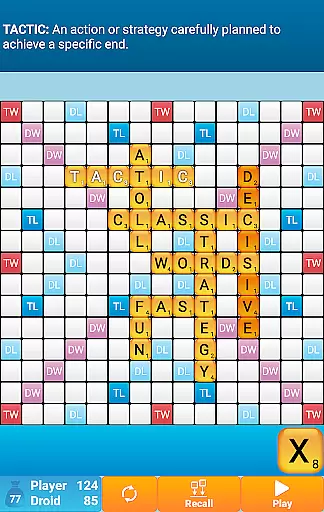
The game supports multiple languages with specialized dictionaries, such as the NASPA Word List 2020 for English. Each language's letter distribution and scoring are meticulously adapted, offering an authentic experience. Additionally, the inclusion of high-scoring board squares and a Bingo bonus system adds strategic depth, rewarding creative word placement and tactical thinking.
Clue quality and clarity are essential in word games as they guide players to form valid words. Classic Words Plus ensures that clues are not only clear but also educational. The game provides definitions for words, enriching players' vocabulary as they play.
The inclusion of a 'Teacher' feature further enhances clue quality by offering insights into word meanings, which is invaluable for learning and strategy development. This app stands out by making every clue an opportunity for players to improve their language skills.
Players can enjoy the game in multiple languages, including English, Spanish, French, Italian, German, Dutch, and Polish. Each language's word list is carefully curated, ensuring that clues adhere to official tournament standards and offer a fair challenge to players.
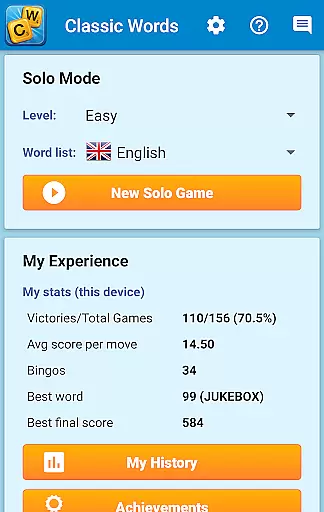
Puzzle variety in Classic Words Plus is demonstrated through its support for multiple languages and difficulty levels, catering to a wide range of players from beginners to experts. With six distinct difficulty settings, players can choose their challenge level and progress at their own pace.
The game boasts an extensive array of word lists, such as the NASPA Word List 2020 for English, keeping the puzzles fresh and engaging. Players can also expect regular updates with new words, maintaining the game's dynamic nature and replayability.
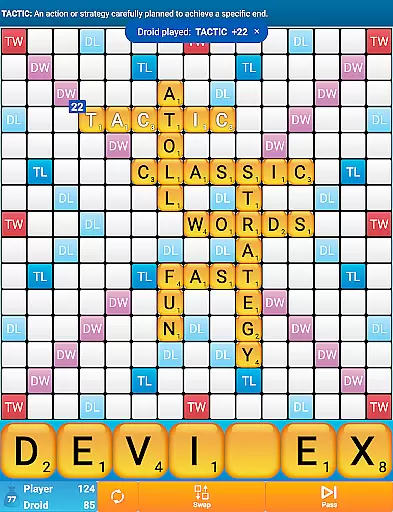
Classic Words Plus offers diverse gameplay elements like Double Letter, Double Word, Triple Letter, and Triple Word squares, adding layers of strategy. These features ensure that each game session presents a unique puzzle, encouraging players to devise new tactics and improve their word-building skills.
Ad-free experience
Smart AI opponent
Multi-language support
Offline play capability
Educational value
No online multiplayer
Limited social features
Premium cost
Complex for beginners
Fewer updates

Unleash your vocabulary in the world’s #1 word cross puzzle game!
 4.70
4.70
Relax, challenge yourself, and sharpen your mind anytime, anywhere!
4.60
Get the Party Started with the Ultimate Charades Game! Give Hints, Make Guesses.
3.90
Enhance your mind and unwind with word puzzles and solitaire. Play now!
4.80
Explore the world playing word puzzle games. Relax your brain by finding words
4.80
Guessing word game for smartphones and smartwatches
4.1
Word search for watch. You can already wear your word search always at wrist!
3.30
A roguelike word game!
4.70
A collection of engaging word and logic games with puzzles for all skill levels
4.80
Challenge your brain with online learning and solve word puzzles!
4.90
Play this visually-pleasing word game specially designed for seniors!
4.90
Guess who is the Impostor and Mr White. Party game to play with friends. Fake it
4.80
Looking for inspiration? Enjoy offline Bible word games and unlock daily verses.
4.80
Play Word Games & train your brain in Word Collect - Word Games Fun Word Games!
4.70
Logic word search puzzles! Brain game, unscramble letters! Daily crossword games
4.50
Daily crossword puzzles for brain training! Master vocabulary with word games!
4.50
Play heads up with family and friends in an amazing charades and guessing game!
4.30
750 professional casual crosswords to keep you busy during coffee break.
4.10
Word puzzles with cute bears to enjoy, just don’t let the bubble bee bother you!
4.0


User Reviews