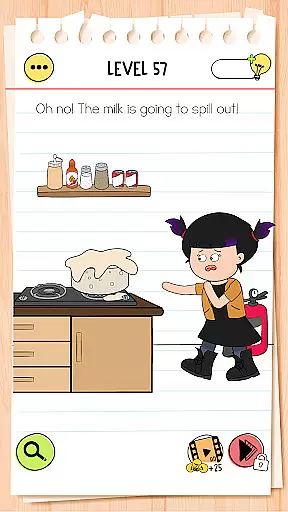
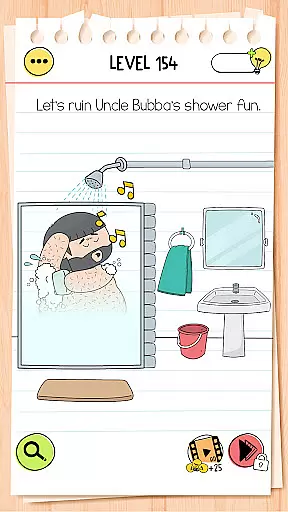
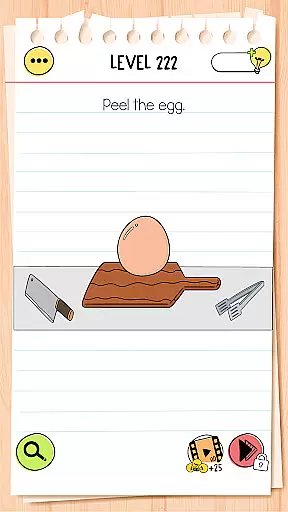
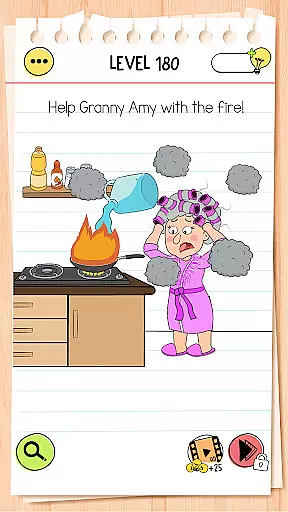
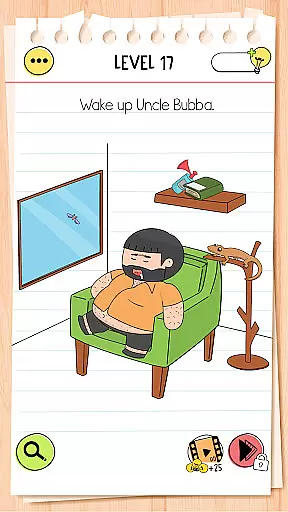
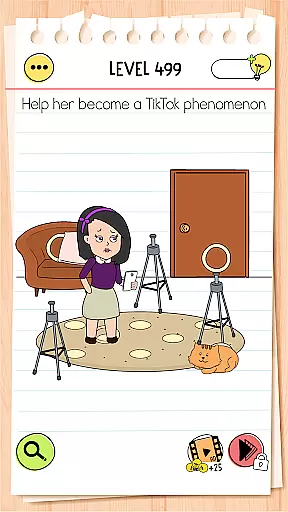
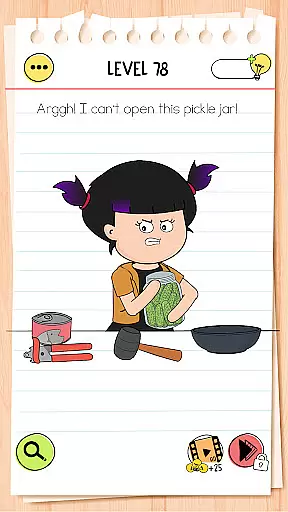
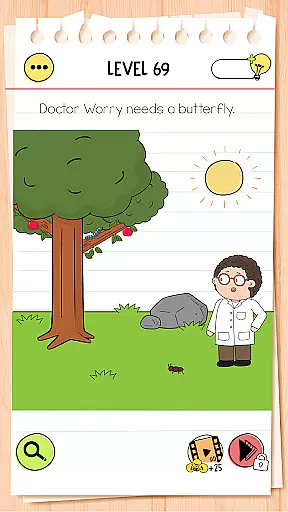
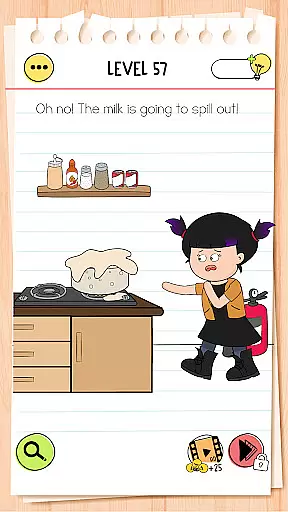
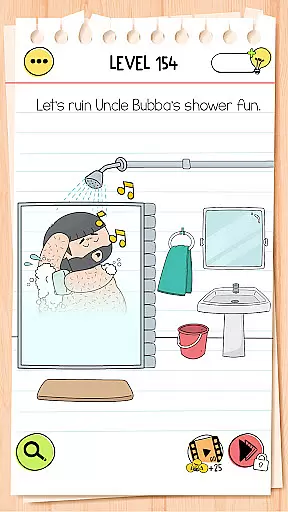
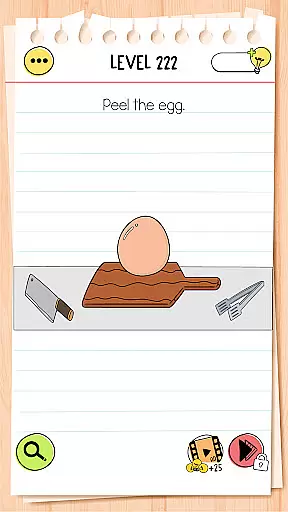
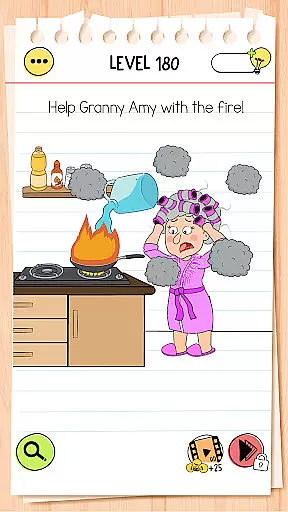
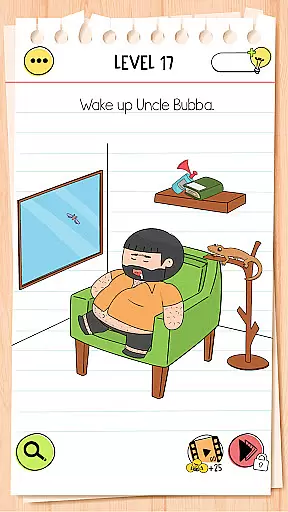
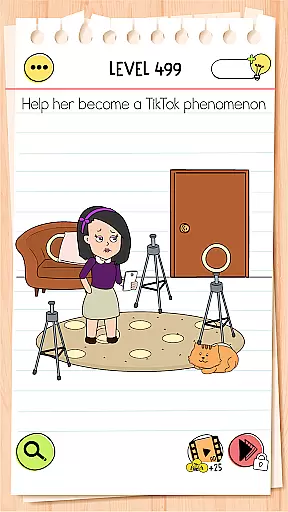
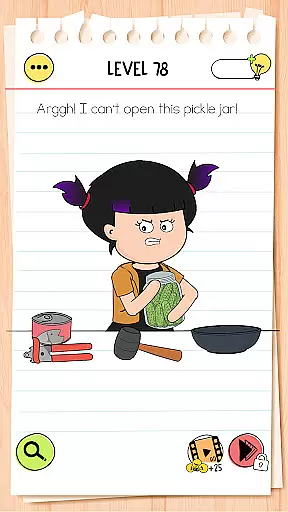
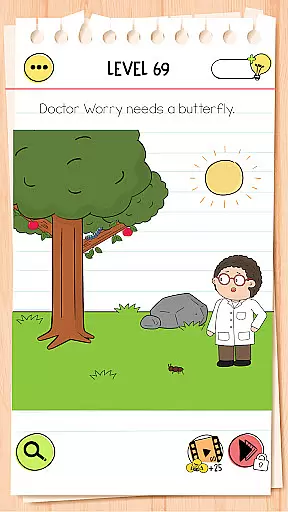
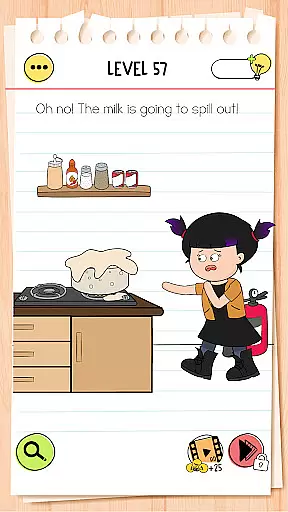
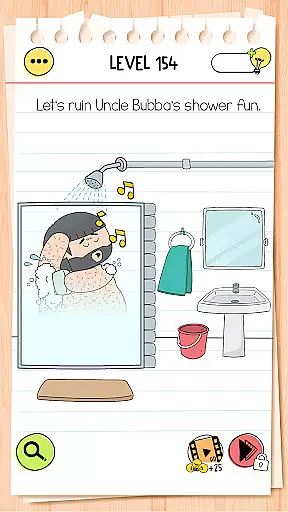
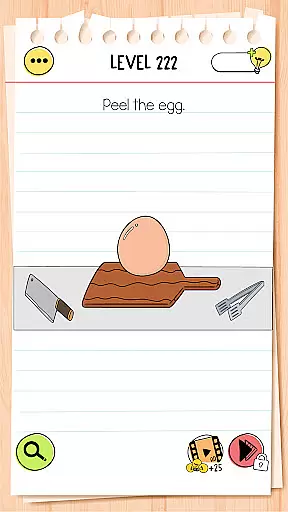
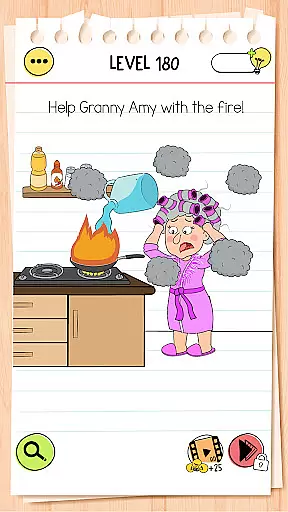
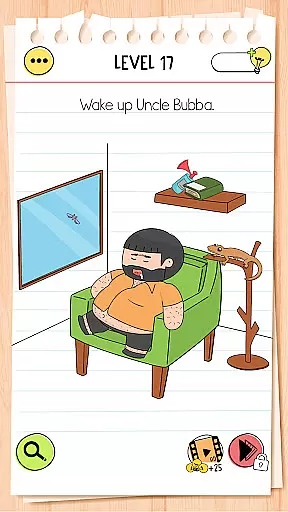
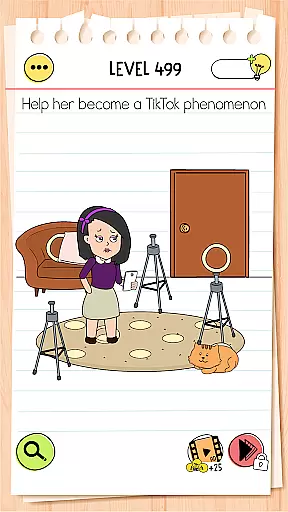
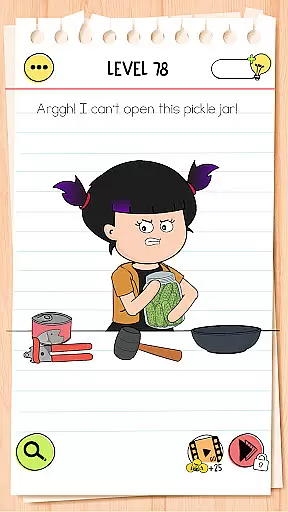
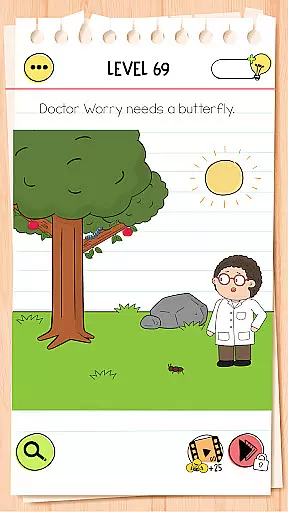
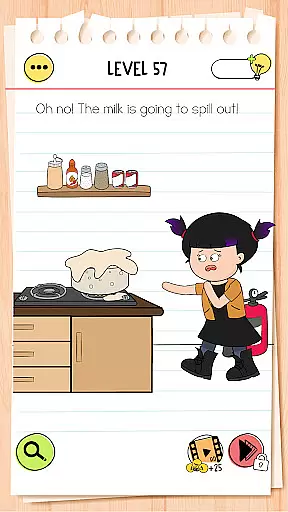
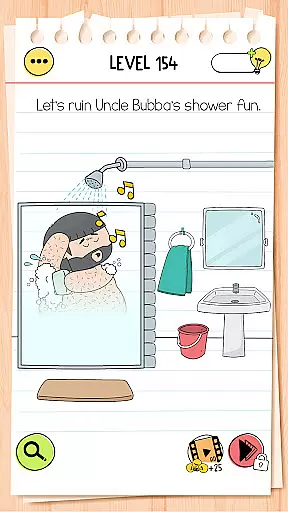
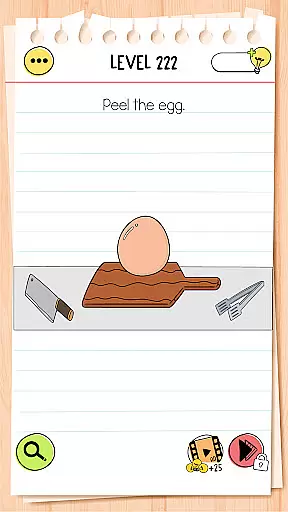
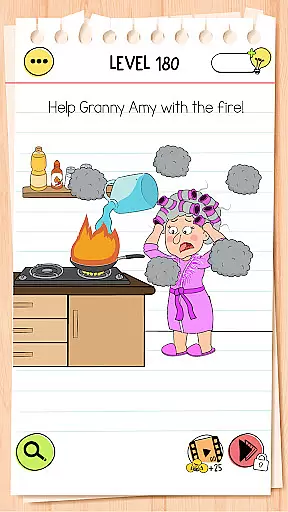
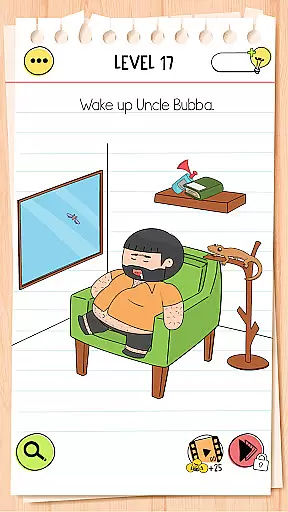
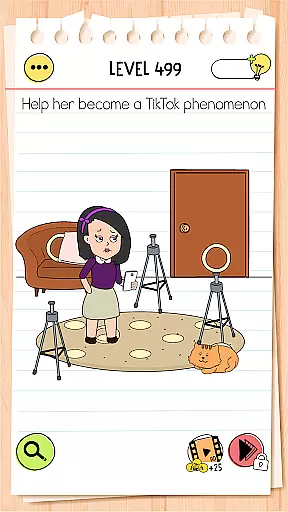
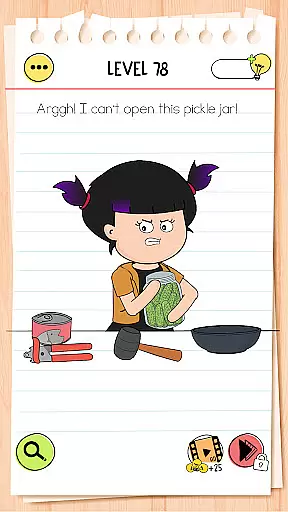
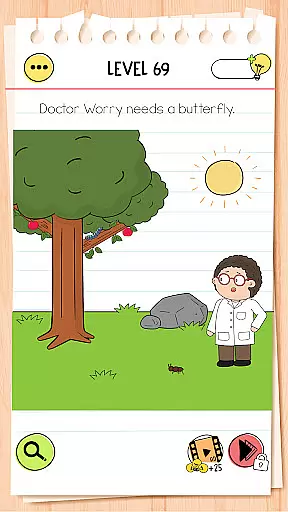
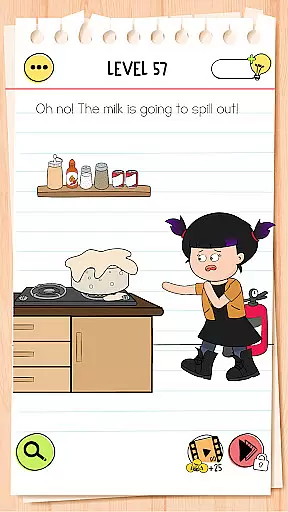
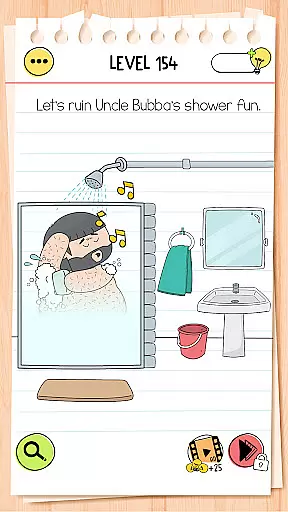
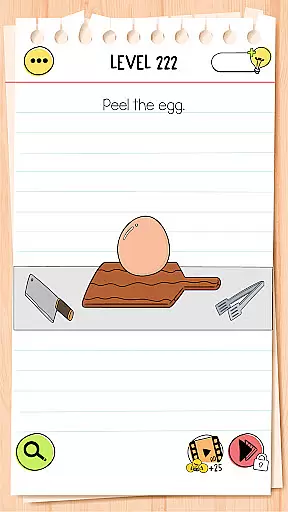
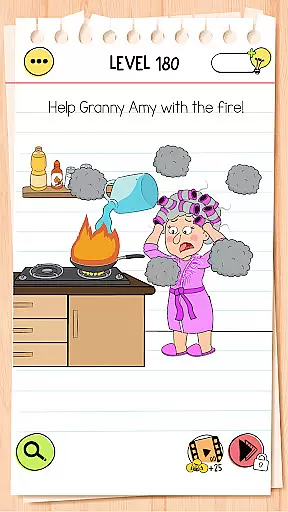
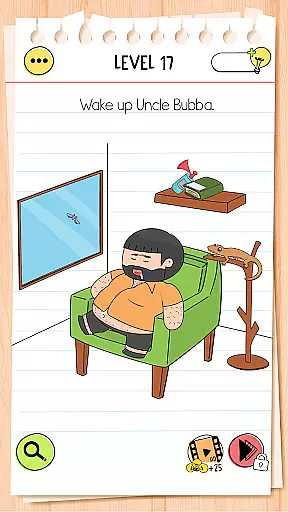
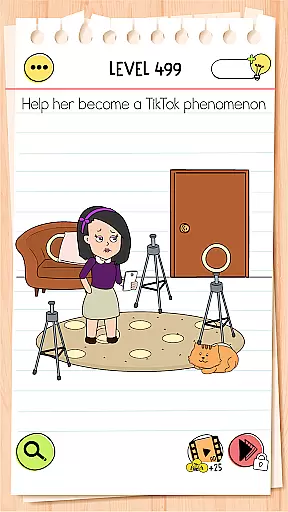
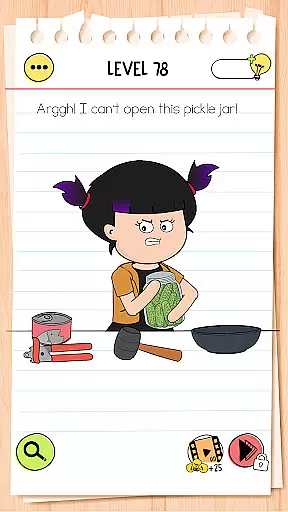
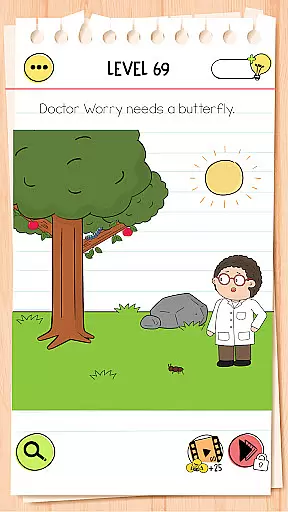
Brain Test 4: Tricky Friends is an engaging trivia game that challenges players with a variety of brain teasers and tricky puzzles. The game introduces new characters and customization options, expanding on the original Brain Test formula. Players can enjoy this mind-bending experience without needing an internet connection, making it perfect for brain training anytime, anywhere.
The game features dozens of levels filled with humorous dialogues, exciting stories, and unexpected solutions. Each level presents unique riddles designed to make you think outside the box. With its colorful cast of characters like Tricky Lily and Astrodog, Brain Test 4 offers a fun way to test your IQ and puzzle-solving skills while providing hours of entertainment.
One of the standout features of Brain Test 4 is its robust hint system, which helps players navigate through challenging levels. The game includes a Tricky Club system where players can unlock new characters, adding depth and replayability. Customization options for characters and environments allow for a personalized gaming experience.
Designed with a fan-favorite art style and animated characters, the game provides a visually appealing experience. It also boasts family-friendly gameplay, ensuring it's safe for players of all ages. Whether you're looking to challenge your mind or simply have fun, Brain Test 4 delivers with its constant updates and new content, keeping the gameplay fresh and exciting.
Brain Test 4: Tricky Friends offers a series of authentic and accurate questions designed to challenge players' cognitive abilities. The game ensures that each puzzle is crafted with precision, reflecting real-world scenarios while incorporating a twist to stimulate critical thinking.
The developers have invested significant effort into researching and designing these brain teasers, ensuring they are both entertaining and mentally stimulating. By playing this game, users can trust that the questions genuinely aim to enhance their problem-solving skills in an engaging manner.
Players benefit from encountering unexpected solutions that require out-of-the-box thinking. This approach not only entertains but also educates, making it an ideal choice for those looking to sharpen their wits through reliable content.
In Brain Test 4: Tricky Friends, difficulty adaptation plays a crucial role in maintaining user engagement. As players progress through levels, the complexity of puzzles increases gradually, providing a balanced challenge that keeps users motivated without overwhelming them.
This adaptive mechanism ensures that beginners find initial levels accessible while advanced players encounter sufficiently challenging tasks as they advance. Such thoughtful design caters to a wide audience, from casual gamers seeking quick entertainment to dedicated enthusiasts craving intricate puzzles.
By dynamically adjusting its difficulty, Brain Test 4 maintains interest over time, encouraging continuous play and fostering skill development. Players experience steady growth in their puzzle-solving abilities, enhancing overall satisfaction and enjoyment derived from overcoming progressively tougher challenges.
Engaging brain teasers
Offline play capability
Vibrant character cast
Customizable options
Family-friendly content
Predictable puzzle patterns
Limited new mechanics
Occasional bugs
Ads between levels
Repetitive hints

Party Lab: Expose your friends with dirty exposed games! Party in my dorm (PIMD)
 4.30
4.30
Test your geography IQ by guessing over 1,000 flags and maps of countries.
4.70
Guessing games and quizzes that train your brain and make learning fun.
4.70
Simple and fun guessing game!
4.90
Color by number celebrating Black beauty! Vibrant skin tones coloring games!
4.80
Seal the deal and become a millionaire!
4.70
Get ready for laughs and wild guesses in this hilarious mobile guessing game.
4.2
Test your cryptocurrency knowledge with daily trivia questions
4.3
Many Word Games in 1 App! Play your favorites: Hashtag, Crossword & Word Search
4.30
Become Puzzle Master in a World of Magic!
4.90
Tricky puzzle Brain Test returns with story riddles, mind games and brain games!
4.80
Brain Test returns with a huge collection of tricky puzzles and brain games!
4.80
PLAY TRIVIA GAMES in Trivia Star - Quiz + Offline Games! Get Daily Brain Quizzes
4.80
Find words with the same topic. Challenge your brain daily!
4.70
Train your brain, connect, study, find, and guess the answer in this puzzle!
4.60
Answer fun questions and test your knowledge
4.60
Play Trivia Games with Fun Frenzy Trivia! Guess Popular answers and score big!
4.50
Play Daily Trivia Games for Money & Prizes
4.30
Trivial-style quiz game!
4.4


User Reviews