
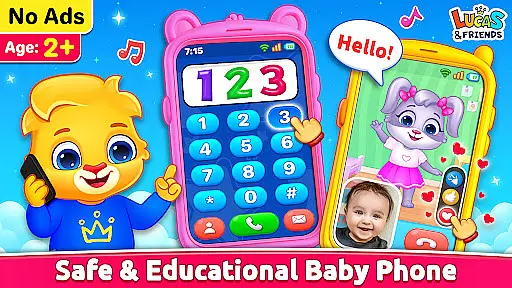
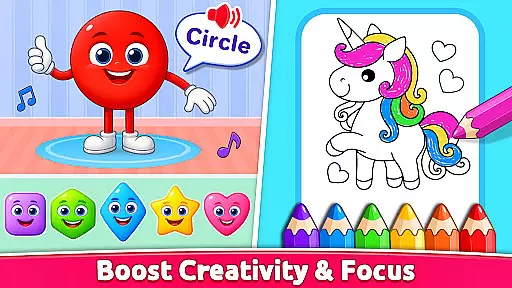
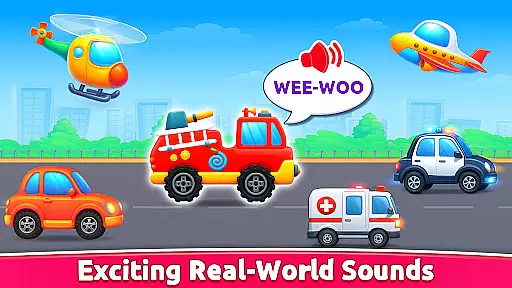
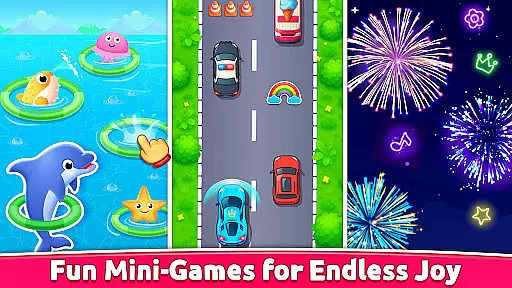
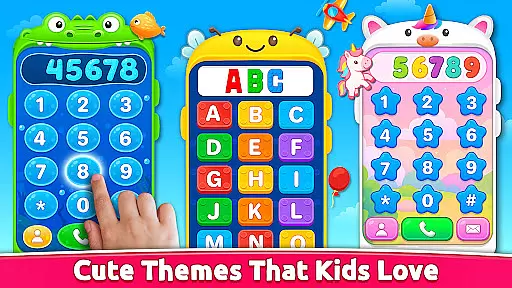
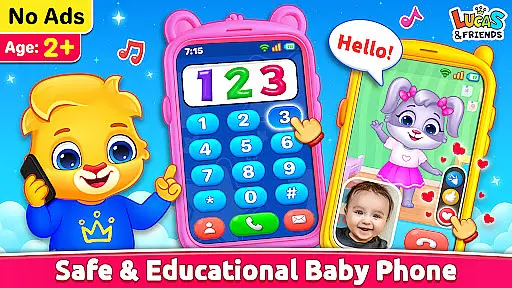
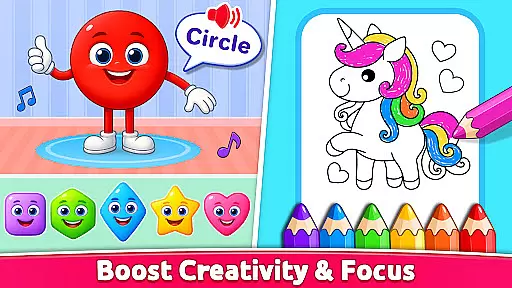
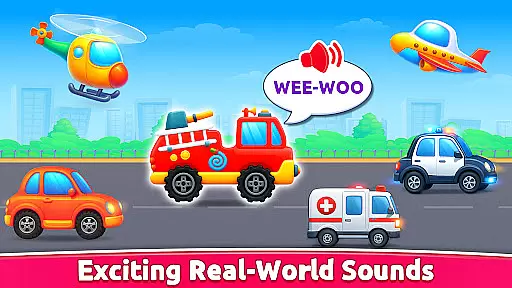
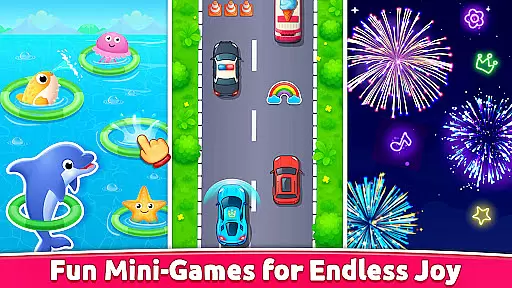
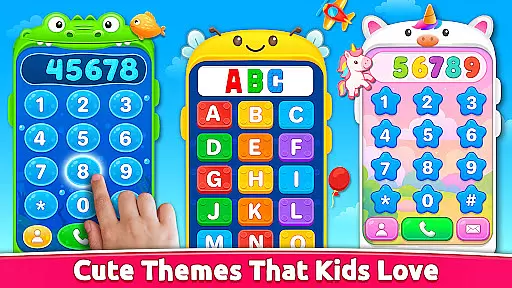
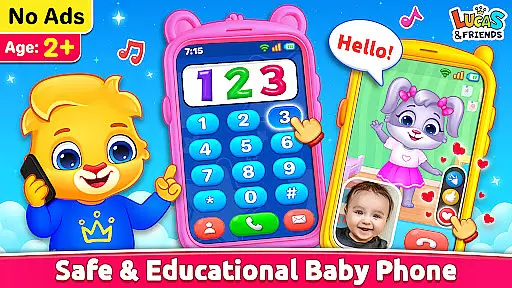
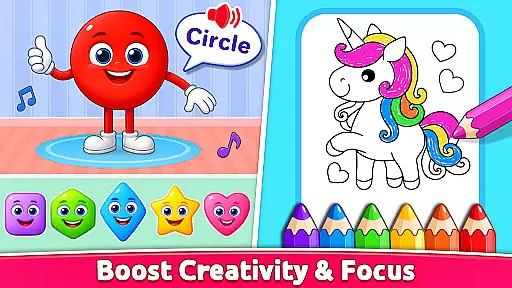
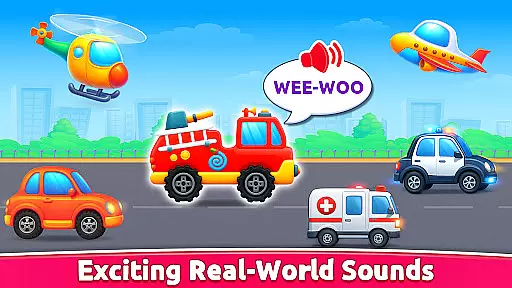
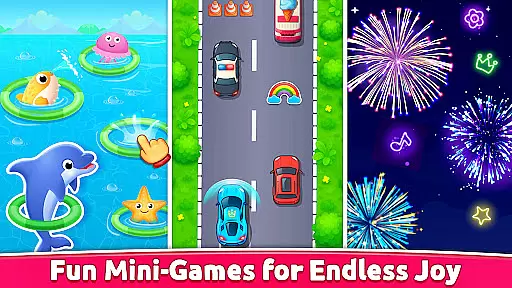
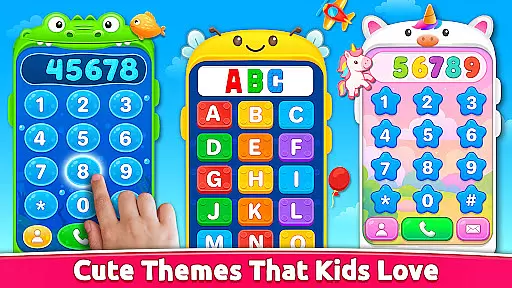
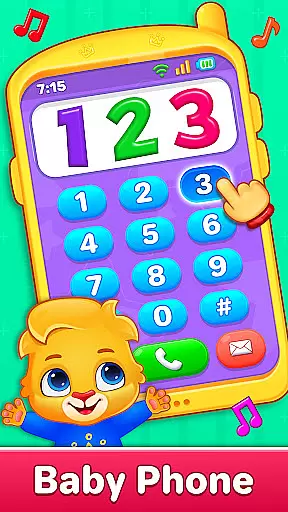
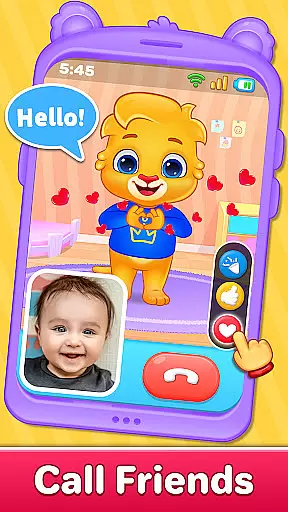
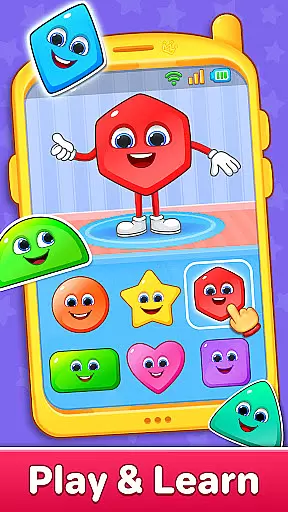
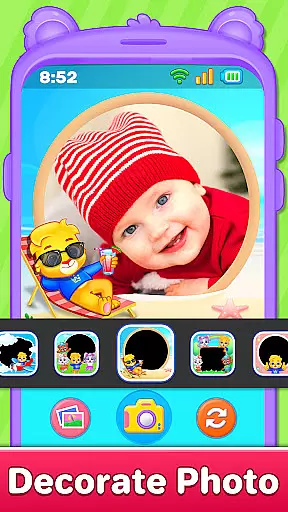
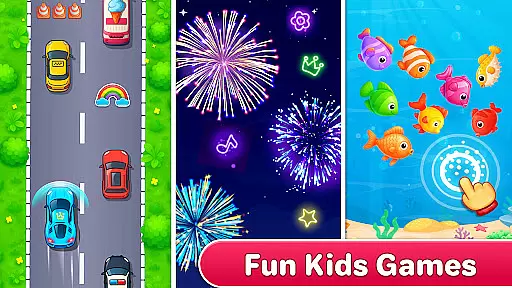
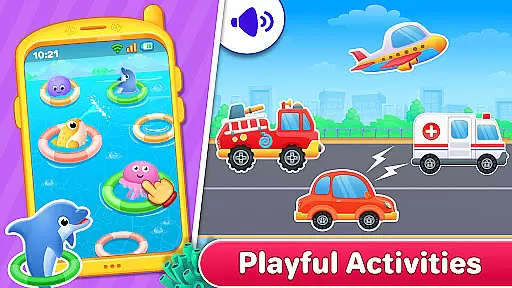
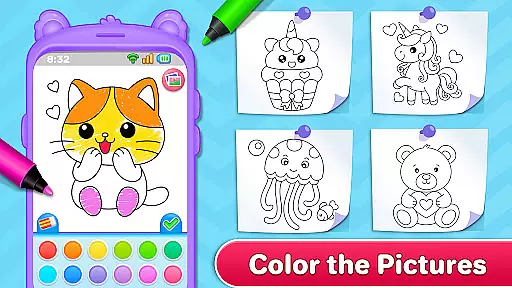
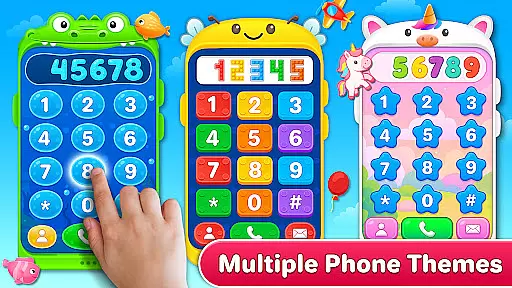
Baby Phone & Kids Games is an innovative educational app designed specifically for toddlers aged 1 to 5, turning screen time into a meaningful learning experience. This all-in-one app transforms smartphones into a virtual toy phone filled with interactive features that promote cognitive development and creativity.
The app includes a variety of engaging activities such as pretend phone calls with adorable characters, interactive coloring pages, ABC and 123 phonics learning, and sensory play with vehicle sounds. Each feature is carefully crafted to provide both entertainment and educational value, making it a perfect choice for parents seeking safe and enriching digital content for their children.
With its ad-free environment, easy tap controls, and vibrant visuals, Baby Phone & Kids Games creates a secure and joyful space for toddlers to learn and play. Whether it's through video calls with Lucas and Friends or exploring colors and shapes, this app offers a complete package for early childhood development.
Baby Phone & Kids Games stands out with its diverse range of interactive features tailored specifically for young learners. The app's pretend call functionality allows children to engage in imaginative conversations with charming characters like Lucas, Ruby, Lilly, and Brody, fostering social interaction skills.
One of the app's key strengths is its comprehensive learning system that combines fun with education. Through various mini-games and activities, children can explore alphabet and number recognition, color identification, and shape differentiation while enjoying sensory experiences with realistic vehicle sounds and fireworks displays.
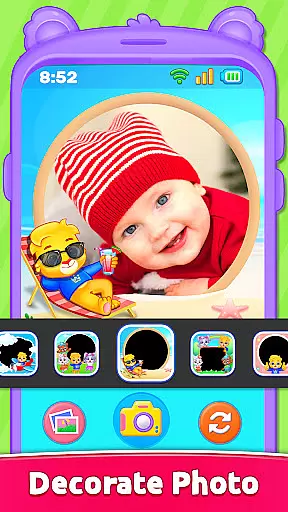
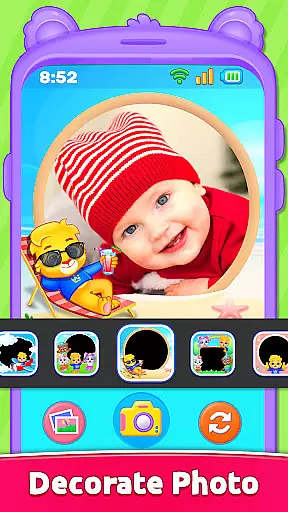
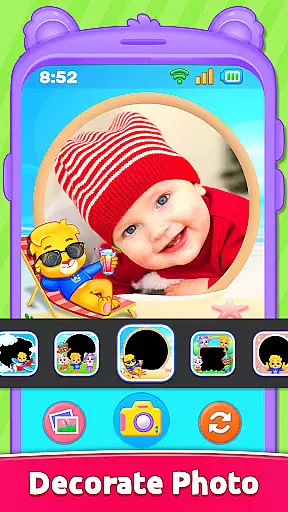
The app maintains a perfect balance between entertainment and safety. Its toddler-friendly interface features large buttons and bright visuals while ensuring a completely ad-free environment. The inclusion of creative elements like photo frames and emoji chats adds another layer of engagement, making Baby Phone & Kids Games a well-rounded educational tool for early childhood development.
In the realm of educational applications, content authority and curriculum alignment are paramount. Baby Phone & Kids Games excels in this area by offering a suite of activities that align with early learning objectives. The app's ABC & 123 Phonics Learning section is meticulously crafted to introduce toddlers to the alphabet and numbers through sound, ensuring that each phonetic lesson is both accurate and engaging.
Furthermore, the Learn Colors & Shapes feature provides an interactive platform for cognitive development. By integrating play with education, it teaches children to identify various colors and shapes, which is crucial for their foundational knowledge. This approach not only adheres to educational standards but also makes learning an enjoyable experience for young minds.
The app's commitment to authoritative content is evident in its design, which has been tailored to support the developmental milestones of children aged one to five. With input from educators and child development experts, every game and activity within Baby Phone & Kids Games serves a pedagogical purpose, reinforcing key concepts that are essential for preschoolers.
Parents can trust that their children are engaging with material that is not only fun but also enriches their understanding of fundamental educational topics. As such, Baby Phone & Kids Games stands as a paragon of how digital media can be leveraged to complement traditional learning methods while maintaining strict adherence to curriculum guidelines.
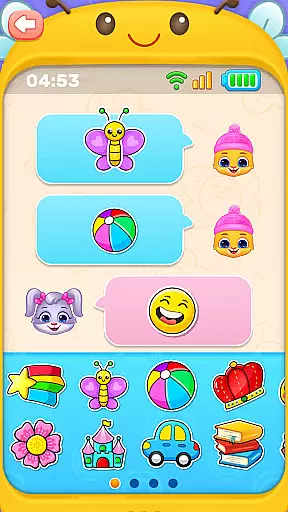
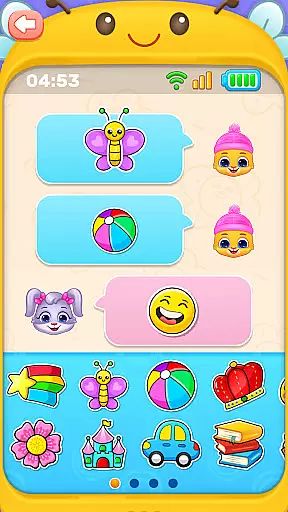
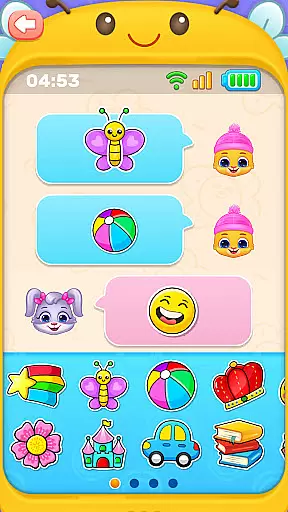
Gamification-learning integration represents the fusion of gameplay elements with educational content, creating an immersive environment where learning becomes second nature. Baby Phone & Kids Games achieves this seamlessly by embedding educational objectives within entertaining scenarios. For instance, the Tap-to-Chat with Emojis & Stickers function introduces basic digital communication skills in a playful manner, allowing toddlers to interact with characters using expressive emojis and stickers.
This innovative blend of gaming and education extends to other features like Toddler Coloring Fun, which encourages creativity alongside fine motor skill development. Children engage with Lucas and Friends characters in coloring activities that stimulate artistic expression while subtly incorporating lessons on colors and shapes.
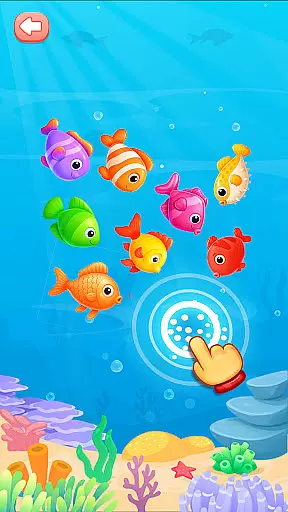
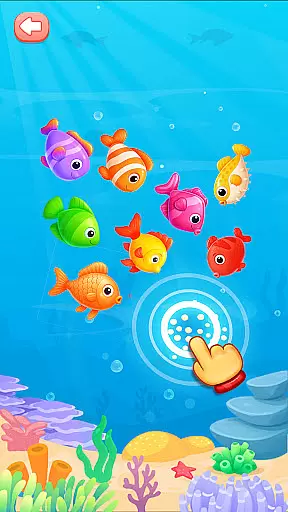
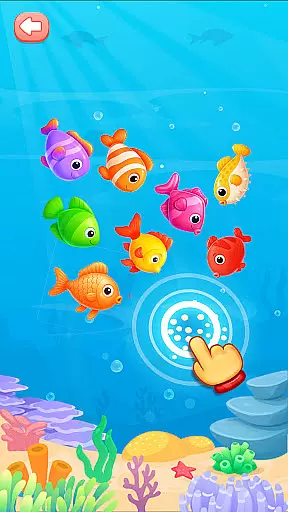
Moreover, the Exciting Vehicle Sounds module captivates young learners with realistic audio simulations of transportation vehicles. By tapping and hearing different sounds, children develop auditory discrimination skills in a context that feels more like play than study. Such sensory-rich experiences are pivotal in maintaining toddler interest and motivation.
Ultimately, Baby Phone & Kids Games demonstrates how gamified learning can transform mundane educational tasks into captivating adventures. It ensures that every interaction contributes to a child's growth, making it an exemplary model of how technology can enhance early childhood education through cleverly integrated game mechanics.
User-friendly interface
Educational content
Ad-free experience
Offline functionality
Engaging characters
Limited advanced features
Basic parental controls
No multi-language support
Simple graphics
Restricted customization

Tracing, phonics & spelling games for toddlers, preschool & kindergarten kids!
 4.50
4.50
Play educational games for preschool toddlers—plus more to discover ►AdsFree◄
4.60
Fun baby care game for kids with dinosaur friends. Enjoy the fun kids game.
4.00
Practice Early Literacy Skills and Build Vocabulary with Elmo & Cookie Monster!
3.90
Find Carmen - Play the classic detective game, stop VILE and find Carmen
4.10
CASHFLOW - The Investing Game
4.00
The kids phonics and reading app that's helped millions of kids learn to read
4.00
Play and build with Bluey & friends in this fun LEGO® game!
4.40
Play safe educational games & learn with Daniel Tiger, Wild Kratts & more
4.40
Amazing learning and educational games for children of all ages.
4.70
Stack the States® 2 makes learning US geography fun!
4.50
Fun educational jigsaw puzzles for kids and preschoolers.
4.50
OG Munchers - Play classic Number Munchers game on Android
4.40
Fun dentist game with Cocobi friends!
4.10
Master your phonics letters and sounds with the Alphablocks!
3.80
Featuring the Numberblocks
3.60
Help your child improve their number literacy with Numberblocks: Card Fun!
2.60
A game to memorize
4.0
A speed-learning English vocabulary game designed for user to reach proficiency
4.1


User Reviews