
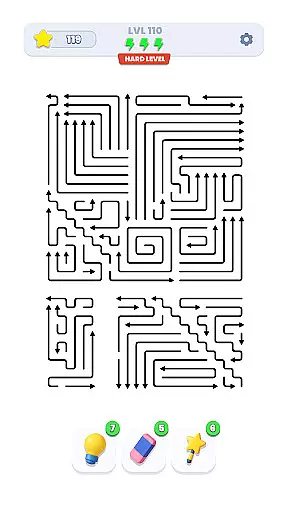
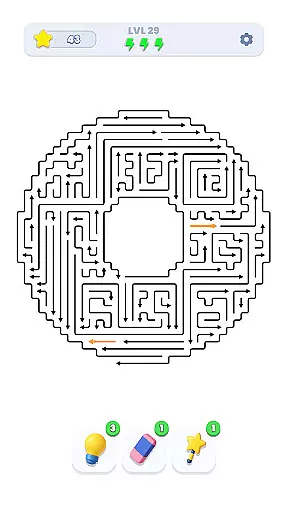
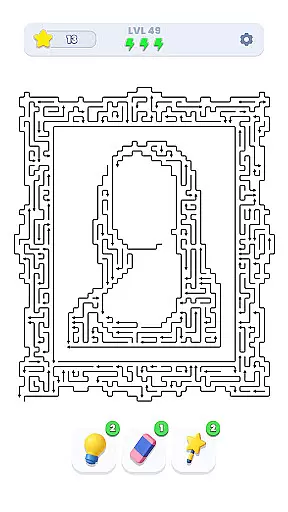
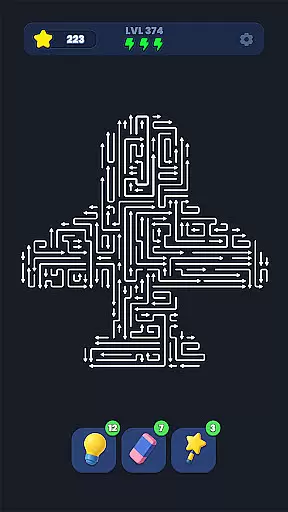
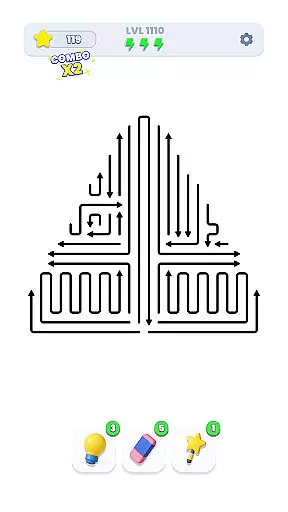
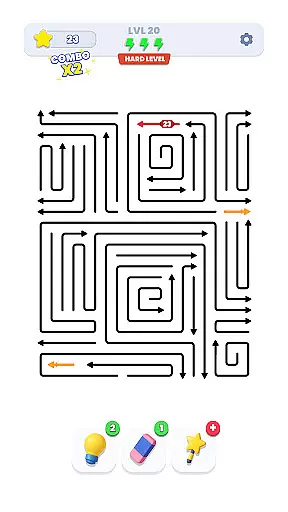
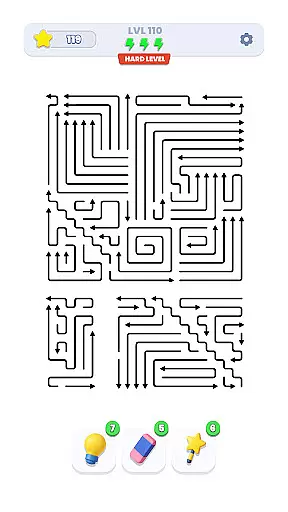
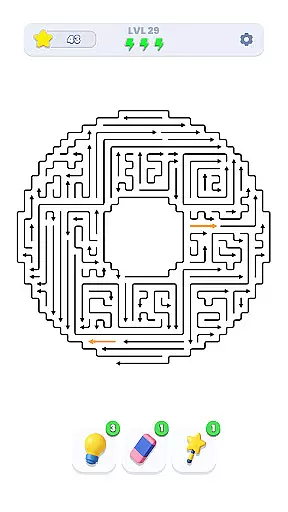
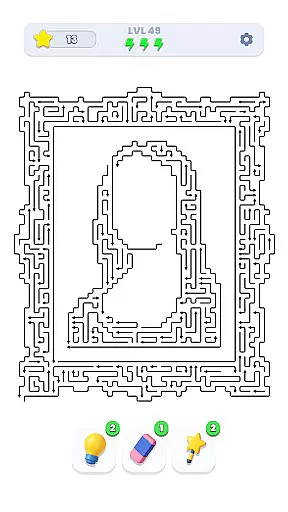
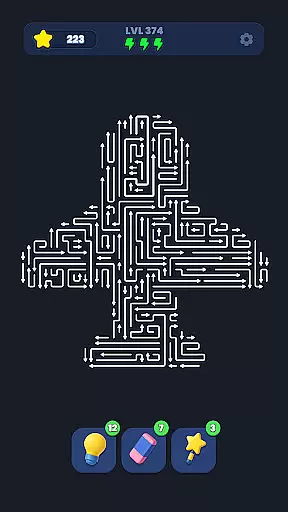
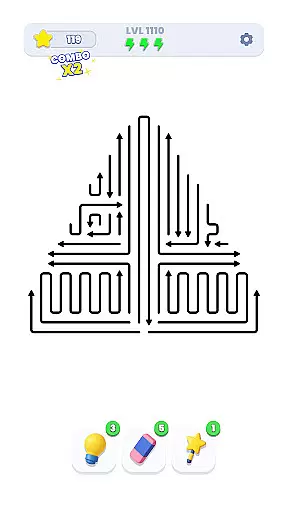
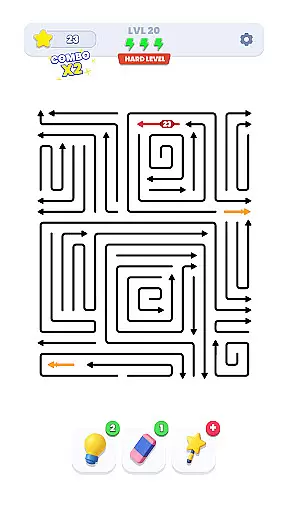
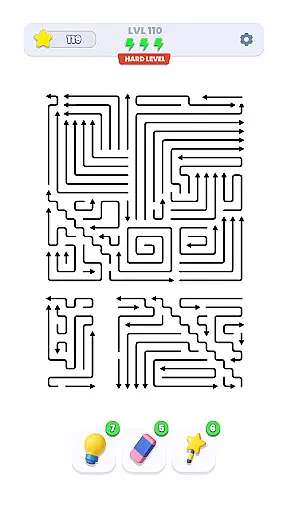
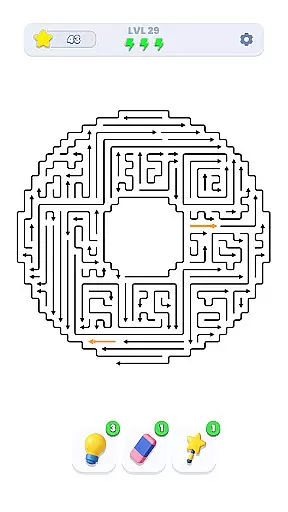
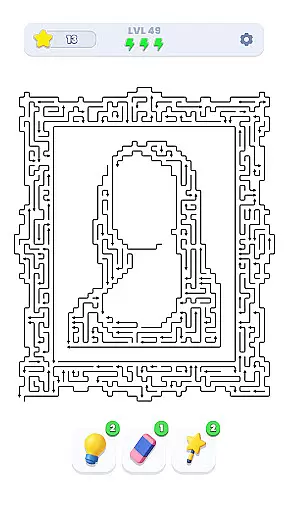
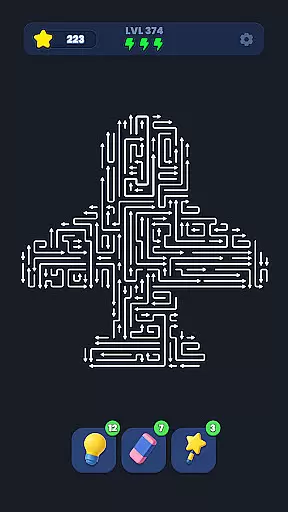
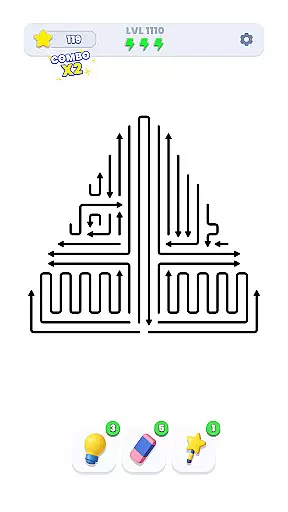
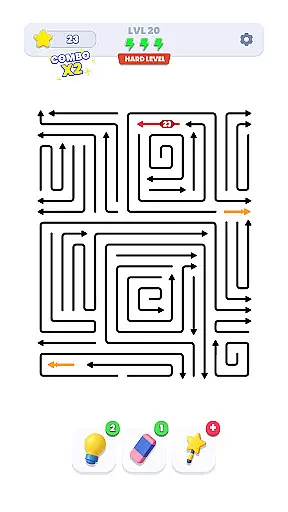
Arrow Out is a directional puzzle game that challenges players' logic, timing, and spatial thinking. The core objective is to guide a right-pointing arrow through a maze and out of the exit gate by rotating and shifting blocks strategically. With thousands of hand-crafted levels and increasing difficulty, this app offers an engaging experience for puzzle enthusiasts.
The game stands out with its minimalist design and focus on pure problem-solving. Players must plan their moves carefully, as every decision impacts their ability to find the correct path. Whether you're a casual gamer or someone seeking a mental challenge, Arrow Out provides a rewarding test of strategy and foresight.
Arrow Out features a variety of elements that make it both challenging and enjoyable. One standout aspect is its level design, which includes thousands of unique puzzles crafted to enhance difficulty progressively. This ensures that players are constantly engaged without feeling overwhelmed too quickly.
Another key feature is the intuitive mechanics—rotating and shifting tiles require no complex instructions, yet they allow for deep strategic possibilities. Additionally, the game's clean visuals and smooth interface create an immersive experience that keeps players focused on solving puzzles rather than navigating cluttered menus.
Puzzle logic consistency is essential for any successful puzzle game, ensuring that each level follows a coherent set of rules and patterns. Arrow Out excels in this area by offering a meticulously designed directional puzzle experience where every move counts.
The game employs a system of logical mechanics, including rotation and shifting of arrows, which players must master to navigate through the maze successfully. This consistent logic allows users to formulate strategies and predict outcomes, making each solved level a triumph of reasoning and skill.
By maintaining this consistency across thousands of handcrafted levels, Arrow Out provides an escalating challenge that feels fair and rewarding. Players can trust that each new stage will build upon the established rules, delivering a seamless and engaging puzzle-solving journey.
Creativity and uniqueness are at the heart of Arrow Out's appeal, setting it apart from other puzzle games through its innovative gameplay mechanics and design. The game introduces a fresh take on directional puzzles, where guiding the right arrow to the exit gate requires inventive thinking and precise execution.
Each level in Arrow Out is a canvas for creativity, with unique layouts and challenges that demand players to think outside the box. The gradual increase in difficulty ensures that players encounter novel scenarios that test their spatial thinking and timing, keeping the experience dynamic and stimulating.
This commitment to originality not only enhances replayability but also cements Arrow Out's status as a distinctive entry in the puzzle genre. Players will find themselves immersed in a world where traditional puzzle elements are reimagined, providing countless hours of entertainment through cleverly crafted conundrums.
Engaging gameplay
Thousands of levels
Gradual difficulty increase
Intuitive controls
Minimalist design
Limited social features
No offline mode
Repetitive graphics
Ads between levels
Premium content locked

Embark with Lara Croft on an epic turn-based puzzle-adventure.
 4.70
4.70
Meet GLaDOS and solve crazy construction puzzles in the official Portal™ world!
4.60
Match two dots of same color & solve dots-connecting puzzles. Connect dots now!
4.80
A thrilling followup to Human Resource Machine. Now with more humans!
4.10
Challenge tactical logic puzzles & unravel the mystery in a futuristic adventure
3.80
Discover the funniest multiplayer physics puzzle platformer!
3.70
UNLEASH YOUR IMAGINATION & BE A GOD
4.70
More cats and tricky puzzles await in A Little to the Left: Seeing Stars!
4.90
Welcome to Match Factory - The Ultimate Triple Matching 3D Puzzle Game!
4.70
Challenging but addictive color sorting game. Play offline & train your brain!
4.90
Challenge yourself to become the block master in thrilling block puzzle games!
4.90
Can you spot all differences in 10k+ pics? Relax with Find the Difference games!
4.90
The long awaited sequel to The House of Da Vinci 3D puzzle adventure. Play now!
4.80
Match and master your way through exciting puzzles in this tile matching game!
4.80
Give your brain a challenge by playing the classic brain game.
4.70
Slide, match, and snap photo cards to master HD puzzle challenges.
4.60
A sequel to the ISOLAND series.
4.40
Destroy the World today!
4.20
Hatsune Miku puzzle game is here!
4.10


User Reviews